Trusted by 14,000+ creators worldwide

AI Reel Generator

Generate stunning Instagram Reels instantly with our AI Reel Generator. Transform text into viral reel content with AI voices, visuals, and effects. Create professional reels in minutes.

Paste a script or URL and turn it into a TikTok-ready video with AI voice, captions, and scroll-stopping visuals.

  • Paste text or URL
  • AI voiceover
  • TikTok-ready 9:16
  • Auto captions and visuals
AI Magic

Turn simple ideas into
incredible videos

YOUR IDEA
Your Prompt

Script automatically generated by Revid

Saw an old man at a café today with two cups on the table. He was talking, laughing, smiling. Alone. I watched him for five minutes and couldn't move. There was a wedding ring on his finger catching the light. That second cup was never touched. Still had steam coming off it. Some people never stop having conversations with the ones they've lost.
Visual FormatAI Video
Visual StyleUltra Realism
Avatar
Avatar
Selected Avatar
FINAL VIDEO

Craft Engaging Instagram Reels with AI in 4 Simple Steps

1 Provide Your Content

Start by inputting your script for the Instagram Reel into the designated field. You can also use a URL from a tweet, LinkedIn post, blog article, or other web content you want to transform into a captivating Reel with our AI Reel Generator.

2 Select Voice Options

Choose from our extensive library of realistic AI voices to narrate your Reel. For a personal touch, record your own voiceover directly within the tool. You also have the option to integrate a custom ElevenLabs voice using a link.

3 Customize Visuals & Audio

Define the look of your Instagram Reel. Select from visual styles like stock videos, moving AI images, AI-generated visuals, or AI-morphed videos. Guide the AI's media creation by using [bracketed text] in your script. Then, pick a background track from our library or upload your own audio file.

4 Generate and Perfect Your Reel

Hit the 'Generate Video' button and let our AI Reel Creator work its magic. In minutes, you'll have a unique Instagram Reel, complete with AI-powered visuals, subtitles, transitions, and more, based on your input. Use our integrated editing suite to make any final adjustments before downloading and sharing your viral-ready content.

01

Instagram Reels from Text Without Filming, Editing, or Design Skills

Write your reel concept or script and Revid generates a complete Instagram Reel with AI visuals, natural voiceover, captions, and vertical formatting ready to post. There is no filming, graphic design, or editing software involved. The AI handles every element of reel production from your written input. From idea to finished reel takes minutes, making it practical to post reels consistently on a daily schedule without spending production hours between each one. Consistent posting is the single biggest driver of Instagram account growth in short-form video.

02

What the AI Generates for Your Instagram Reels

The AI reel generator builds each reel from your script or topic by selecting visuals that match the content, generating a natural AI voiceover, applying captions formatted for Instagram's viewing environment, and outputting the final video in the 9:16 vertical format that Instagram's algorithm favors. The pacing, caption style, and visual selection are all optimized for reel performance rather than generic video output. You can generate multiple reel variations from the same concept to test different hooks and see which performs best with your audience.

03

Reel Content That Builds Consistent Instagram Growth

The creators and brands that grow fastest on Instagram Reels share one trait: they post more often than their competitors. Accounts that publish three to five reels per week consistently outperform accounts that publish once or twice in terms of follower growth, reach, and saves. The limitation for most creators is production time, not ideas. Revid removes that limitation. Write the concept and publish the reel the same day without any production backlog building between your ideas and your posting schedule.

Target Audience

Who is this tool for?

Instagram creators and influencers

Publish daily reels on any topic without filming or editing, maintaining the posting frequency that Instagram's algorithm rewards with higher reach and faster follower growth.

Brand and product marketing teams

Create a consistent stream of Instagram Reel content for product launches, campaigns, and seasonal moments without depending on a video production team for each post.

Agencies managing Instagram accounts

Scale reel production across multiple client accounts without adding per-client production overhead, keeping every account active with fresh reel content on a regular schedule.

Storytellers building an Instagram audience

Share your stories, perspectives, and expertise as polished Instagram Reels without needing film equipment or editing software to translate your ideas into video format.

Comparison

Revid vs. Manual Instagram Reel Production

Creating reels manually requires filming, selecting clips, adding music, captioning, and formatting for Instagram. Revid generates a finished reel automatically from your script in minutes.

Input
Revid AI Reel GeneratorWrite a script or concept and generate immediately
Other ToolsFilm footage, select takes, and edit all elements together manually
Visuals
Revid AI Reel GeneratorAI generates matched visuals for every scene in the reel
Other ToolsRequires filming your own footage or sourcing licensed clips
Captions
Revid AI Reel GeneratorOn-screen captions generated and styled automatically
Other ToolsManual captioning and placement required after editing
Music
Revid AI Reel GeneratorCurated soundtrack matched to reel pacing automatically
Other ToolsMusic must be selected and manually synced to the edit
Production time
Revid AI Reel GeneratorFinished reel ready in minutes
Other ToolsHours of filming and editing per reel
Posting volume
Revid AI Reel GeneratorGenerate multiple reels per day in one session
Other ToolsProduction time limits how many reels you can post each week
Example Videos

See What You Can Create with AI Reel Generator

Explore different styles and possibilities with our AI Reel Generator

Storytelling Instagram Reels

Create engaging storytelling reels for Instagram that connect with your audience. Transform narratives and experiences into compelling reel content that builds community and engagement.
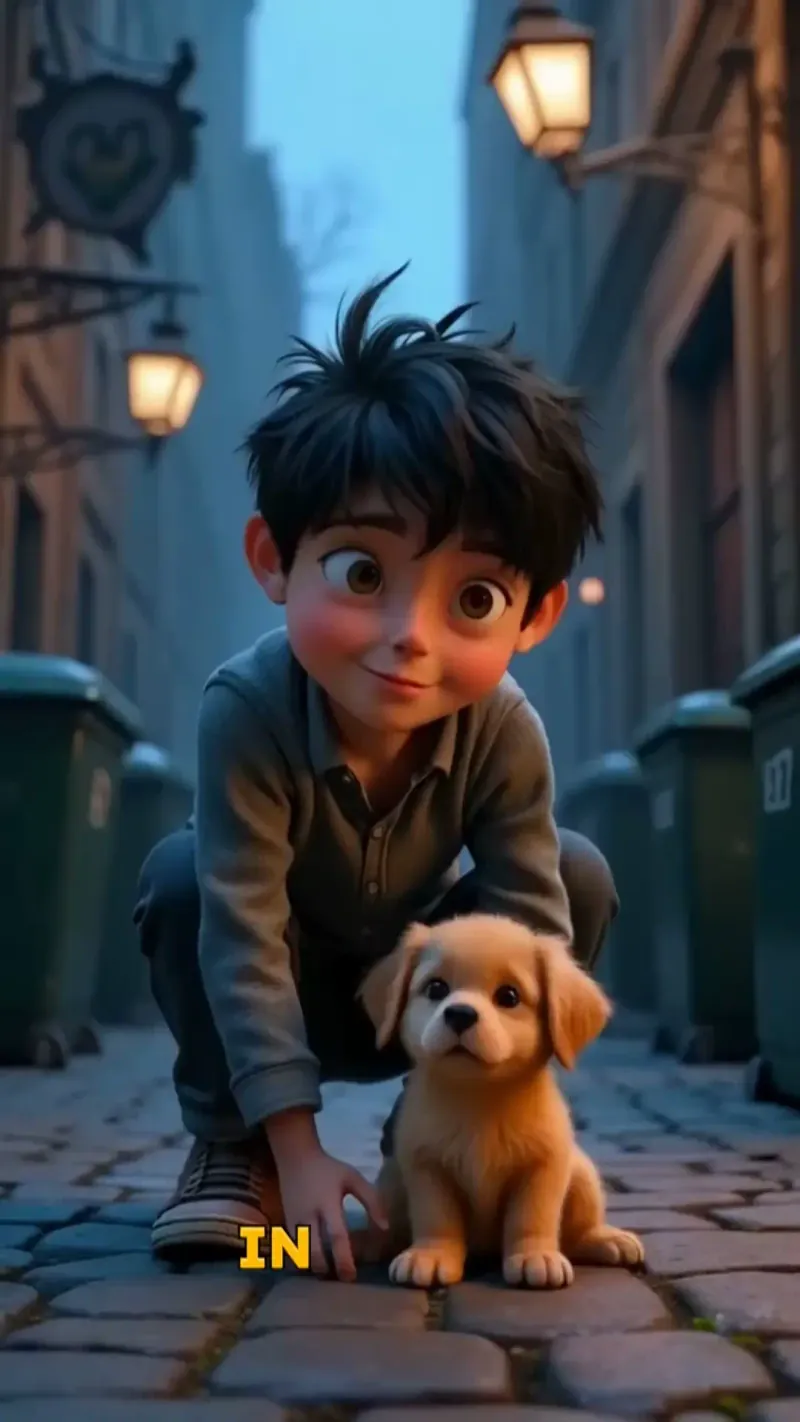
  • Story-driven Instagram reel creation
  • Emotional connection with audiences
  • Perfect pacing for reel format
  • Community-building reel content
Storytelling Instagram Reels

Instagram Reels That Go Viral

Generate stunning Instagram Reels that capture attention and drive engagement. Our AI reel generator creates scroll-stopping content optimized for Instagram's algorithm and user preferences.

  • Instagram algorithm-optimized reels
  • Viral content generation with AI
  • Professional reel editing and effects
  • Perfect for Instagram creators and brands
Instagram Reels That Go Viral

Marketing Reels for Instagram

Generate marketing-focused Instagram reels that drive business results. Create professional promotional reels that showcase products and services while maintaining Instagram's authentic feel.
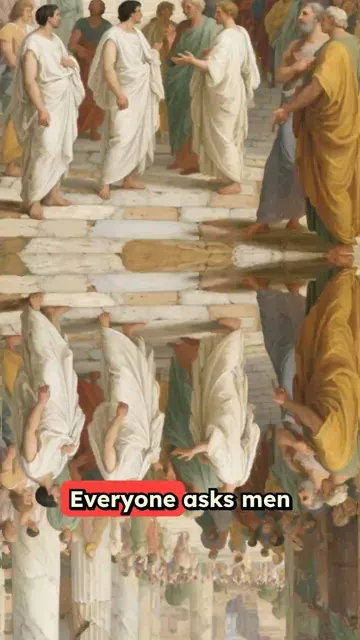
  • Marketing-optimized Instagram reels
  • Product showcase reel generation
  • Business-focused reel content
  • Instagram marketing automation
Marketing Reels for Instagram
FAQs

Frequently Asked Questions

What is the AI Reel Generator tool?
Our AI Reel Generator is designed to help you effortlessly create engaging Instagram Reels from text or URL inputs. Simply provide your script or paste a URL (like a tweet, blog post, or article), choose your AI voice and visual style, and our AI will quickly generate a polished, shareable Reel optimized for Instagram.
How do I begin creating an Instagram Reel with this AI tool?
It's easy! First, enter your script or paste a URL into the tool. Next, select an AI voice or record your own. Then, choose your preferred visual style—options include stock footage, AI-animated images, AI-generated visuals, or morphed content. Finally, select your background music and click 'Generate Video'. Your custom Instagram Reel will be ready in minutes!
What content sources can I use for my Instagram Reels?
Our AI Reel Generator supports a wide variety of content sources. You can use custom scripts, excerpts from blog posts, tweets, LinkedIn updates, articles, and more. Just copy and paste your text or URL, and let our AI transform it into an engaging Instagram Reel. The possibilities for your Reel content are endless!
Can I use my own voice for Instagram Reels instead of AI voices?
Absolutely! While we offer a diverse selection of natural-sounding AI voices, you can record your own voiceover directly within our AI Reel Generator. Select the 'Record Yourself' option, configure your microphone and webcam, and start recording with our handy teleprompter. You can also upload a pre-recorded audio file of your voice.
How can I customize the visuals for my Instagram Reels?
We offer several exciting visual options for your Reels: stock videos, AI-animated images, AI-generated graphics, and AI-morphed video. Experiment to find the style that best suits your content. Pro Tip: Guide the AI's visual creation by including [bracketed text] in your script, telling it what visuals to generate for specific parts of your Reel.
Are there restrictions on script length for Instagram Reels?
While there are no strict limits, we recommend keeping scripts concise for impactful short-form Instagram Reels. Use short, punctuated sentences and line breaks to control the pacing and visual transitions, making your Reels more engaging for viewers.
What are the costs for using the AI Reel Generator?
The credits used by the AI Reel Generator depend on your video's parameters and settings. You'll see an estimated credit cost before generation. Your available credits are determined by your subscription plan. Paid tiers include a monthly credit allowance, while free accounts receive a limited number of credits to start.
How can I obtain more credits for creating Instagram Reels?
Upgrade your plan anytime to increase your monthly credits for Instagram Reel creation. We offer various paid tiers to fit different needs. Visit our pricing page for current plan options. Upgrades are immediate, giving you instant access to more credits.
Can I incorporate my own music into my Instagram Reels?
Yes, you can! While we provide a library of royalty-free background tracks, you can also upload your own audio file for your Reel's soundtrack. Click 'Upload a custom audio' in the 'Select Audio' step and choose a file from your device (MP3, WAV, etc.). Ensure you have the necessary rights for any music you upload.
How do I influence the visuals in my AI-generated Reel?
Our AI Reel Generator allows you to guide visual content intuitively. In your script, include visual directions within [square brackets]. The AI uses these instructions for generating graphics, but the bracketed text won't be spoken or appear in captions. This helps you specify visuals for your script. You can also use <break time="1.0s" /> tags to add pauses in the voiceover.
What's the typical timeframe for Instagram Reel generation?
Most Instagram Reels are generated within a few minutes. Longer scripts might take slightly more time. Your finished Reel will be ready quickly, and we'll email you once it's available for download and editing.
Is it possible to edit my Instagram Reel after it's generated by the AI?
Definitely! All Reels created with our AI Reel Generator are fully editable. After your video is processed, you can use Revid AI's powerful built-in video editor to trim clips, add text overlays, adjust audio, and make other refinements to perfect your Instagram Reel.
On which platforms can I share the Instagram Reels I create?
Videos made with our AI Reel Generator are optimized for Instagram Reels but are versatile enough for any social media platform. After finalizing your edits, download the video and upload it to your Instagram account or any other platform. Our Reels are designed for ideal format, orientation, and resolution for Instagram, ensuring they look great everywhere.
View Complete Help Center

Find detailed answers to 100+ questions about features, tools, and workflows

or check our markdown version optimized for LLMs

Tools

Free AI Video Tools

Choose your tool, add your content, and create a video in seconds. Then customize it to your liking.

AI TikTok Video Generator

Turn text into trendy, viral TikTok videos in a snap

Try it out

Prompt to Video

Turn your prompts into engaging videos with AI assistance

Try it out

Add Caption to Video

Generate subtitles in 100+ languages with AI captions

Try it out

PDF to Brainrot

Convert PDFs into attention-grabbing, scrollable videos

Try it out

Text to Brainrot

Turn your text into trendy, scrollable content with dynamic visuals

Try it out

AI Talking Avatar

Create lifelike talking avatars from text in seconds

Try it out

Video Podcast Generator

Transform your podcasts into visually engaging video content

Try it out

AI Movie Maker

Create studio-quality videos from text, no filming required

Try it out

Audio to Video

Make engaging videos from your podcasts, interviews, or any audio content

Try it out

Animated Lyrics Video Generator

Turn any song into an animated lyric video with synced text and visuals.

Try it out

AI Music Video Generator

Transform your music into cinematic music videos.

Try it out

AI Lyrics Video Generator

Transform your lyrics into a complete music video with AI

Try it out
See all tools
How it works

Four simple steps to create and share your video

1
Step 1

Find your next viral idea

Lacking inspiration? Our AI spots trends and helps you adapt them for your own videos, hassle-free.
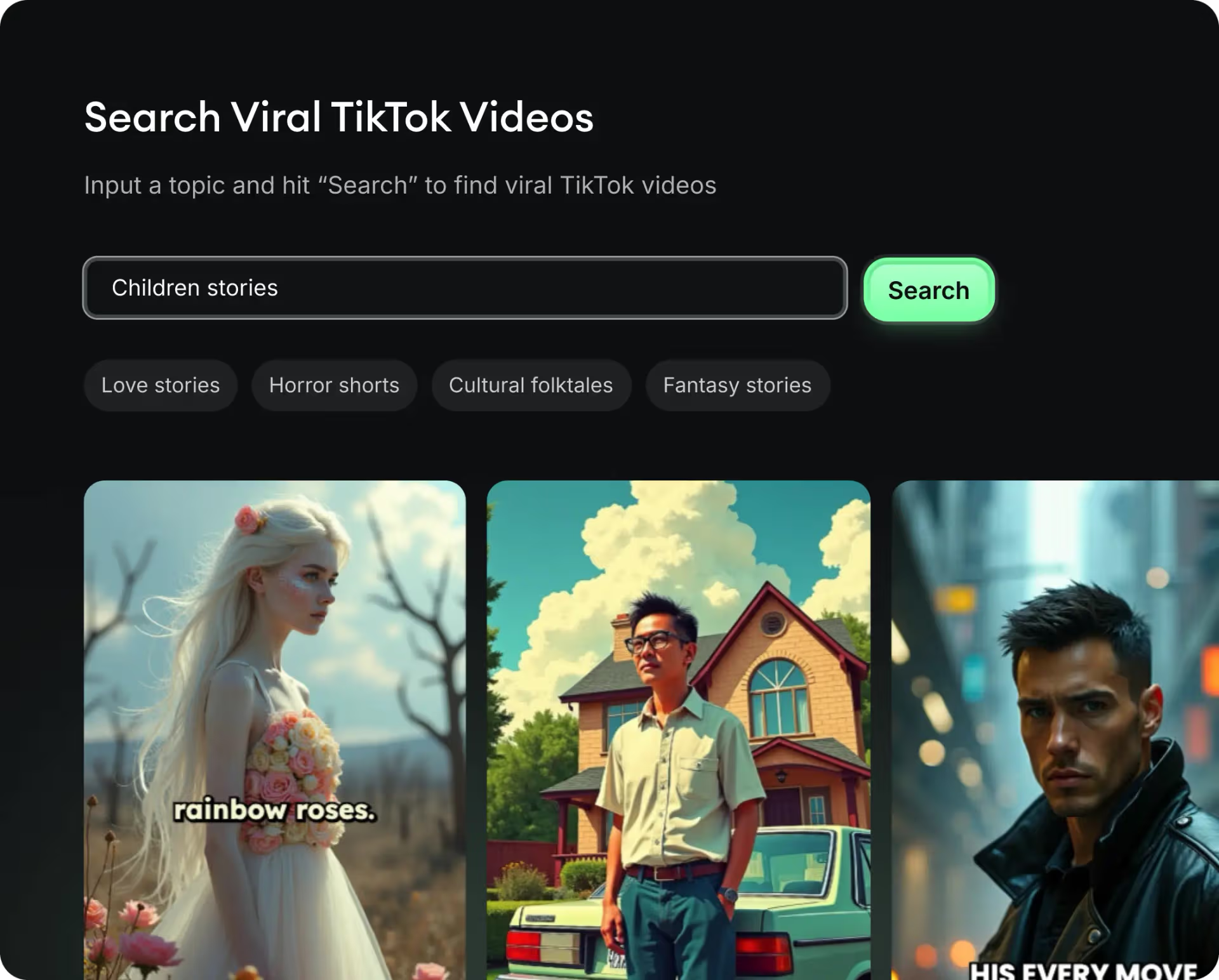
  • Identify the best performing formats
  • Get inspired by top creators
  • Turn your ideas into captivating videos
Find your next viral idea
2
Step 2

Storytelling designed to captivate

Revid.ai analyzes viral videos and uses those same codes to write your scripts.
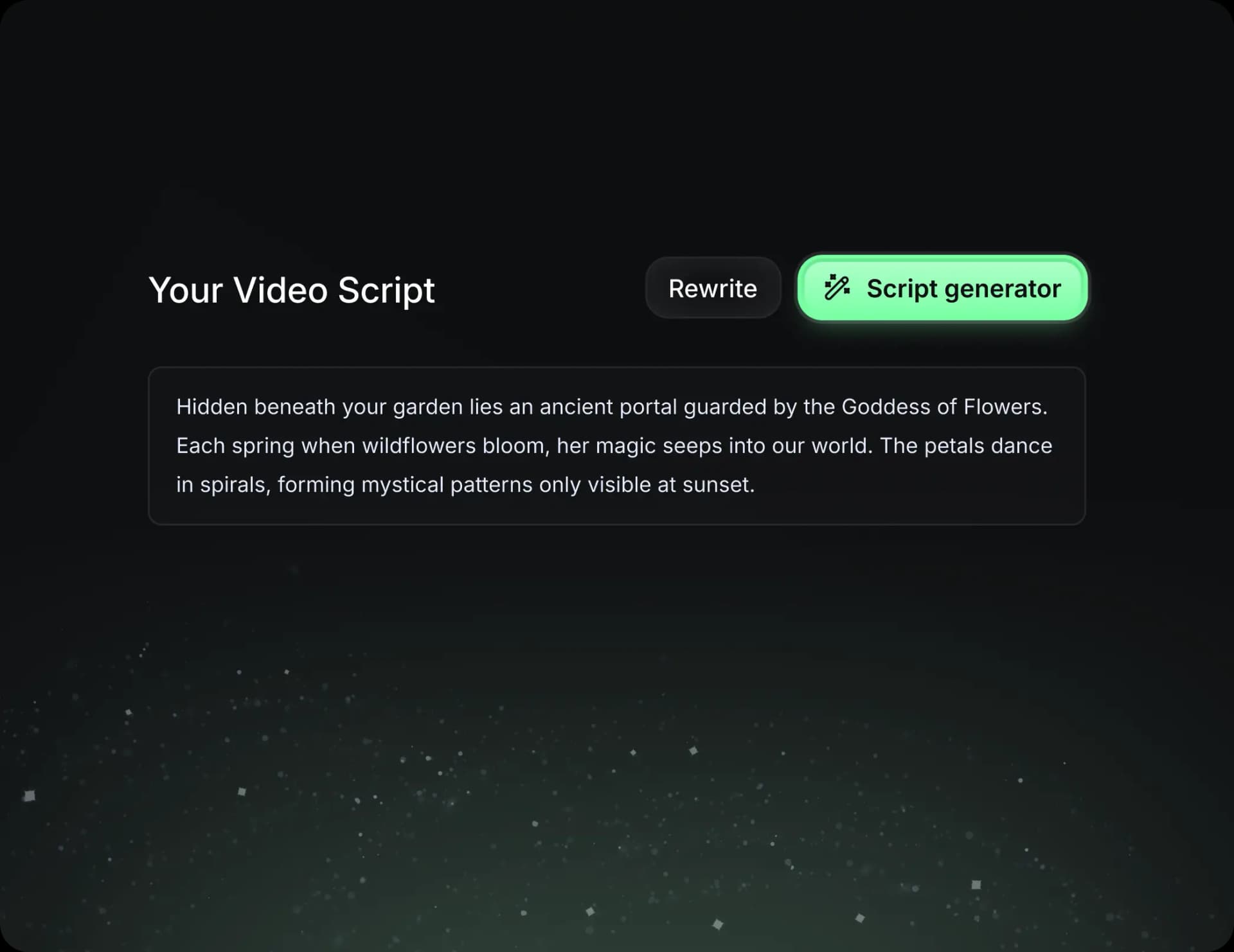
  • Write your script or just give the topic to our AI
  • The AI will suggest relevant content to inspire you
  • Paste a link, our AI analyzes it and turns it into a video
Storytelling designed to captivate
3
Step 3

Videos you will love

Create professional videos, share them with one click, and grow your audience.
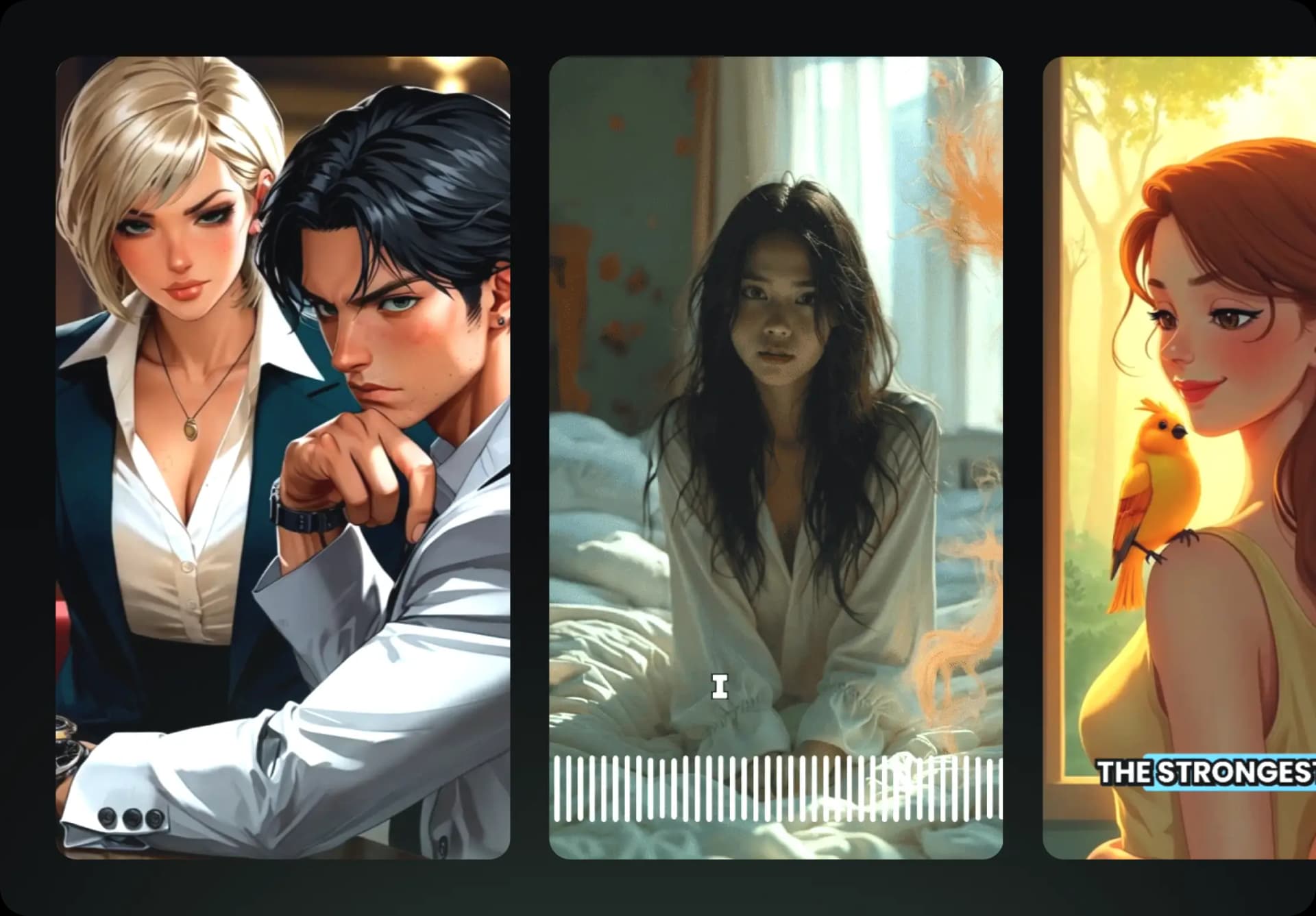
  • Watch your texts turn into professional videos
  • Automate video creation from your content
Videos you will love
4
Step 4

Publish on TikTok, YouTube, Instagram and more

Reach a wider audience by sharing your videos across all your networks.
Publish on TikTok, YouTube, Instagram and more
revid.ai logo

The fastest way to create captivating videos.