Trusted by 14,000+ creators worldwide

PDF to Brainrot Video Generator

Transform boring PDFs into engaging TikTok-style videos with PDF to Brainrot with trending backgrounds like Subway Surfers & Minecraft Parkour.

  • Upload your source media
  • AI voiceover
  • Auto-selects visuals
  • Captions and sound-ready
Magic Inputs

From simple inputs to
incredible videos

INPUT
PDF Document

Source Document.pdf

Download PDF
Input Media
OUTPUT

Convert PDF to Viral Brainrot Videos in 3 Simple Steps

1 Upload Your PDF

Drop your document into our PDF to Brainrot converter. Whether it’s lecture notes, business reports, or research papers, our system analyzes your content instantly. We handle multiple pages, formats, and layouts - preserving your original text while preparing it for video transformation.

2 Choose Your Background Style

Select the perfect backdrop for your content. Most creators choose between trending Subway Surfers gameplay, Minecraft parkour runs, or other popular gaming footage. Customize text placement, timing, and animations to make your PDF to Brainrot video even more captivating for TikTok and YouTube Shorts.

3 Generate and Share

Click generate and watch as your PDF transforms into a viral video. Once complete, use our editor to adjust text timing, customize animations, and add your personal touch before downloading. Perfect for creating engaging educational content, study materials, or viral social media posts.

01

The #1 PDF to Brainrot Video Generator

Revid is the fastest way to turn any PDF into a brainrot video complete with Subway Surfers gameplay, Minecraft parkour, or any split-screen background that keeps viewers glued to the screen. Just upload your PDF, pick your brainrot style, and our AI converts your document into a fully produced short-form video in seconds. No editing skills, no software, no stress.

02

How PDF to Brainrot Actually Works

Revid's AI reads your PDF, extracts the key information, and transforms it into a voiceover-driven brainrot video optimized for TikTok, Instagram Reels, and YouTube Shorts. The result is content that feels native to the platform fast-paced, visually stimulating, and surprisingly effective at making dense material actually watchable. It's the same format blowing up across social media, now available for any document you upload.

03

Turn Your Study Notes, Lectures, and Articles into Brainrot

Whether you're a student trying to survive exam season or a creator repurposing long-form content, Revid's free PDF to brainrot converter makes it effortless. Upload lecture slides, research papers, or any PDF and watch our AI turn it into the kind of video you'd actually stop scrolling for. No watermarks, no complicated settings just upload and generate.

04

PDF to Subway Surfers, Minecraft Parkour, and More

Revid supports all the brainrot formats your audience already loves. Pair your PDF content with Subway Surfers, Minecraft parkour, or other split-screen gameplay styles and let the AI handle the rest. It's the easiest way to create study brainrot videos, viral explainers, or just turn your boring notes into something worth watching.

Example Videos

See What You Can Create with PDF to Brainrot

Explore different styles and possibilities with our PDF to Brainrot

Turn Study Notes into Viral Brainrot

Upload your lecture slides or study guides and let the AI transform them into Subway Surfers-style brainrot videos. Perfect for students who want to actually remember what they studied.
  • AI extracts key points from any PDF automatically
  • Subway Surfers background keeps viewers hooked
  • AI voiceover reads your content naturally
  • Ready to post on TikTok in seconds
Turn Study Notes into Viral Brainrot

Research Papers, Brainrot-ified

Dense research papers and long articles become fast-paced, scroll-stopping short videos. Share complex ideas in a format your audience will actually watch to the end.

  • Condenses long documents into punchy video scripts
  • Minecraft Parkour and other trending backgrounds included
  • Auto-generated captions for maximum reach
  • No editing skills or software required
Research Papers, Brainrot-ified

Repurpose Any Document into Content

Business reports, whitepapers, eBooks — any PDF can become a viral short-form video. Let the AI do the heavy lifting while you grow your audience with zero extra effort.

  • Works with any PDF type: reports, books, articles
  • Split-screen brainrot format proven to retain viewers
  • Multiple background styles to choose from
  • Download and share instantly, no watermark
Repurpose Any Document into Content
FAQs

Frequently Asked Questions

What is a Brainrot Video Generator?
A Brainrot Video Generator is an innovative tool that transforms PDF documents into engaging, fast-paced videos perfect for social media. It combines text, visuals, and music to create attention-grabbing content that's ideal for educational materials, study guides, and knowledge sharing.
What types of PDFs work best with this tool?
Our tool works great with various PDF types, including study materials, educational content, articles, research papers, and presentations. The best results come from PDFs with clear text and structured content, which our AI can easily convert into engaging video segments.
How long should my PDF be?
While there's no strict limit, we recommend PDFs between 1-10 pages for optimal results. The tool will extract the most important information to create concise, engaging videos that maintain viewer attention. Longer PDFs may require multiple videos for effective content delivery.
Can I customize the video style?
Absolutely! You can choose from different visual styles, including stock videos, AI-generated visuals, or moving images. You can also select background music, adjust the pace, and customize text animations to match your preferred style and audience preferences.
What makes a video 'brainrot' style?
Brainrot-style videos are characterized by their fast-paced, engaging format with quick transitions, dynamic text animations, and background music. This style has proven highly effective for educational content on platforms like TikTok and Instagram, making complex information more digestible and entertaining.
How long are the generated videos?
Most generated videos range from 30 seconds to 3 minutes, depending on your PDF content. This length is optimal for social media platforms and maintains viewer engagement. You can adjust the content selection to create shorter or longer videos as needed.
Can I edit the video after it's generated?
Yes! After generation, you can use our built-in editor to adjust timing, add or remove elements, change music, and fine-tune your video. This ensures your final content perfectly matches your vision and effectively delivers your message.
Where can I share these videos?
Videos generated with our tool are perfect for sharing on TikTok, Instagram Reels, YouTube Shorts, and other social media platforms. They're optimized for vertical viewing and designed to capture attention in social feeds.
How does the AI select content from my PDF?
Our AI analyzes your PDF to identify key points, important concepts, and engaging information. It then structures this content into video segments, ensuring the most relevant and interesting parts are highlighted in your final video.
Is my PDF content safe and secure?
Yes, we take data security seriously. Your uploaded PDFs are processed securely and not shared with third parties. All content is handled according to strict privacy guidelines, and you retain full ownership of your materials.
View Complete Help Center

Find detailed answers to 100+ questions about features, tools, and workflows

or check our markdown version optimized for LLMs

Tools

Free AI Video Tools

Pick the right tool, provide your input, and you'll create a video in no time - customize it however you want.

AI TikTok Video Generator

Turn text into trendy, viral TikTok videos in a snap

Try it out

Add Caption to Video

Generate subtitles in 100+ languages with AI captions

Try it out

PDF to Brainrot

Convert PDFs into attention-grabbing, scrollable videos

Try it out

Text to Brainrot

Turn your text into trendy, scrollable content with dynamic visuals

Try it out

AI Talking Avatar

Create lifelike talking avatars from text in seconds

Try it out

Video Podcast Generator

Transform your podcasts into visually engaging video content

Try it out

AI Movie Maker

Create studio-quality videos from text, no filming required

Try it out

Audio to Video

Make engaging videos from your podcasts, interviews, or any audio content

Try it out

Animated Lyrics Video Generator

Turn any song into an animated lyric video with synced text and visuals.

Try it out

AI Music Video Generator

Transform your music into cinematic music videos.

Try it out

AI Lyrics Video Generator

Transform your lyrics into a complete music video with AI

Try it out

Instrumental Music Visualizer

Transform your instrumental music into videos.

Try it out
See all tools
How it works

Four Easy Steps To Create & Share Your Story

1
Step 1

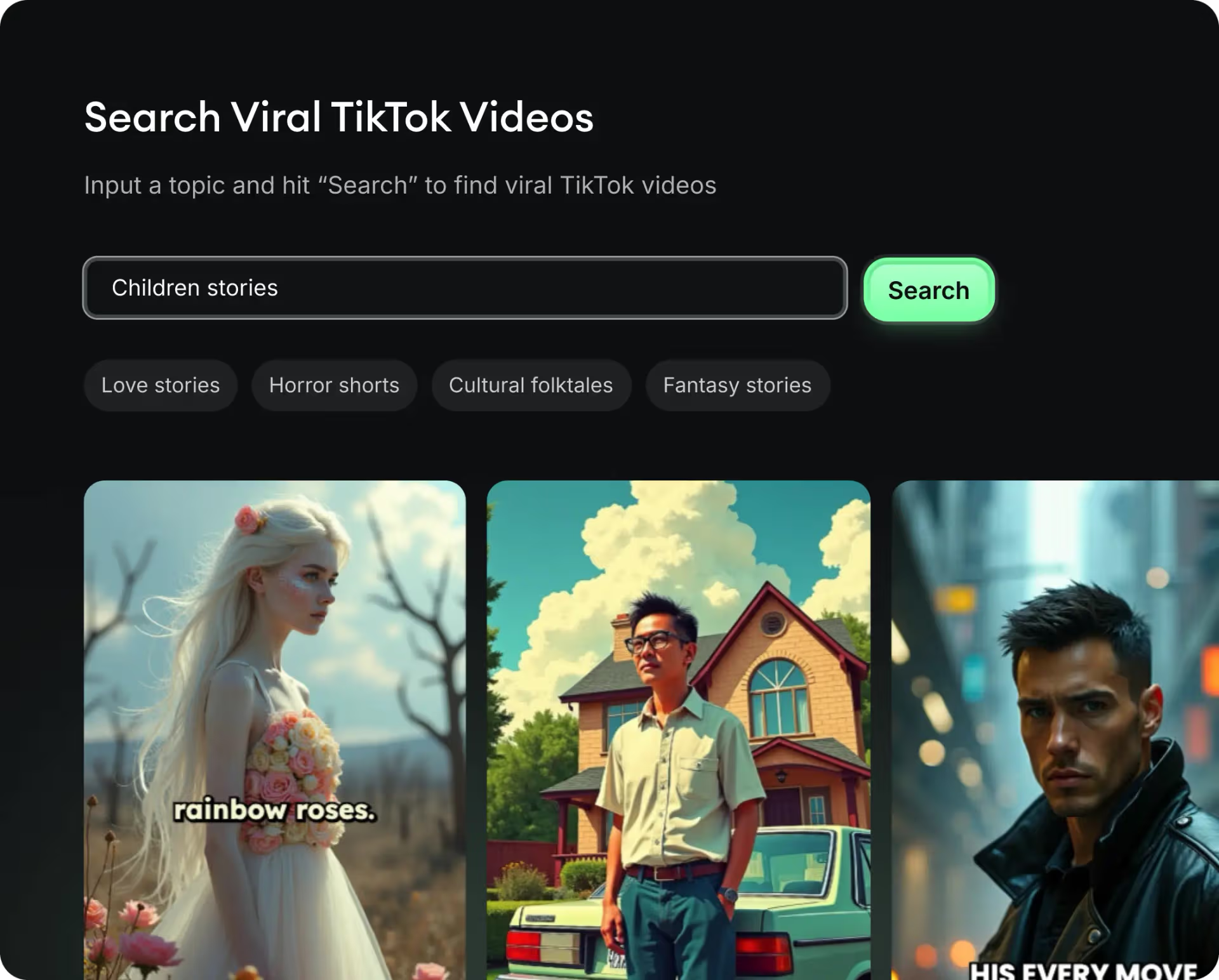
Get inspired by viral content

Looking for story ideas? Our AI finds trending content and helps you remake it into your very own videos - no more trial and error.

  • See what types of stories are working right now
  • Get inspiration from successful creators
  • Turn your ideas into stories people want to hear
Get inspired by viral content
2
Step 2

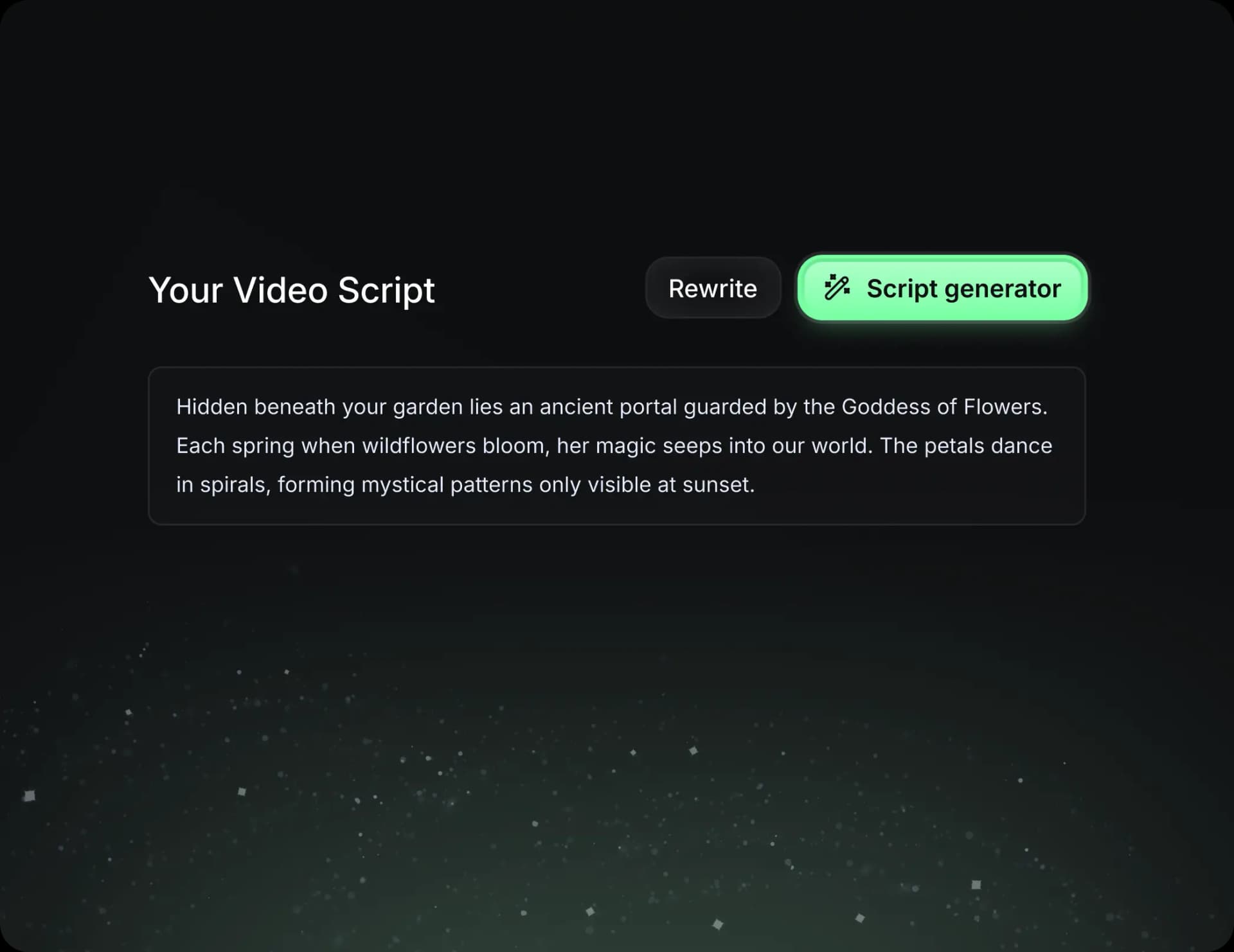
Storytelling to Hook your Audience

Revid.ai understands what makes videos go viral and uses the same proven methods to write scripts for you.

  • Write your script or tell our AI what you want to talk about
  • The AI will find relevant content to get inspired by
  • Drop any link and it will be automatically parsed and formatted for a video
Storytelling to Hook your Audience
3
Step 3

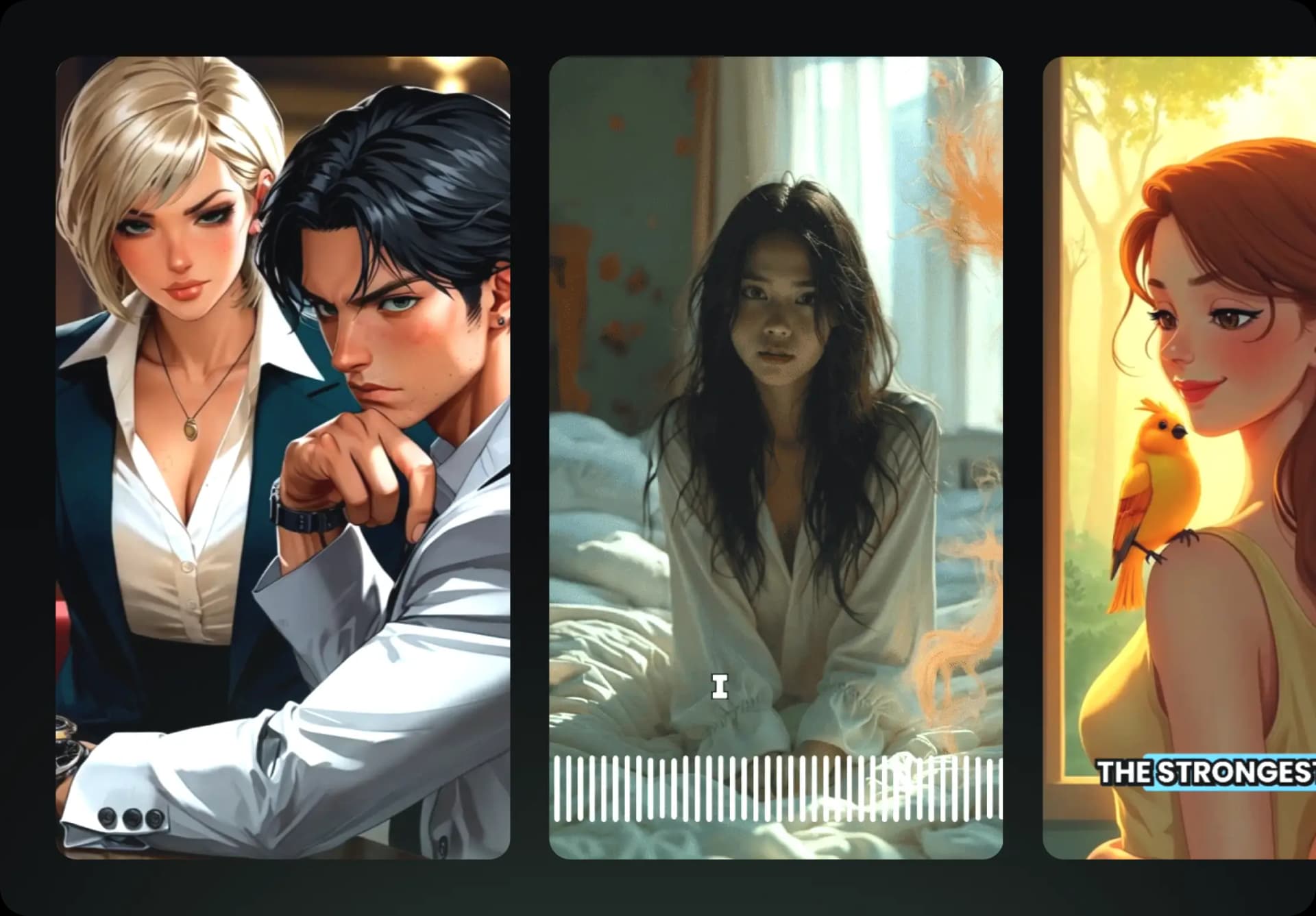
Videos You'd LOVE to Watch

Create perfect videos, share instantly, and grow your business.

  • Watch your words become a professional video
  • Set up automatic video creation from your content
Videos You'd LOVE to Watch
4
Step 4

Publish on TikTok, YouTube, Instagram and more...

Reach a wider audience by sharing your video across your favorite social media platforms

Publish on TikTok, YouTube, Instagram and more...
revid.ai logo

Your shortcut to effortless video storytelling.