Trusted by 14,000+ creators worldwide

AI Video Podcast Generator

Convert any text, script, or URL into a professional video podcast with AI avatars. Create engaging content with realistic speech, expressions, and visuals in minutes.

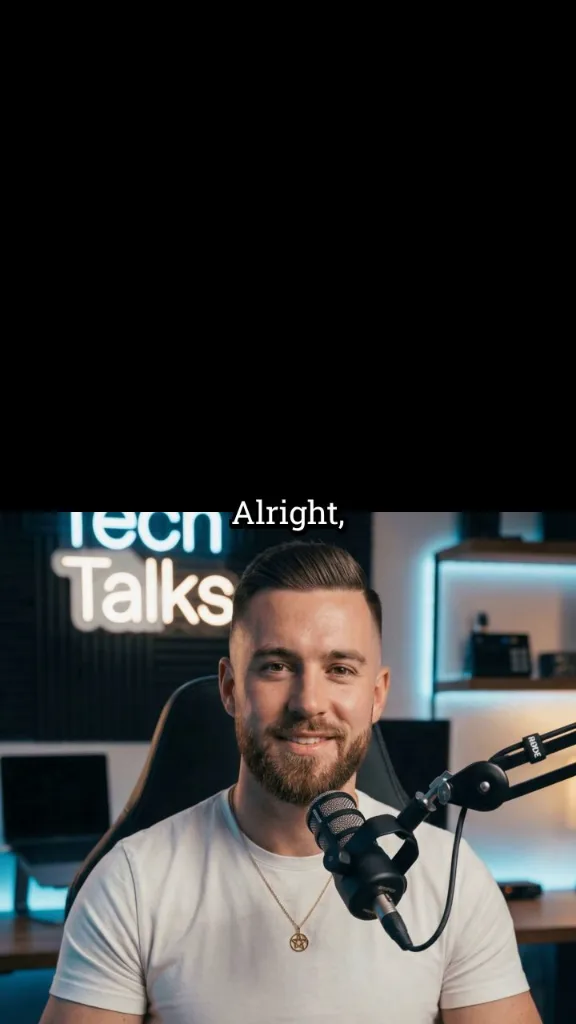
Turn dialogue or a script into a video podcast with AI hosts, natural voices, and visuals matched to your topic.

  • AI podcast hosts
  • Dialogue-based workflow
  • Natural voices
  • Podcast clips in minutes
Magic Inputs

From simple inputs to
incredible videos

INPUT
Text Prompt

Prompt generated by Revid itself

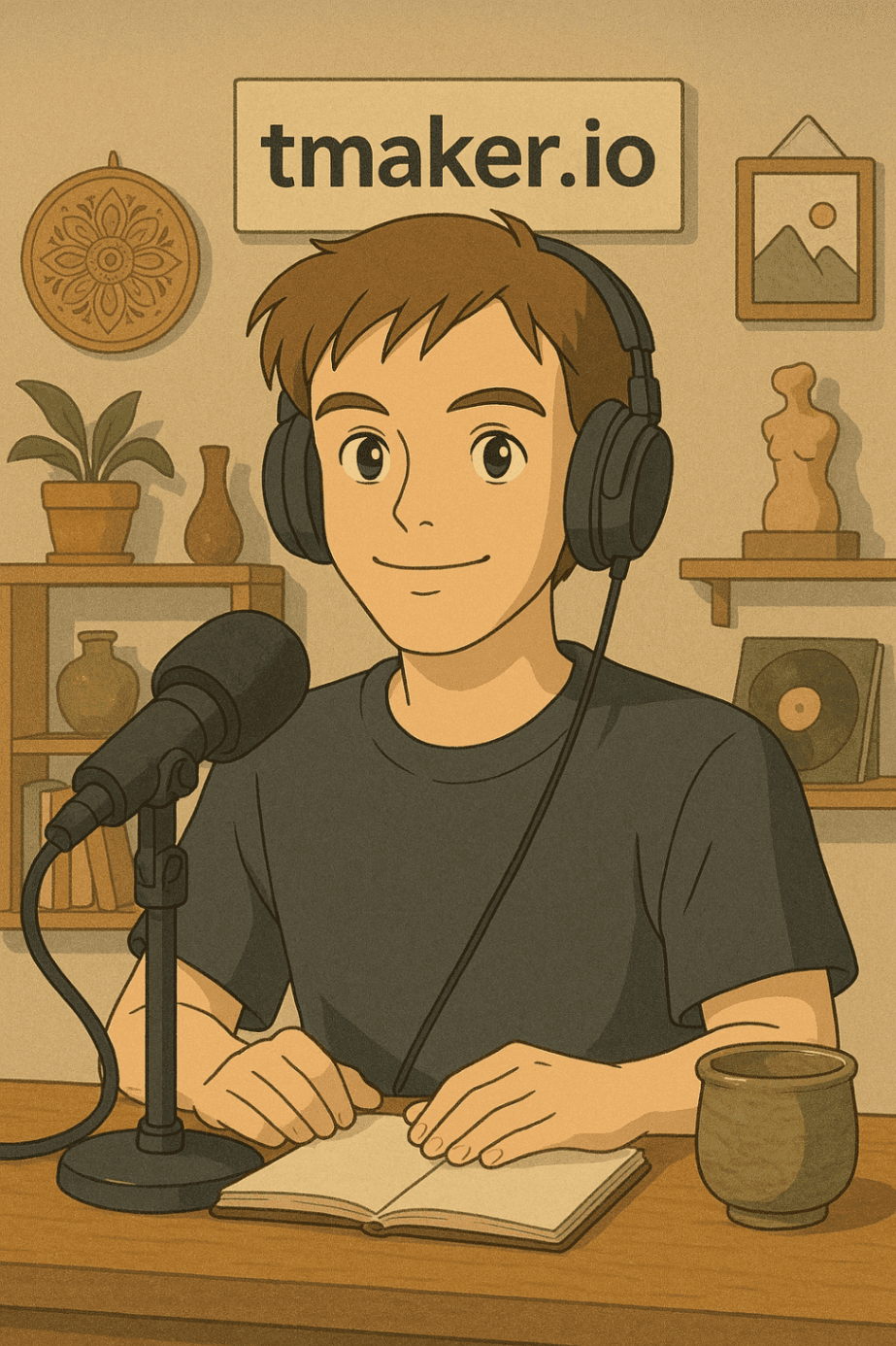
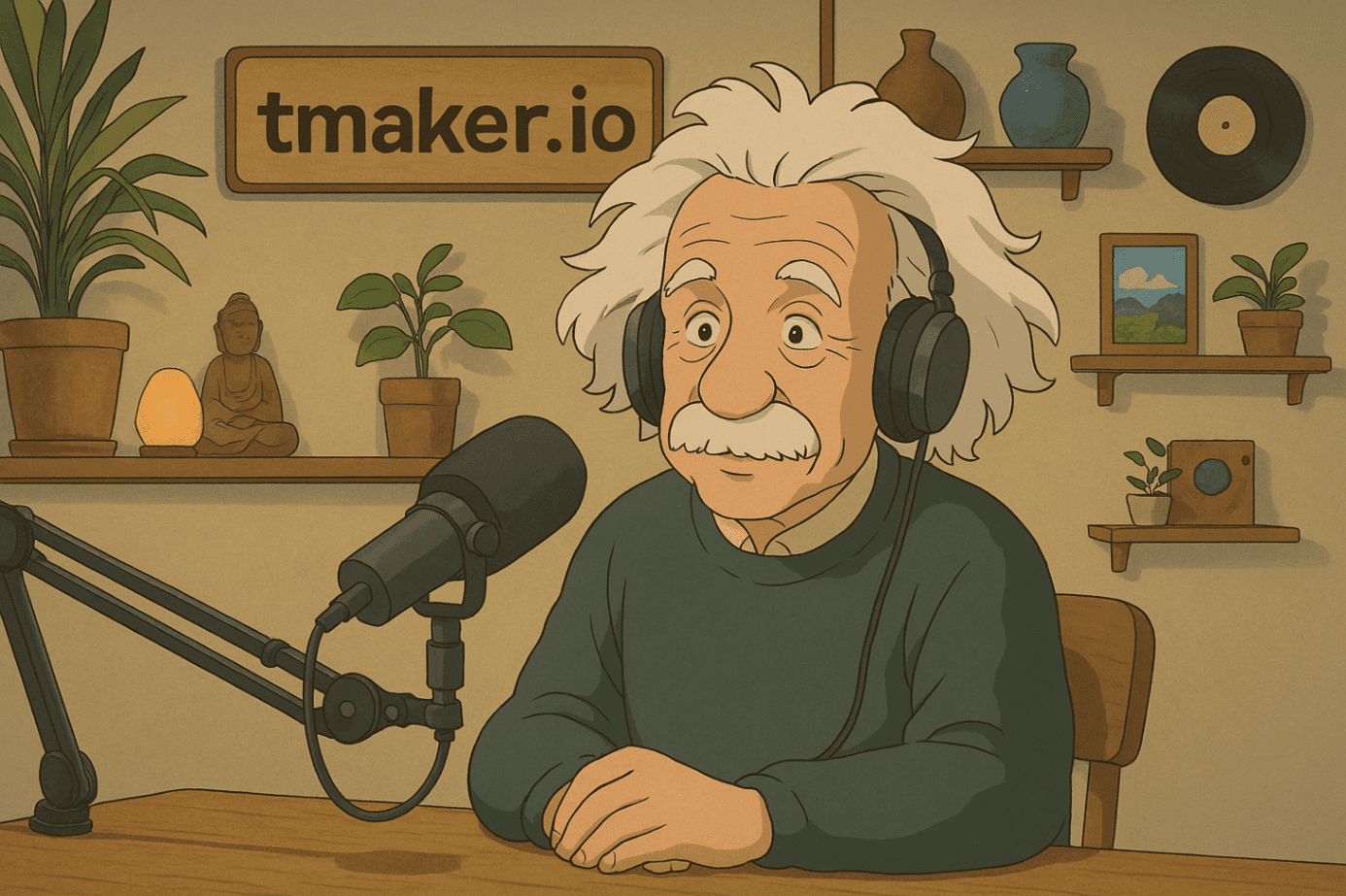
[Tibo] Albert, our listeners want to know - how would you explain general relativity to a 5-year-old? [Albert] Well, Tibo, imagine you're on a big trampoline with a heavy ball in the middle making a dip. If you roll marbles, they curve around that ball. [Tibo] So planets are like marbles rolling around the sun's dip? [Albert] Exactly! Space is like this trampoline, and heavy things like the sun make dips that other things fall into. [Tibo] That's brilliant! Even I understand it now. [Albert] That's the beauty of physics - complicated ideas can have simple pictures.
Characters
tibo.png
tibo.png
albert.png
albert.png
OUTPUT

Craft Engaging AI Video Podcasts with Avatars in 4 Easy Steps

1 Script Your Dialogue

Start by writing or pasting your podcast script directly into the editor. For multi-speaker dialogues, use the format `[SpeakerName] Dialogue line` for each turn (e.g., `[Bob] Welcome to our AI podcast!`). This tells our AI who is speaking. You can also provide a URL to an article or blog post, and Revid AI can help structure its content into a podcast format.

2 Choose Avatars & AI Voices

Select distinct AI avatars for each speaker from our extensive library, which includes options like celebrity look-alikes (check the 'celebrities' tab!), or upload your own images to create truly custom avatars. Then, assign one of our 120+ natural-sounding AI voices to each speaker, giving unique vocal identities to your virtual presenters.

3 Customize Visuals & Scene Settings

Enhance your video podcast's visual appeal. While our AI intelligently selects media, you can guide visual generation by inserting [bracketed cues] within your script (e.g., `[Alice] Today we'll discuss [futuristic city skyline]`). New lines in your script can help define scene transitions. Your video will be optimized in a 9:16 aspect ratio, perfect for short-form platforms.

4 Generate & Polish Your Video Podcast

Hit the 'Generate Video' button. In about 5 minutes, our AI Video Podcast Generator will assemble your content, featuring animated avatars with synchronized lip movements, dynamic visuals, and automatic captions. After generation, use Revid AI's integrated editor to make refinements, adjust timing, or customize text overlays before sharing.

01

AI Podcast Video Generator — Turn Audio into Shareable Video Content

Revid's AI podcast video generator transforms your podcast episodes into engaging video clips ready for TikTok, YouTube Shorts, Instagram Reels, and more. Upload your audio or paste a link, and our AI automatically selects the most compelling moments, adds captions, and packages everything into a polished short-form video no editing required. It's the easiest way to give your podcast the visual presence it deserves.

02

How to Make an AI Podcast Video in Minutes

Creating a podcast video with AI used to mean hours of manual editing. With Revid, the whole process is automated. Our AI listens to your episode, identifies the highlights worth sharing, and generates ready-to-post video clips with accurate captions and clean formatting. Whether you're repurposing a full episode or clipping a single great moment, Revid's AI podcast maker handles it from start to finish.

03

AI Podcast Generator — Repurpose Your Episodes at Scale

Revid's free AI podcast generator gives independent creators and podcasters the same content repurposing power that big media teams have without the budget. Turn every episode into multiple short videos, grow your audience across platforms, and keep your content working long after the episode drops. Try the AI podcast video generator, no credit card required.

Example Videos

See What You Can Create with Video Podcast Generator

Explore different styles and possibilities with our Video Podcast Generator

AI Video Podcast Generator for Content Creators

Create professional video podcasts with our AI video podcast generator. Transform text conversations into engaging video content with lifelike avatars, natural speech patterns, and professional presentation quality.
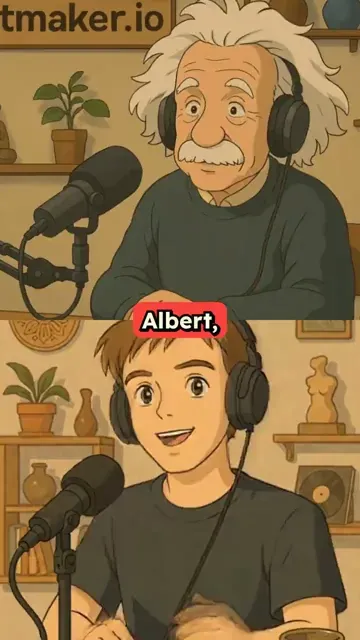
  • Professional AI video podcast generation
  • Lifelike avatars with natural speech patterns
  • Text-to-video podcast conversion technology
  • Perfect for content creators and educators
AI Video Podcast Generator for Content Creators

Professional Video Podcast Creation

Generate broadcast-quality video podcasts with multiple speakers and realistic dialogue. Our video podcast generator creates professional content with dynamic visuals, natural conversations, and engaging presentation formats.
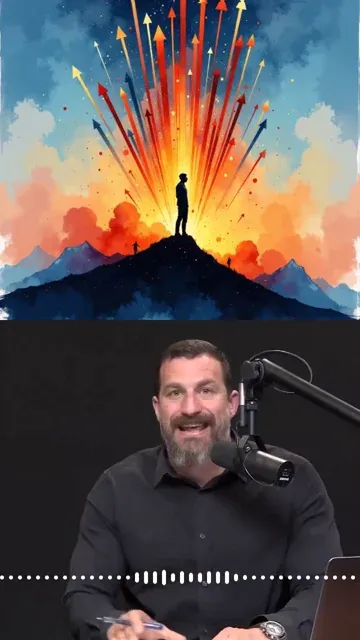
  • Broadcast-quality video podcast production
  • Multiple speaker support with realistic dialogue
  • Dynamic visuals and engaging presentations
  • Professional podcast format optimization
Professional Video Podcast Creation

Interactive Video Podcast Generation

Transform written interviews and dialogues into interactive video podcasts. Our AI video podcast generator brings conversations to life with expressive avatars and natural dialogue flow for maximum audience engagement.
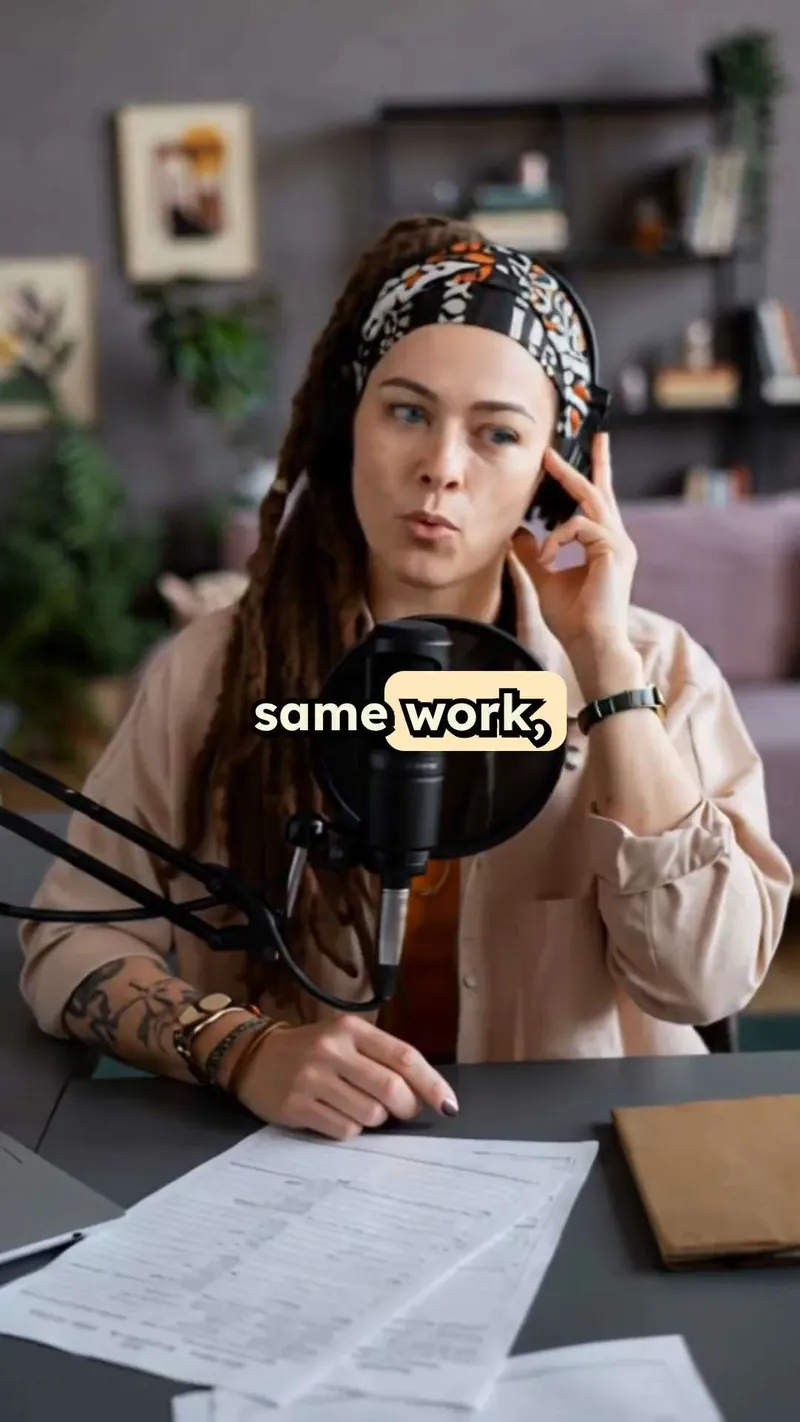
  • Interactive video podcast with expressive avatars
  • Natural dialogue flow and conversation dynamics
  • Written interview to video transformation
  • Maximum audience engagement and retention
Interactive Video Podcast Generation
More Tools

Explore Similar AI Avatar AI Video Tools

Discover more ways to create engaging videos with our AI-powered tools

FAQs

Frequently Asked Questions

What is the AI Video Podcast Generator?
Revid AI's Video Podcast Generator is an innovative tool that transforms your text scripts or URLs into engaging video podcasts featuring AI-powered avatars. It's designed for creators who want to produce multi-speaker podcast-style videos easily, complete with realistic speech, animated expressions, and compelling visuals, without needing complex equipment or editing skills.
How do I create a video podcast with this tool?
It’s simple! First, input your dialogue script using the `[SpeakerName] Text` format for each line, or provide a URL. Second, choose or upload AI avatars for your speakers and assign them unique AI voices from our library. Third, customize visual cues if needed. Finally, click 'Generate Video'. Your AI-driven video podcast will be ready in minutes for further editing or direct sharing.
What script format is required for the Video Podcast Generator?
For optimal results with multiple speakers, prefix each line of dialogue with the speaker's name in square brackets, like `[Alice] Hello everyone!` followed by `[Bob] Welcome to the show, Alice!`. Each new line typically indicates a new dialogue segment or speaker turn. This helps our AI accurately assign dialogue and animate the correct avatar.
Can I use different AI avatars for each speaker in my podcast?
Absolutely! You can select a unique AI avatar for every speaker in your script. Choose from our diverse gallery of pre-set avatars, including a 'celebrities' section, or upload your own images to create personalized virtual presenters for your video podcast.
What voice options are available for my podcast speakers?
Our AI Video Podcast Generator offers over 120 natural-sounding AI voices in various languages and accents. You can assign a distinct AI voice to each speaker defined in your script, bringing your dialogue to life with varied vocal performances. The tool focuses on high-quality AI-generated voices to ensure seamless lip-sync with the avatars.
How does the AI animate the avatars in the video podcast?
Our advanced AI technology analyzes the script and the chosen AI voice for each speaker. It then generates realistic lip movements synchronized with the speech, along with natural facial expressions and subtle head movements, making your AI avatars appear as if they are genuinely participating in a conversation.
Can I customize the background or visuals in my video podcast?
Yes, you have control over the visuals. While our AI automatically selects or generates relevant media, you can influence this by adding descriptive cues in [square brackets] within your script (e.g., `[Scene: a cozy studio]`). This text won't be spoken but will guide the AI in creating the visual backdrop for that segment.
What is the recommended length for a video podcast script?
While there's no strict limit, videos created with this tool are optimized for short-form social platforms (9:16 ratio for TikTok, YouTube Shorts, Instagram Reels). For maximum engagement, consider scripts that translate to videos a few minutes long. Concise, engaging dialogue works best for AI podcast animation.
How much does it cost to use the AI Video Podcast Generator?
The cost of generating a video podcast depends on factors like video length and selected features. Each generation will consume credits from your Revid AI account. You can see an estimated credit cost before you generate. Free accounts receive starting credits, and various subscription plans offer more credits for frequent users. Please visit our pricing page for detailed information.
How long does it take to generate an AI video podcast?
Typically, your AI-generated video podcast will be ready in approximately 5 minutes. The exact time can vary slightly based on the script's length and complexity. We'll notify you by email as soon as your video is processed and ready for review or download.
Can I edit my video podcast after it's been generated?
Yes! Once your video podcast is created, you can use Revid AI’s comprehensive built-in video editor to make further adjustments. You can refine scenes, trim segments, edit captions, adjust visual elements, and fine-tune your AI avatar podcast to perfection before sharing.
What aspect ratio will my video podcast be, and where can I share it?
The AI Video Podcast Generator defaults to a 9:16 aspect ratio, which is ideal for mobile-first platforms like TikTok, YouTube Shorts, and Instagram Reels. However, the engaging content you create can be shared across any social media platform that supports video.
I have more questions about creating video podcasts. How can I get help?
We're happy to assist! If you have further questions about the AI Video Podcast Generator or any other Revid AI tool, please contact our support team via email at hello@revid.ai. We're dedicated to helping you create amazing video content.
View Complete Help Center

Find detailed answers to 100+ questions about features, tools, and workflows

or check our markdown version optimized for LLMs

Tools

Free AI Video Tools

Pick the right tool, provide your input, and you'll create a video in no time - customize it however you want.

AI TikTok Video Generator

Turn text into trendy, viral TikTok videos in a snap

Try it out

Add Caption to Video

Generate subtitles in 100+ languages with AI captions

Try it out

PDF to Brainrot

Convert PDFs into attention-grabbing, scrollable videos

Try it out

Text to Brainrot

Turn your text into trendy, scrollable content with dynamic visuals

Try it out

AI Talking Avatar

Create lifelike talking avatars from text in seconds

Try it out

Video Podcast Generator

Transform your podcasts into visually engaging video content

Try it out

AI Movie Maker

Create studio-quality videos from text, no filming required

Try it out

Audio to Video

Make engaging videos from your podcasts, interviews, or any audio content

Try it out

Animated Lyrics Video Generator

Turn any song into an animated lyric video with synced text and visuals.

Try it out

AI Music Video Generator

Transform your music into cinematic music videos.

Try it out

AI Lyrics Video Generator

Transform your lyrics into a complete music video with AI

Try it out

Instrumental Music Visualizer

Transform your instrumental music into videos.

Try it out
See all tools
How it works

Four Easy Steps To Create & Share Your Story

1
Step 1

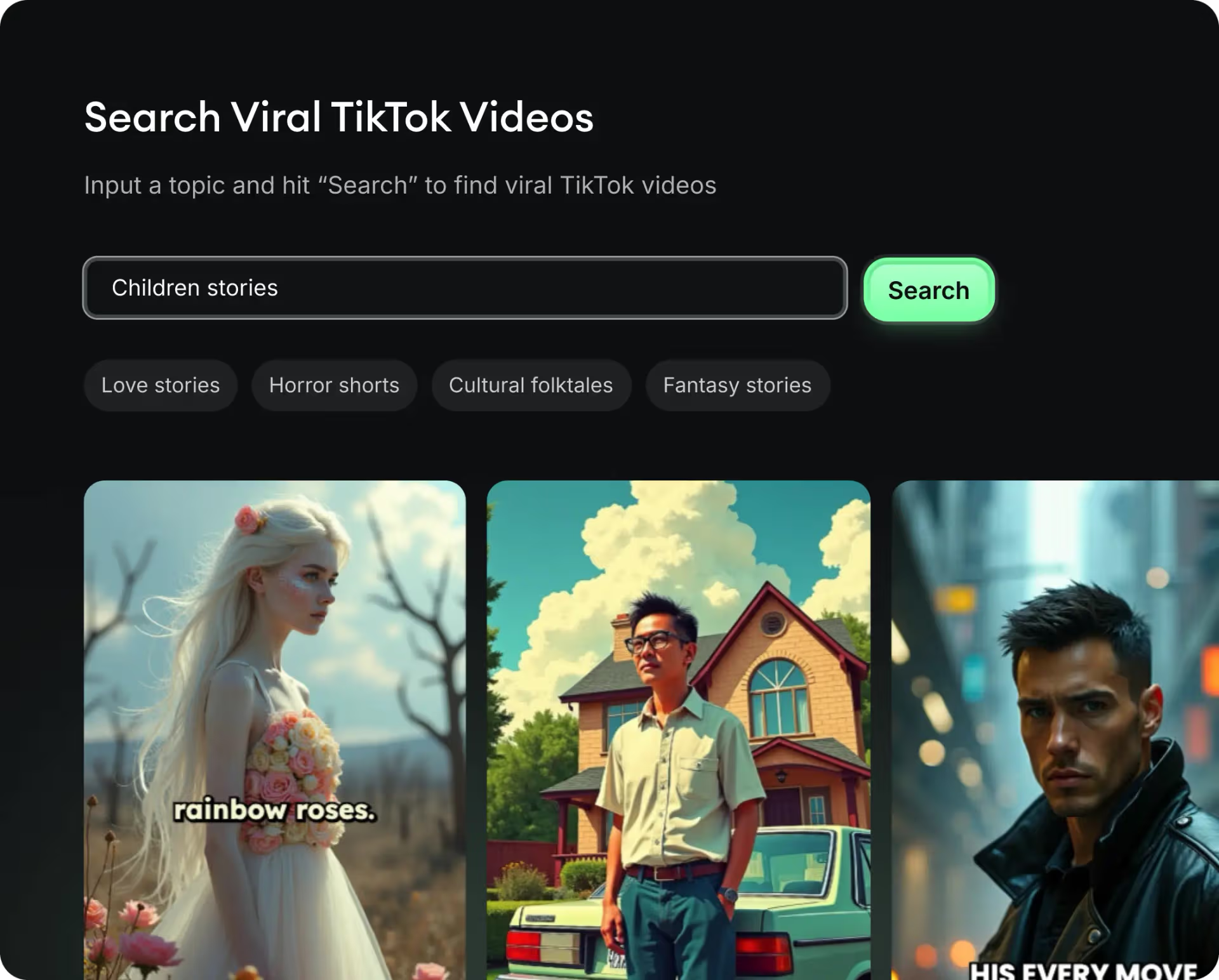
Get inspired by viral content

Looking for story ideas? Our AI finds trending content and helps you remake it into your very own videos - no more trial and error.

  • See what types of stories are working right now
  • Get inspiration from successful creators
  • Turn your ideas into stories people want to hear
Get inspired by viral content
2
Step 2

Storytelling to Hook your Audience

Revid.ai understands what makes videos go viral and uses the same proven methods to write scripts for you.

  • Write your script or tell our AI what you want to talk about
  • The AI will find relevant content to get inspired by
  • Drop any link and it will be automatically parsed and formatted for a video
Storytelling to Hook your Audience
3
Step 3

Videos You'd LOVE to Watch

Create perfect videos, share instantly, and grow your business.

  • Watch your words become a professional video
  • Set up automatic video creation from your content
Videos You'd LOVE to Watch
4
Step 4

Publish on TikTok, YouTube, Instagram and more...

Reach a wider audience by sharing your video across your favorite social media platforms

Publish on TikTok, YouTube, Instagram and more...
revid.ai logo

Your shortcut to effortless video storytelling.