570 people used this tool in the last 24h
or explore our 42+ other tools to create the exact video you want
Explore our tools
or explore our 42+ other tools to create the exact video you want
Explore our toolsBegin by pasting the URL of the LinkedIn post you wish to transform into a dynamic video. Revid AI's **LinkedIn post to video** converter will fetch and analyze the content from your text updates, articles, or shared links to prepare for video creation.
Tailor your video to perfection. Choose your preferred media type – options include scraped media from the post, high-quality stock videos, engaging AI-generated moving images, or full AI video clips. Select the ideal aspect ratio (9:16 for Shorts/Reels, 1:1 for feed posts, 16:9 for wider formats) and decide if our **AI video generator for LinkedIn** should summarize the content. You can also pick from our range of AI voices or upload your own for a personal touch.
Click "Generate Video" and our **AI LinkedIn video maker** will swiftly **convert your LinkedIn post to video**, complete with voiceover, synchronized visuals, and captions, typically within minutes. After generation, use Revid AI’s intuitive built-in editor to make any final adjustments, then download your video and share it across LinkedIn and other social platforms to **boost LinkedIn engagement** and expand your content's impact.
LinkedIn's algorithm gives video content significantly higher organic reach than text posts. Turning your existing written posts into short videos lets you reach a wider audience without writing new content. Professionals who post consistently on LinkedIn already have the raw material they need. Paste the URL and Revid extracts the key ideas, writes a voiceover, selects relevant visuals, and exports a publish-ready vertical or landscape video in minutes.
Paste your LinkedIn post URL into the tool and Revid's AI parses the full text, identifies the core argument or story, and turns it into a scripted video. You can choose whether to summarize the post or narrate it in full. The AI picks matching visuals and syncs the voiceover to produce a video formatted for LinkedIn, TikTok, or Instagram. No editing required. If you also share content on Twitter, the tweet to video tool works the same way.
Creating a video for every LinkedIn post would take hours without automation. Revid lets you batch-convert your archive of posts into video content, or turn each new post into a video the moment it goes live. The output is consistent enough to maintain your brand voice and fast enough to keep up with a regular publishing schedule. It is the most direct path from written thought leadership to video without adding to your workload.
Turn every written post into a short video automatically, extending your reach to audiences who prefer video over text without doubling your content production time.
Repurpose your team's thought leadership posts into branded video assets that can run as organic LinkedIn content or sponsored short-form video ads.
Convert your most-engaged posts into video clips that demonstrate expertise, drive profile visits, and build the kind of trust that converts into client inquiries.
Batch-convert client LinkedIn archives into video content calendars, filling multiple weeks of posts from existing written content without starting from scratch.
Converting a LinkedIn post into a video manually means rewriting a script, recording or sourcing voiceover, finding visuals, and editing a timeline. Revid does all of it from a URL.
Discover more ways to create engaging videos with our AI-powered tools
Find detailed answers to 100+ questions about features, tools, and workflows
or check our markdown version optimized for LLMs
Choose your tool, add your content, and create a video in seconds. Then customize it to your liking.
Turn any song into an animated lyric video with synced text and visuals.
Lacking inspiration? Our AI spots trends and helps you adapt them for your own videos, hassle-free.
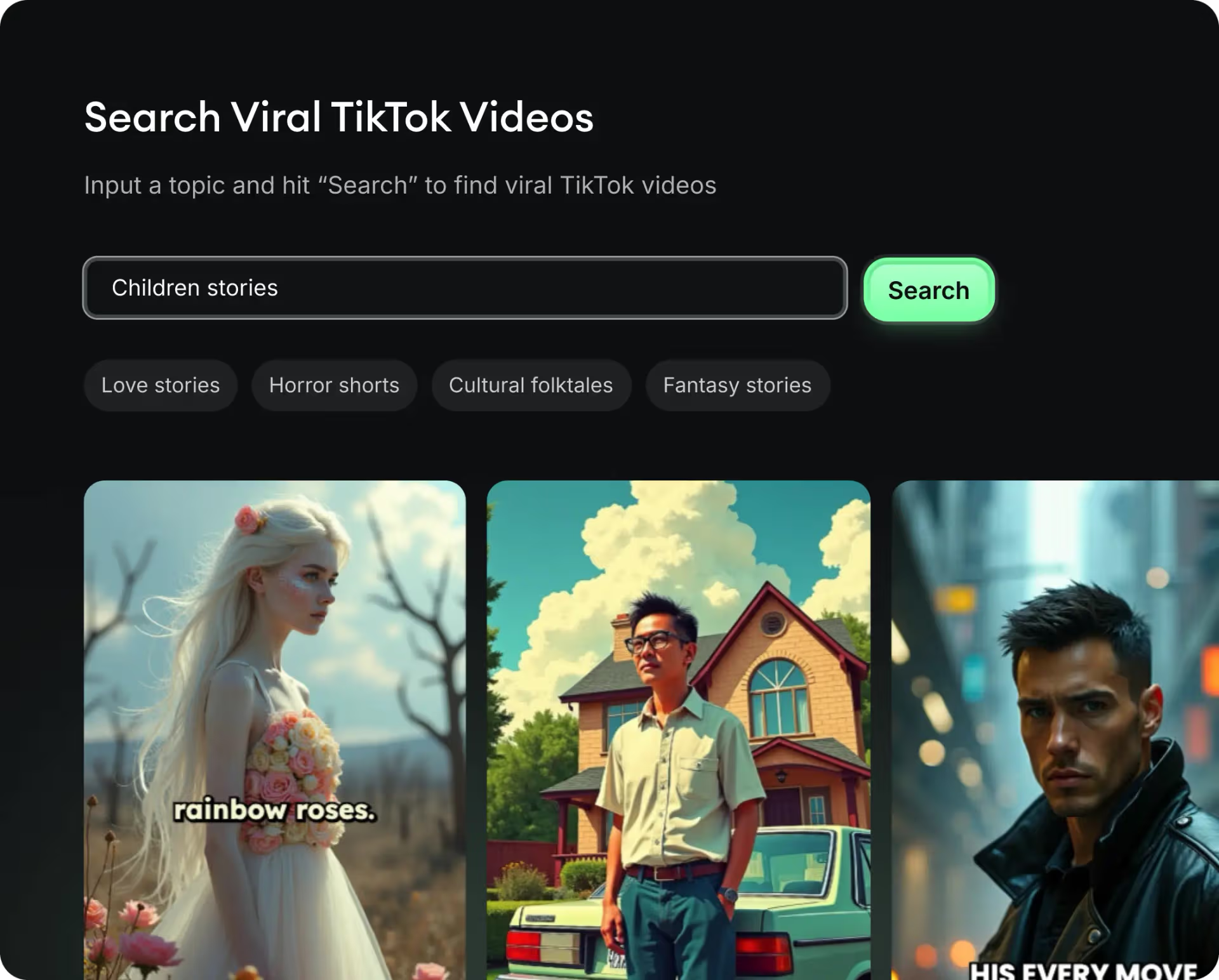
Revid.ai analyzes viral videos and uses those same codes to write your scripts.
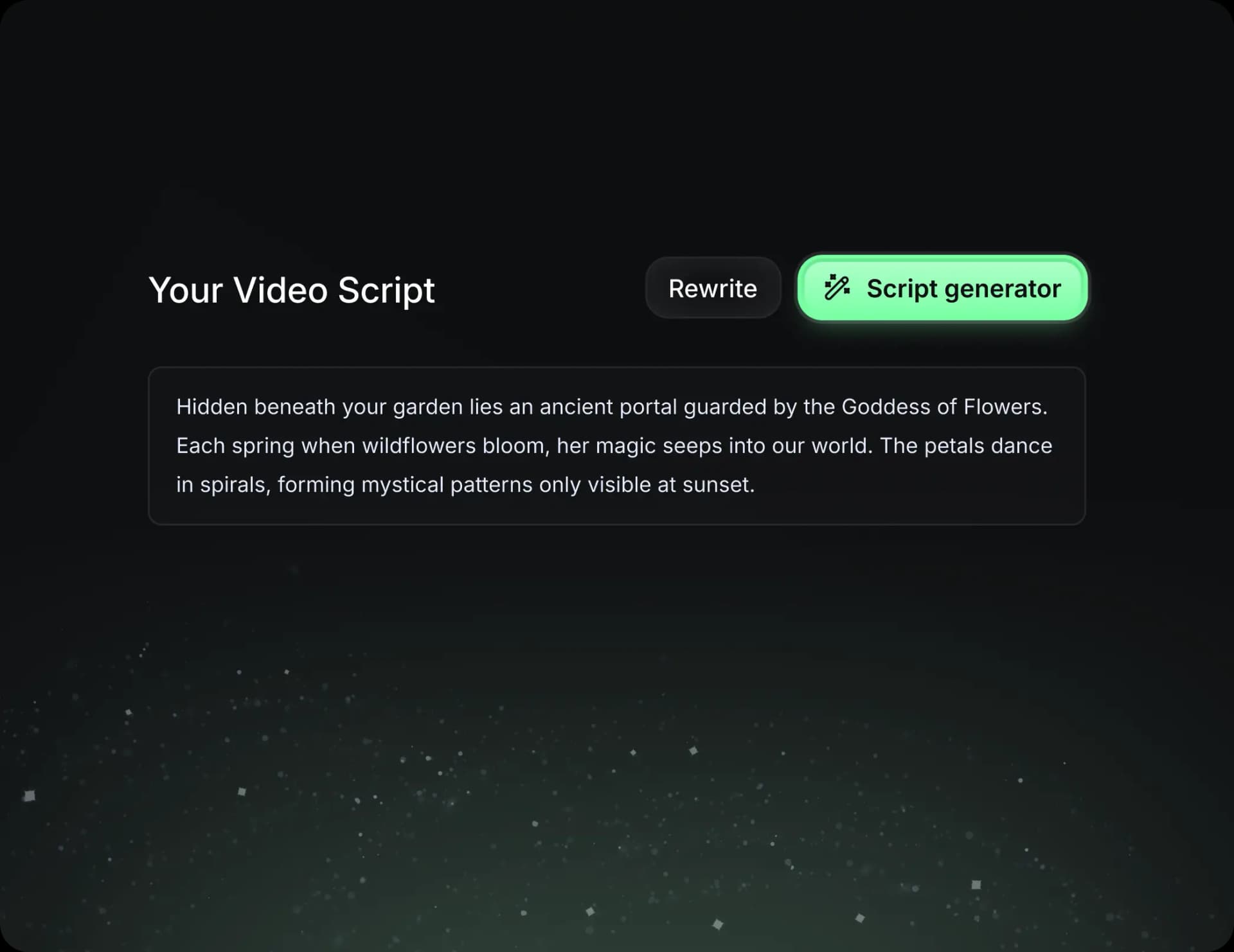
Create professional videos, share them with one click, and grow your audience.

Reach a wider audience by sharing your videos across all your networks.