Trusted by 14,000+ creators worldwide

Text to Brainrot Video Generator

Convert your text into viral brainrot videos with AI voice-over and trending gameplay backgrounds. Perfect for TikTok, Instagram Reels, and YouTube Shorts.

  • Start from text in seconds
  • AI voiceover
  • Auto-selects visuals
  • Captions and sound-ready
Magic Inputs

From simple inputs to
incredible videos

INPUT
Text Prompt

Prompt generated by Revid itself

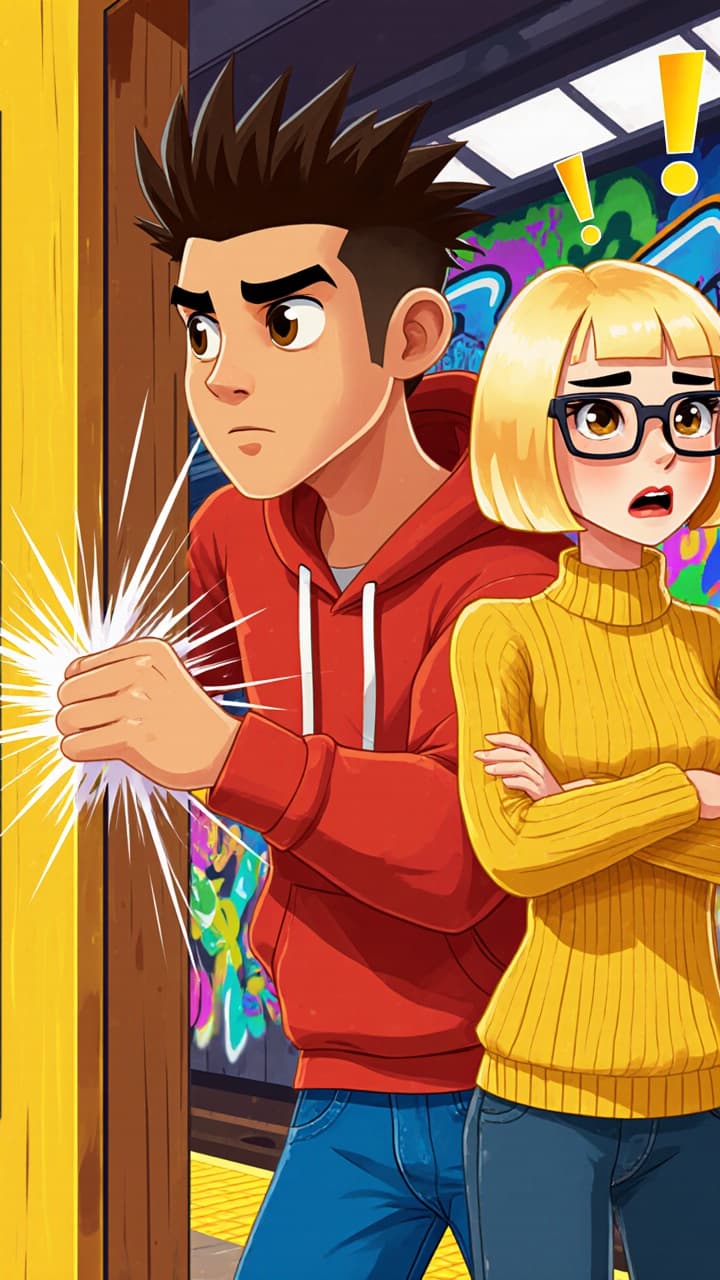
There's a psychological trick called the Door in the Face technique. [person slamming door] You ask for something ridiculous first. Can I borrow your car for a month? They say no. Then you ask for what you actually want. Can I get a ride to the airport? <break time="0.5s" /> They almost always say yes. You've been manipulated like this your whole life.
Media TypeAI Video
Visual StyleFlat Animation
OUTPUT

Create Viral Brainrot Videos in 3 Simple Steps

1 Enter Your Text

Start by typing or pasting your text content. Our AI will transform your words into an engaging script optimized for TikTok's viral brainrot format.

2 Choose Your Background

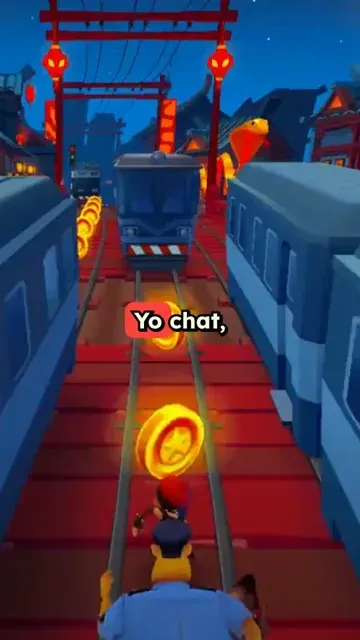
Select from trending gaming backgrounds like Subway Surfers, Minecraft Parkour, or other viral gameplay footage. These hypnotic backgrounds are proven to boost viewer retention.

3 Generate and Share

Pick an AI voice, add background music, and let our tool create your brainrot video. Once generated, download and share directly to TikTok, Instagram, or YouTube Shorts.

01

The Brainrot Generator Alternative That Does More

Looking for a brainrot generator alternative with more features, more formats, and faster generation? Revid is the AI brainrot generator thousands of creators are switching to with support for custom voices, split-screen gameplay, and one-click export to TikTok, Reels, and Shorts. Everything brainrot.mov does, plus the tools you actually need to grow.

02

Text to Brainrot Video Just Type and Generate

Revid's text to brainrot tool is the fastest way to turn any idea, script, or topic into a full brainrot video. Type your text, pick a voice and background style, and our AI generates a ready-to-post short-form video in seconds. No editing, no recording, no hassle just text in, brainrot video out. It's free to try and takes less than a minute.

03

The AI Brainrot Generator Built for Creators and Students

Whether you're making content for fun or turning study notes into something actually watchable, Revid's AI brainrot generator handles the whole process automatically. Choose from brainrot voices, viral gameplay backgrounds, and AI-written scripts or bring your own. Our brainrot maker gives you full creative control without the learning curve, so you can create brainrot videos that perform without spending hours in an editor.

04

Free Brainrot Video Generator No Download Required

Revid's free brainrot video generator runs entirely in your browser, so there's nothing to install and no learning curve. Create your brainrot, preview it instantly, and download or share directly to your favorite platform. Whether you need a single video or want to produce brainrot content at scale, Revid is the brainrot creator that grows with you.

Example Videos

See What You Can Create with Text to Brainrot Video Generator

Explore different styles and possibilities with our Text to Brainrot Video Generator

Any Text Into a Viral Brainrot Video

Type your idea, paste a script, or drop a link — the AI turns it into a full brainrot video with voiceover and trending backgrounds in seconds. No editing, no setup, just results.
  • Type any text and get a ready-to-post TikTok video
  • AI voiceover with brainrot-style delivery
  • Trending Subway Surfers and Minecraft backgrounds
  • Auto-captions included for maximum reach
Any Text Into a Viral Brainrot Video

Repurpose Any Idea Into Scroll-Stopping Content

Got a story, a hot take, or a trending topic? Turn it into brainrot-style content your audience can't stop watching. The AI writes, voices, and produces the whole video automatically.

  • Works with ideas, scripts, stories, or any topic
  • AI picks the most engaging brainrot background
  • Generate multiple videos from one input
  • One-click export to TikTok and Reels
Repurpose Any Idea Into Scroll-Stopping Content

Study Smarter, Create Brainrot Faster

Turn your notes, facts, or study material into the kind of video people actually watch. Brainrot format makes even dense content addictive — and way more shareable.
  • Perfect for students, educators, and knowledge creators
  • AI-generated script keeps the content punchy and fast
  • Multiple background styles to match your vibe
  • Free to try — no credit card, no download needed
Study Smarter, Create Brainrot Faster
FAQs

Frequently Asked Questions

What exactly is a brainrot video?
A brainrot video is a popular TikTok format that combines engaging text content with hypnotic gaming footage backgrounds (like Subway Surfers or Minecraft Parkour). These videos are designed to be highly addictive and shareable, typically featuring AI narration and fast-paced editing that keeps viewers hooked from start to finish.
Why use gaming footage as background?
Gaming footage like Subway Surfers and Minecraft Parkour has proven to be incredibly effective at maintaining viewer attention. The continuous motion and familiar gameplay create a hypnotic effect that keeps viewers watching while they absorb your message. This combination has become a viral sensation on TikTok and other social platforms.
What kind of content works best with brainrot videos?
Brainrot videos work great with storytelling, facts, tips, life hacks, educational content, and interesting narratives. The format is particularly effective for content that's informative, surprising, or emotionally engaging. The key is to keep your text concise and punchy to match the fast-paced nature of the format.
How long should my brainrot video be?
For maximum impact, we recommend keeping your videos between 30-60 seconds. This length has proven most effective for viral content on TikTok and similar platforms. The sweet spot is usually around 45 seconds - long enough to tell your story but short enough to maintain viewer attention.
Can I customize the gaming background?
Yes! You can choose from our library of trending gaming backgrounds, including Subway Surfers, Minecraft Parkour, and other popular gameplay footage. Each background is carefully selected to maximize viewer retention and engagement. You can even adjust the playback speed to match your content's pace.
What AI voices are available for my video?
Our tool offers a wide range of AI voices optimized for brainrot-style content. You can choose from different accents, ages, and tones to match your content's style. We regularly update our voice options to include the most trending TikTok voices that viewers love.
How do I make my brainrot video go viral?
While there's no guaranteed formula for virality, our tool incorporates best practices from successful brainrot videos. Use attention-grabbing opening lines, maintain a fast pace, include surprising information, and end with a hook that encourages sharing. The combination of engaging content with hypnotic gaming backgrounds significantly increases your chances of going viral.
Can I add my own music to the video?
Absolutely! While we provide a library of trending background music, you can also upload your own audio tracks. Just make sure you have the rights to use any music you upload. The right music can significantly enhance your video's impact and shareability.
Are the gaming backgrounds copyright-safe?
Yes, all our gaming backgrounds are either licensed for commercial use or fall under fair use when combined with transformative content. You can safely use these backgrounds in your videos without worrying about copyright issues. This includes our popular Subway Surfers and Minecraft Parkour footage.
How quickly can I create a brainrot video?
Our AI-powered tool can generate a complete brainrot video in just a few minutes. Simply input your text, select your background and voice, and our system will do the rest. You can create multiple viral-ready videos in the time it would take to edit just one video manually.
View Complete Help Center

Find detailed answers to 100+ questions about features, tools, and workflows

or check our markdown version optimized for LLMs

Tools

Free AI Video Tools

Pick the right tool, provide your input, and you'll create a video in no time - customize it however you want.

AI TikTok Video Generator

Turn text into trendy, viral TikTok videos in a snap

Try it out

Add Caption to Video

Generate subtitles in 100+ languages with AI captions

Try it out

PDF to Brainrot

Convert PDFs into attention-grabbing, scrollable videos

Try it out

Text to Brainrot

Turn your text into trendy, scrollable content with dynamic visuals

Try it out

AI Talking Avatar

Create lifelike talking avatars from text in seconds

Try it out

Video Podcast Generator

Transform your podcasts into visually engaging video content

Try it out

AI Movie Maker

Create studio-quality videos from text, no filming required

Try it out

Audio to Video

Make engaging videos from your podcasts, interviews, or any audio content

Try it out

Animated Lyrics Video Generator

Turn any song into an animated lyric video with synced text and visuals.

Try it out

AI Music Video Generator

Transform your music into cinematic music videos.

Try it out

AI Lyrics Video Generator

Transform your lyrics into a complete music video with AI

Try it out

Instrumental Music Visualizer

Transform your instrumental music into videos.

Try it out
See all tools
How it works

Four Easy Steps To Create & Share Your Story

1
Step 1

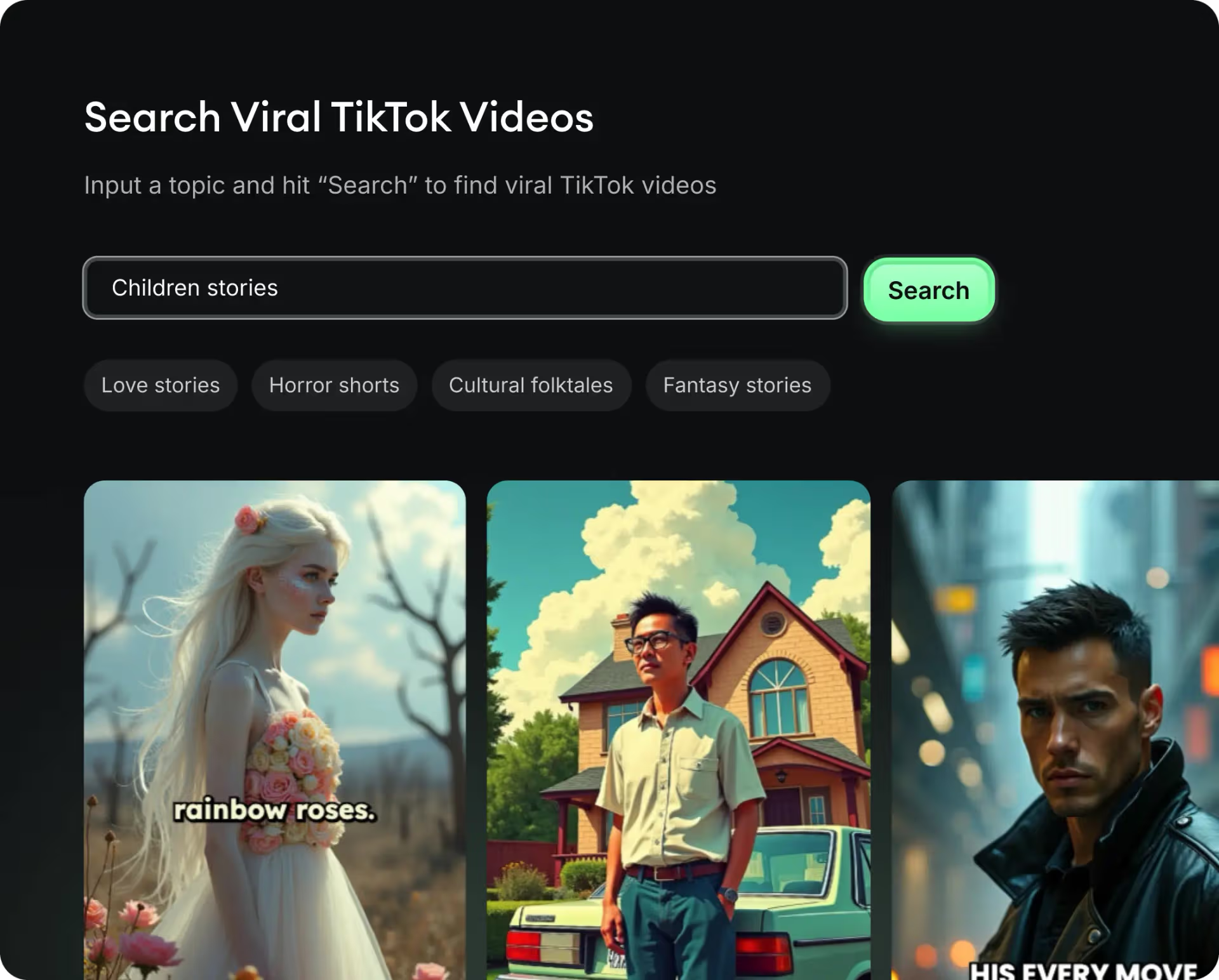
Get inspired by viral content

Looking for story ideas? Our AI finds trending content and helps you remake it into your very own videos - no more trial and error.

  • See what types of stories are working right now
  • Get inspiration from successful creators
  • Turn your ideas into stories people want to hear
Get inspired by viral content
2
Step 2

Storytelling to Hook your Audience

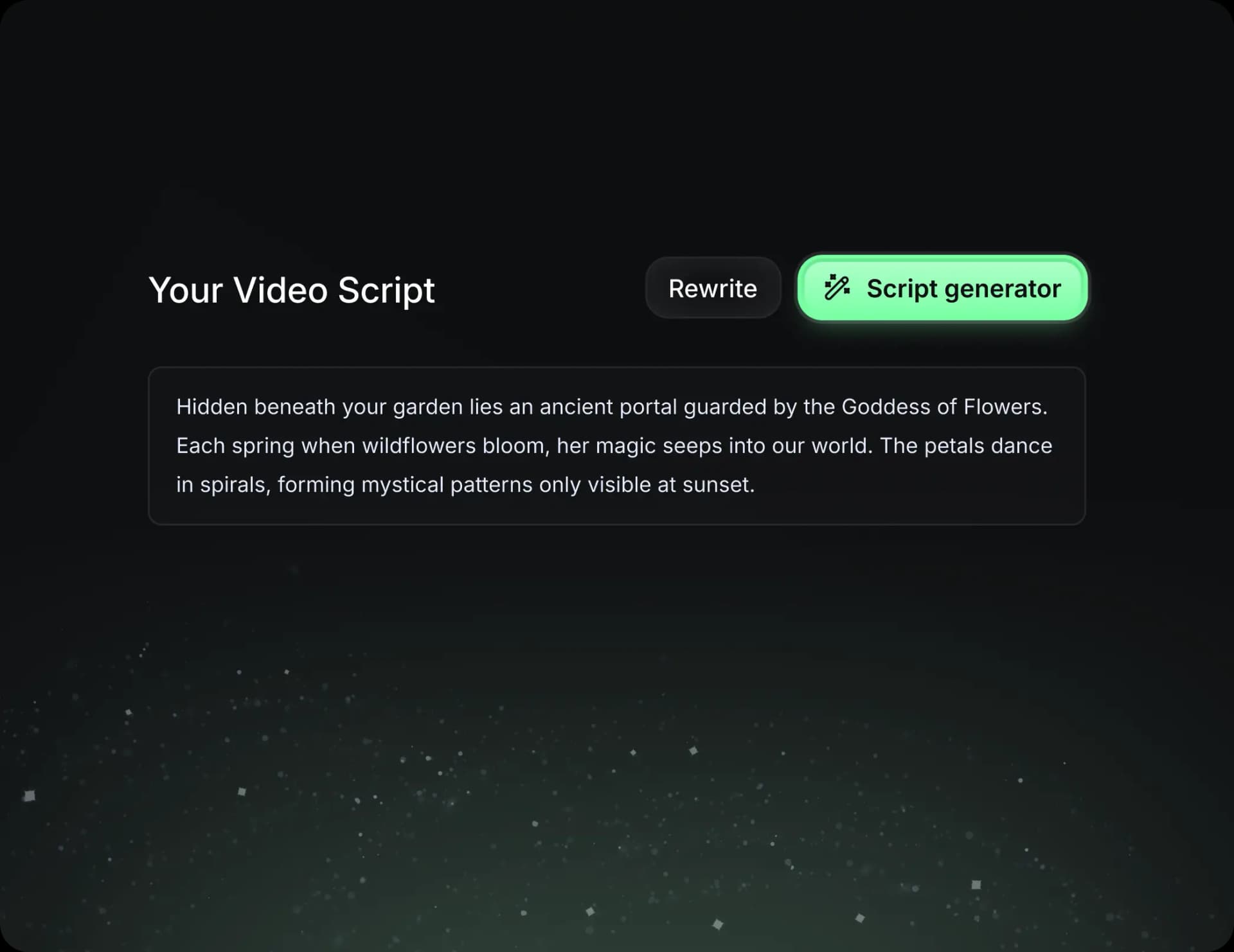
Revid.ai understands what makes videos go viral and uses the same proven methods to write scripts for you.

  • Write your script or tell our AI what you want to talk about
  • The AI will find relevant content to get inspired by
  • Drop any link and it will be automatically parsed and formatted for a video
Storytelling to Hook your Audience
3
Step 3

Videos You'd LOVE to Watch

Create perfect videos, share instantly, and grow your business.

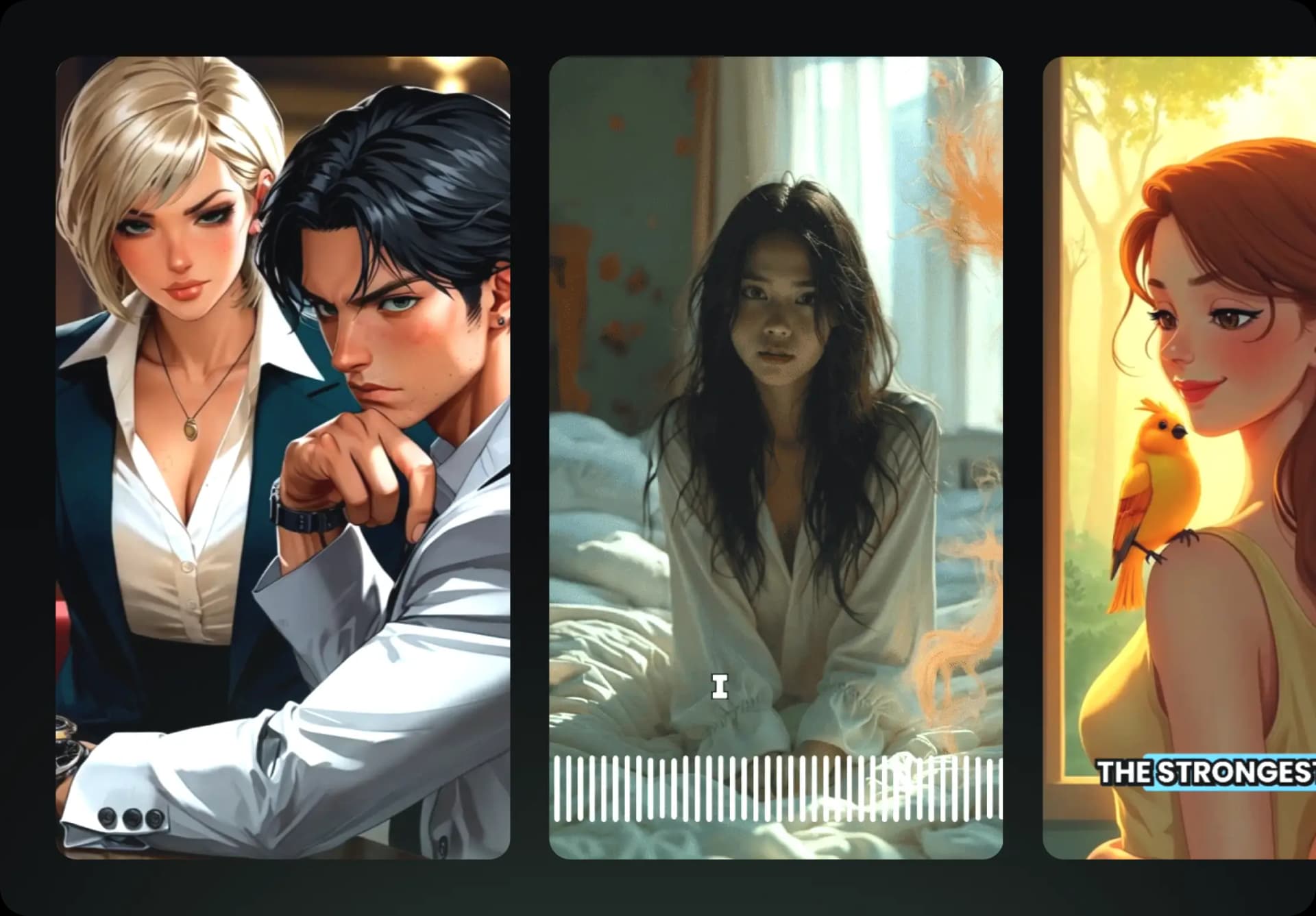
  • Watch your words become a professional video
  • Set up automatic video creation from your content
Videos You'd LOVE to Watch
4
Step 4

Publish on TikTok, YouTube, Instagram and more...

Reach a wider audience by sharing your video across your favorite social media platforms

Publish on TikTok, YouTube, Instagram and more...
revid.ai logo

Your shortcut to effortless video storytelling.