Trusted by 14,000+ creators worldwide

Animated Lyrics Video Generator

Create animated lyric videos from any song in minutes. Upload an audio file or paste a music link and Revid generates synced lyrics, motion graphics, and background visuals that match your track.

Turn your song into animated lyrics with synced text, visuals, and motion in minutes

  • Animated lyrics
  • Auto-synced
  • Music-link friendly
  • Short-form ready
AI Magic

Turn simple ideas into
incredible videos

YOUR IDEA
Source Audio
Source Audio
Original audio file
Visual FormatAI Video
Visual Stylelyrics
FINAL VIDEO

Create an Animated Lyrics Video in 3 Simple Steps

1 Upload Audio or Paste a Music Link

Start by providing your music. You can upload an audio file directly from your device, or simply paste a link from platforms like Spotify or Suno. Our AI will automatically analyze the track to prepare it for your animated lyrics video.

2 Choose Your Visuals and Settings

Customize the look of your animated lyric video. Choose a background media type: AI-generated videos, moving AI images, high-quality stock footage, static gameplay, or upload your own visuals. You can also toggle on the 'Sound Wave' feature to add an audio visualizer to your video.

3 Generate and Share

Click 'Generate' and let our AI do the heavy lifting. In minutes, Revid will auto-generate perfectly synced animated lyrics over your chosen visuals. Once ready, you can tweak the video in our editor and download it in the perfect ratio (9:16) for TikTok, Instagram Reels, and YouTube Shorts.

01

Animated Lyrics That Actually Sync to the Beat

The biggest problem with most lyric video tools is timing. Words appear too early, lag behind the vocal, or snap into place without any sense of rhythm. Revid's animated lyrics video generator solves this by analyzing the audio at the word level, identifying the exact timestamp for every syllable and syncing the text animation to match. The result is an animated lyric video where every word lands exactly when it should, making the viewing experience feel intentional and professionally produced rather than auto-generated.

02

Upload a Track or Paste a Link, Your Choice

Revid works with whatever audio source you already have. Upload an MP3 or WAV file directly from your device, or paste a link from platforms like Spotify or Suno and the AI extracts the audio automatically. There is no format conversion required and no extra steps between your music and your finished animated lyric video. Whether you are working with an original track, a demo recording, or a released song you have the rights to, Revid turns it into a synced animated video in minutes.

03

Choose Your Visual Style, from AI Video to Your Own Footage

Revid gives you full control over what plays behind your animated lyrics. Choose AI-generated video for a unique visual treatment built around your track, moving AI images for dynamic artwork, stock footage for a polished professional look, or upload your own visuals to keep the creative direction entirely in your hands. You can also enable the Sound Wave feature to add an audio visualizer that reacts to the frequencies and beats of your music, giving the video an extra layer of visual energy on top of the animated text.

04

Animated Lyric Videos Built for Every Genre and Every Platform

From pop and rap to worship, EDM, lofi, and kids music, Revid's animated lyrics video generator adapts to the energy and pacing of any genre automatically. The AI matches text motion, timing, and visual treatment to the feel of the track rather than applying a one-size-fits-all template. Every video is generated in a vertical 9:16 format optimized for TikTok, Instagram Reels, and YouTube Shorts, so your animated lyric video is platform-ready from the moment it is generated with no reformatting needed.

FAQs

Frequently Asked Questions

What is the Animated Lyrics Video Generator?
The Animated Lyrics Video Generator is an AI-powered tool by Revid that turns any song or audio track into a highly engaging, social-ready lyric video. By automatically transcribing your audio and syncing the text to the beat, it creates dynamic animated lyrics layered over beautiful AI visuals, stock footage, or your own media.
How does the AI auto-sync the lyrics to the music?
Our advanced AI listens to your uploaded audio file or pasted music link, accurately transcribes the vocals, and pinpoints the exact timestamps for every word. This ensures that the animated lyrics appear on screen in perfect synchronization with the singer's voice, saving you hours of manual video editing.
What kind of audio inputs can I use to create an animated lyric video?
You can use almost any audio source! Our Animated Lyrics Video Generator allows you to upload standard audio files (like MP3s or WAVs) directly from your computer or phone. Alternatively, you can paste a URL from popular music platforms like Spotify or Suno, and our AI will extract the audio to generate your video.
Can I customize the background visuals behind the animated lyrics?
Absolutely. You have full creative control over the aesthetic of your animated lyric video. You can choose from 'AI Video' for unique generated clips, 'Moving AI Images' for dynamic artwork, 'Stock Videos' for professional footage, or 'Static/Gameplay' for satisfying background loops. You can even upload your own custom media for the AI to use as the background.
Is this tool suitable for creating TikToks, Reels, and YouTube Shorts?
Yes! The Animated Lyrics Video Generator is specifically optimized for short-form social media content. Videos are generated in a vertical 9:16 aspect ratio by default, making them perfectly sized for TikTok, Instagram Reels, and YouTube Shorts. Animated text and motion graphics are proven to boost viewer retention on these platforms.
What is the 'Sound Wave' feature?
To make your animated lyric video even more engaging, we offer a 'Sound Wave' toggle. When enabled, this feature adds a dynamic audio visualizer to your video that reacts in real-time to the beats and frequencies of your music, complementing the animated lyrics perfectly.
Do I need video editing experience to use the AI lyric video maker?
Not at all. The Animated Lyrics Video Generator is designed to be the simplest way to create a music video. You don't need any complex software like Premiere Pro or After Effects. Just upload your song, pick a visual style, and the AI handles the complex text animation and syncing automatically.
Can I edit the lyrics if the AI makes a mistake?
Yes. While our AI transcription is highly accurate, you always have the final say. Once the animated lyric video is generated, you can open it in Revid's built-in editor to correct any typos in the lyrics, adjust the font styles, change text colors, and tweak the timing before you download the final file.
How long does it take to generate an animated lyrics video?
Most animated lyric videos are ready within a few minutes. The exact processing time depends on the length of your song and the visual style you selected (like generating custom AI video backgrounds). We will process it as quickly as possible and notify you the moment your video is ready to be shared.
How much does it cost to use the Animated Lyrics Video Generator?
Using the Animated Lyrics Video Generator consumes credits from your Revid AI account. The total credit cost depends on the length of the audio track and whether you choose premium visual features like 'AI Video'. Free users get a limited number of credits to test the tool, while paid subscription plans offer monthly credit allocations for regular creators.
View Complete Help Center

Find detailed answers to 100+ questions about features, tools, and workflows

or check our markdown version optimized for LLMs

Tools

Free AI Video Tools

Choose your tool, add your content, and create a video in seconds. Then customize it to your liking.

AI TikTok Video Generator

Turn text into trendy, viral TikTok videos in a snap

Try it out

Prompt to Video

Turn your prompts into engaging videos with AI assistance

Try it out

Add Caption to Video

Generate subtitles in 100+ languages with AI captions

Try it out

PDF to Brainrot

Convert PDFs into attention-grabbing, scrollable videos

Try it out

Text to Brainrot

Turn your text into trendy, scrollable content with dynamic visuals

Try it out

AI Talking Avatar

Create lifelike talking avatars from text in seconds

Try it out

Video Podcast Generator

Transform your podcasts into visually engaging video content

Try it out

AI Movie Maker

Create studio-quality videos from text, no filming required

Try it out

Audio to Video

Make engaging videos from your podcasts, interviews, or any audio content

Try it out

Animated Lyrics Video Generator

Turn any song into an animated lyric video with synced text and visuals.

Try it out

AI Music Video Generator

Transform your music into cinematic music videos.

Try it out

AI Lyrics Video Generator

Transform your lyrics into a complete music video with AI

Try it out
See all tools
How it works

Four simple steps to create and share your video

1
Step 1

Find your next viral idea

Lacking inspiration? Our AI spots trends and helps you adapt them for your own videos, hassle-free.
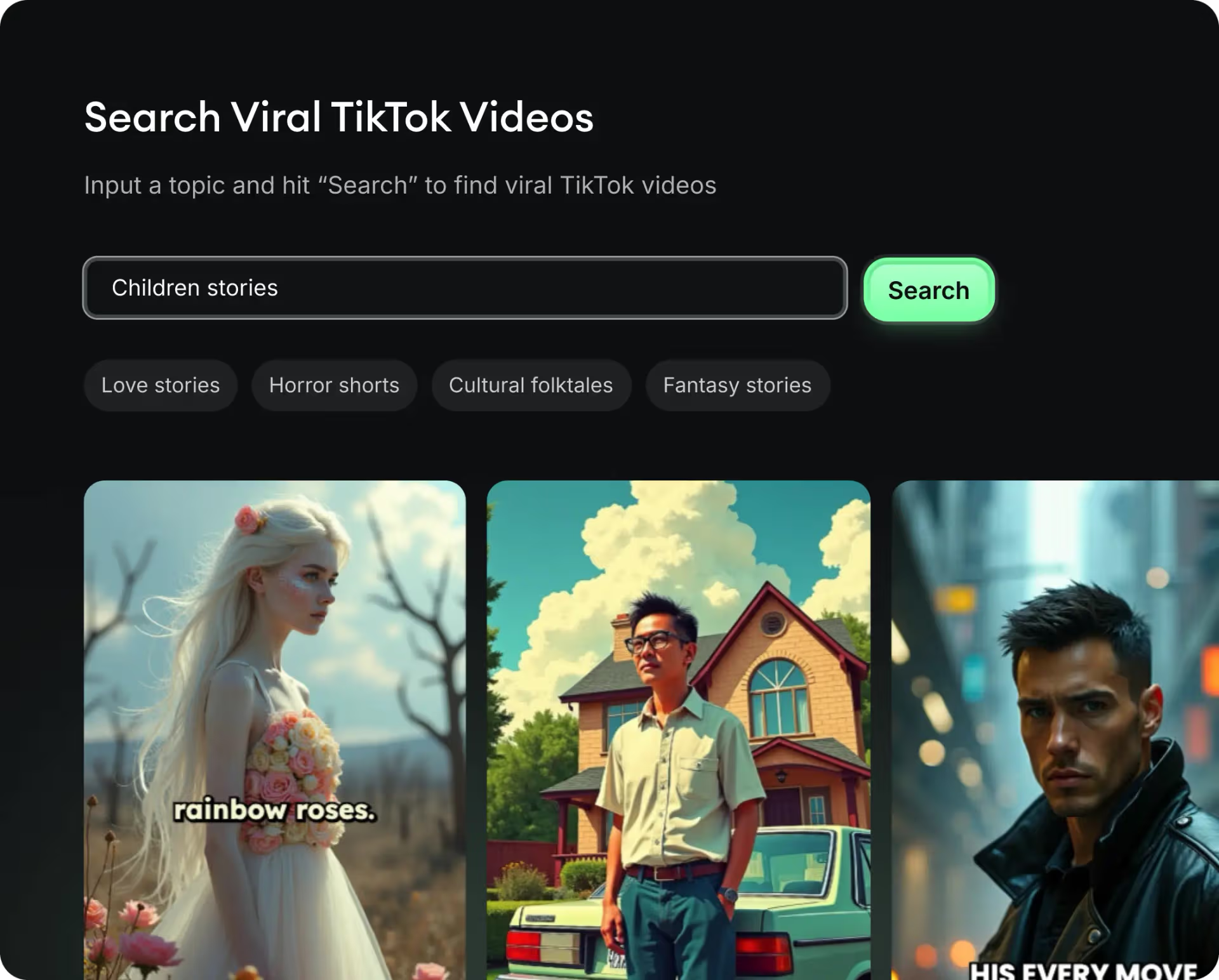
  • Identify the best performing formats
  • Get inspired by top creators
  • Turn your ideas into captivating videos
Find your next viral idea
2
Step 2

Storytelling designed to captivate

Revid.ai analyzes viral videos and uses those same codes to write your scripts.
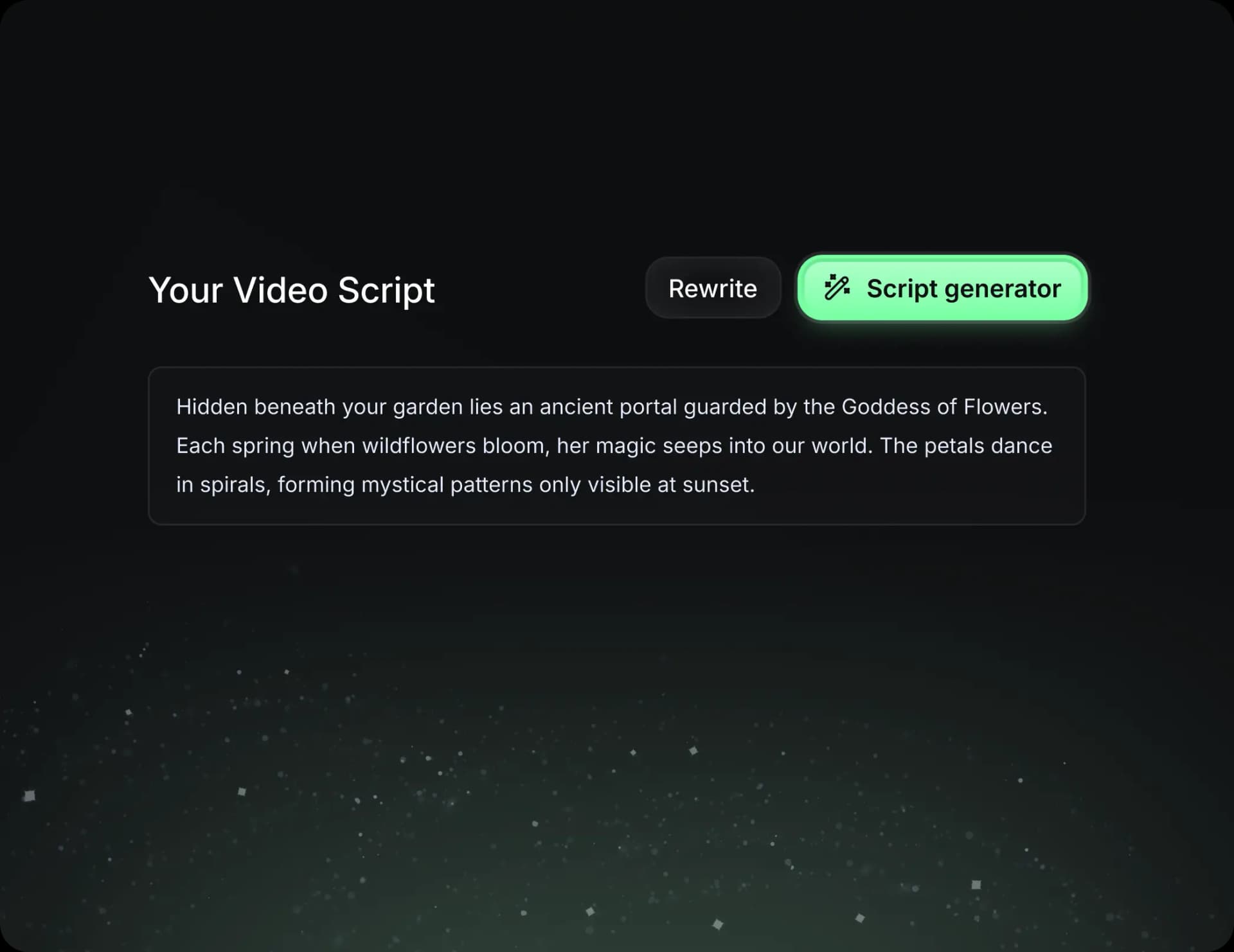
  • Write your script or just give the topic to our AI
  • The AI will suggest relevant content to inspire you
  • Paste a link, our AI analyzes it and turns it into a video
Storytelling designed to captivate
3
Step 3

Videos you will love

Create professional videos, share them with one click, and grow your audience.
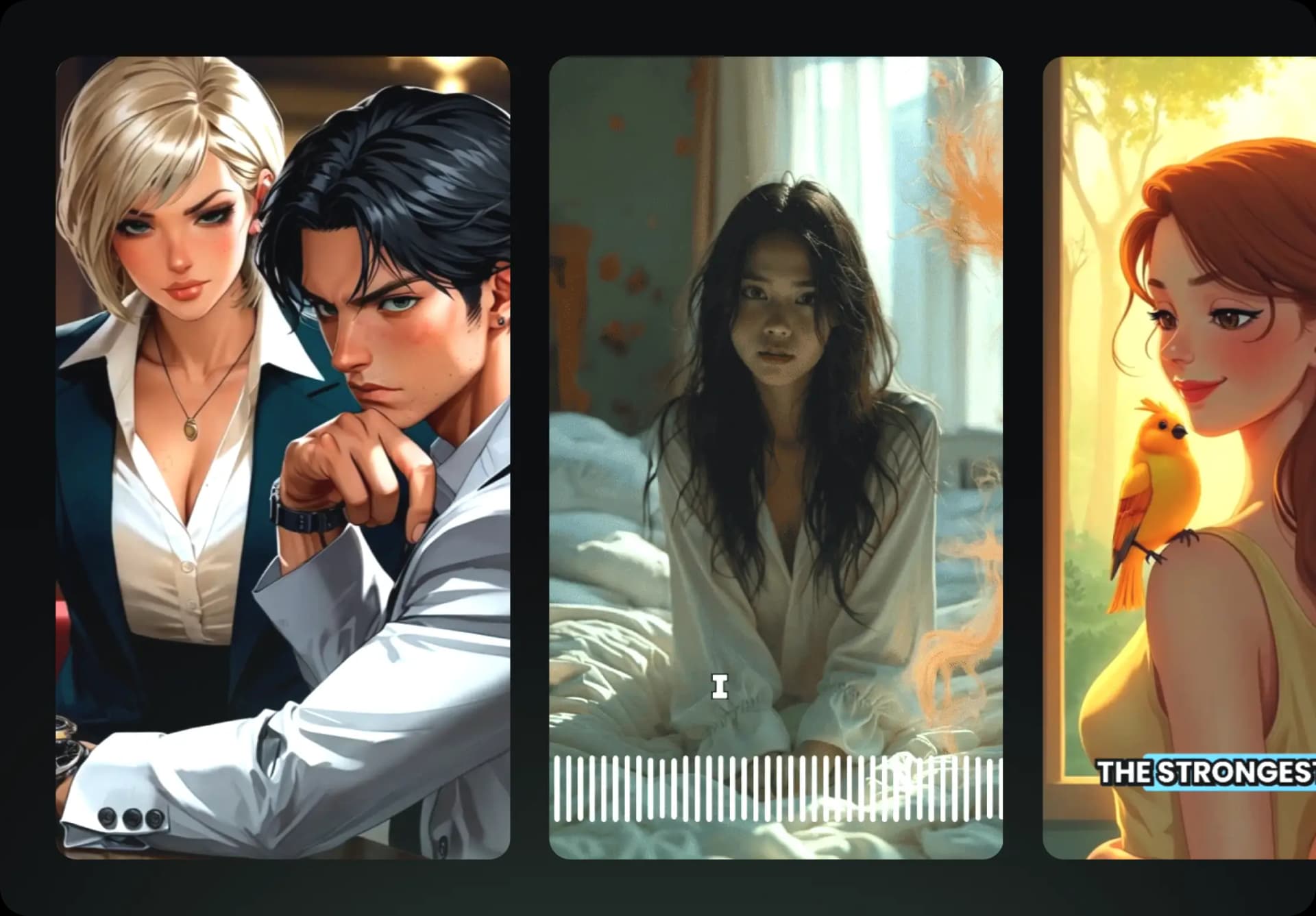
  • Watch your texts turn into professional videos
  • Automate video creation from your content
Videos you will love
4
Step 4

Publish on TikTok, YouTube, Instagram and more

Reach a wider audience by sharing your videos across all your networks.
Publish on TikTok, YouTube, Instagram and more
revid.ai logo

The fastest way to create captivating videos.