3,655 people used this tool in the last 24h
or explore our 42+ other tools to create the exact video you want
Explore our tools
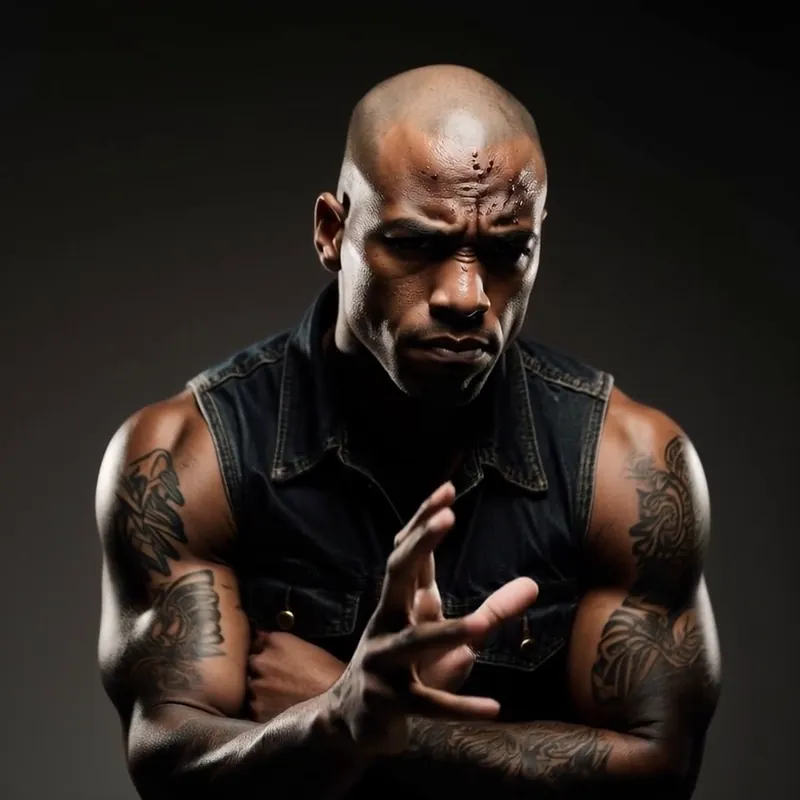
Upload a source video and a reference image to swap faces while keeping the original motion, timing, and expressions. Powered by the best motion control model available, it transfers the performance to the new face in minutes, with optional voice replacement. Cost at least 200 credits per 5s of video.
or explore our 42+ other tools to create the exact video you want
Explore our tools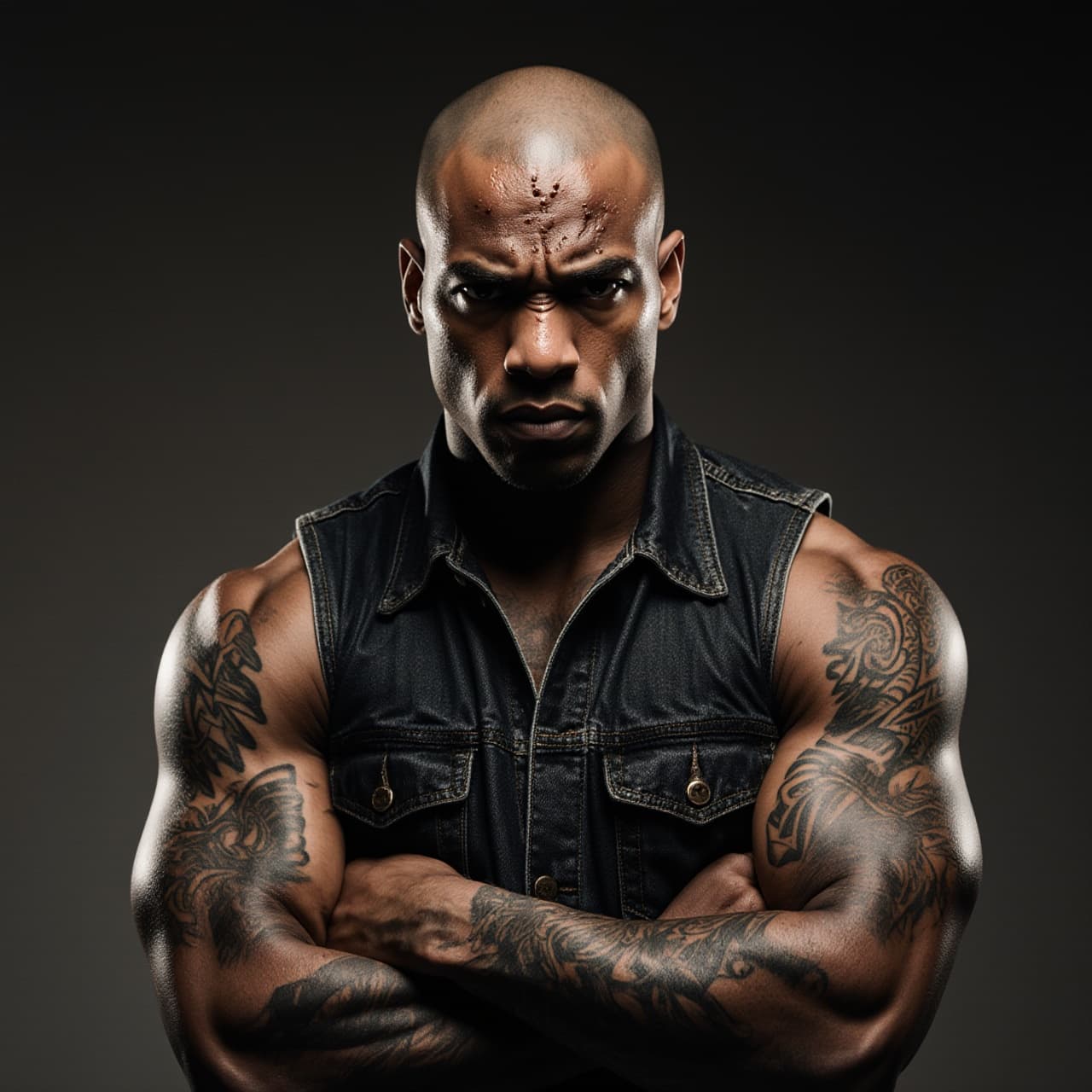
Begin by uploading the video file that contains the movement and body you want to use. This serves as the base for the video face swap. For the best results, ensure the video features a single person with the face clearly visible.
Upload a clear, front-facing reference photo of the person whose face you want to insert into the video. Our AI video face swap technology analyzes the facial features of this image to map them onto the original video seamlessly.
Click the generate button to let our AI replace the face in the video. The process preserves the original voice, facial expressions, and head movements while swapping the identity. Once processed, your new AI face swap video is ready to download and share.
Revid's AI video face swap is built for creators who want more than a simple pasted-on face replacement. Upload a source video and a reference image, and the tool transfers the performance to the new identity while preserving head movement, facial expression, timing, and body language. That makes the result look far more natural than basic face swap video apps that only work on still moments or fall apart when the subject moves.
If you want to swap a face in video from a photo, you do not need multiple training images or a complicated editing workflow. A single clear, front-facing reference image is enough for Revid to establish the new identity and apply it across the source clip. This makes the tool ideal for character transformations, parody videos, roleplay content, and creative experiments where speed matters.
Short-form creators need face swap results that feel native to social platforms, not like rough desktop VFX exports. Revid creates video face swaps that work especially well for TikTok, Instagram Reels, and YouTube Shorts, with motion-preserving output that holds attention in the first seconds. Use it to remix characters, test creative concepts, or produce scroll-stopping transformations without a complex edit.
Under the hood, Revid uses the best motion control model available to map the motion from your source video onto the person in your reference image. This is why the output keeps natural turning, pacing, and performance energy instead of looking static or disconnected. The workflow is simple on the surface, but the result is a more consistent AI face swap video that stays believable through movement.
Turn one performance into multiple characters for TikTok, Reels, and YouTube Shorts without manual tracking or compositing.
Create skits, alternate-cast scenes, and character-driven edits by applying the same motion to a new face from a single photo.
Test spokesperson variations and creative directions faster by reusing one source performance with different reference faces.
Prototype face swap concepts quickly before committing to heavier post-production or more advanced VFX work.
Basic face swap apps often break when the subject moves, turns, or changes expression. Revid is built to preserve the performance so your face swap video looks coherent from start to finish.
Discover more ways to create engaging videos with our AI-powered tools
Find detailed answers to 100+ questions about features, tools, and workflows
or check our markdown version optimized for LLMs
Choose your tool, add your content, and create a video in seconds. Then customize it to your liking.
Turn any song into an animated lyric video with synced text and visuals.
Lacking inspiration? Our AI spots trends and helps you adapt them for your own videos, hassle-free.
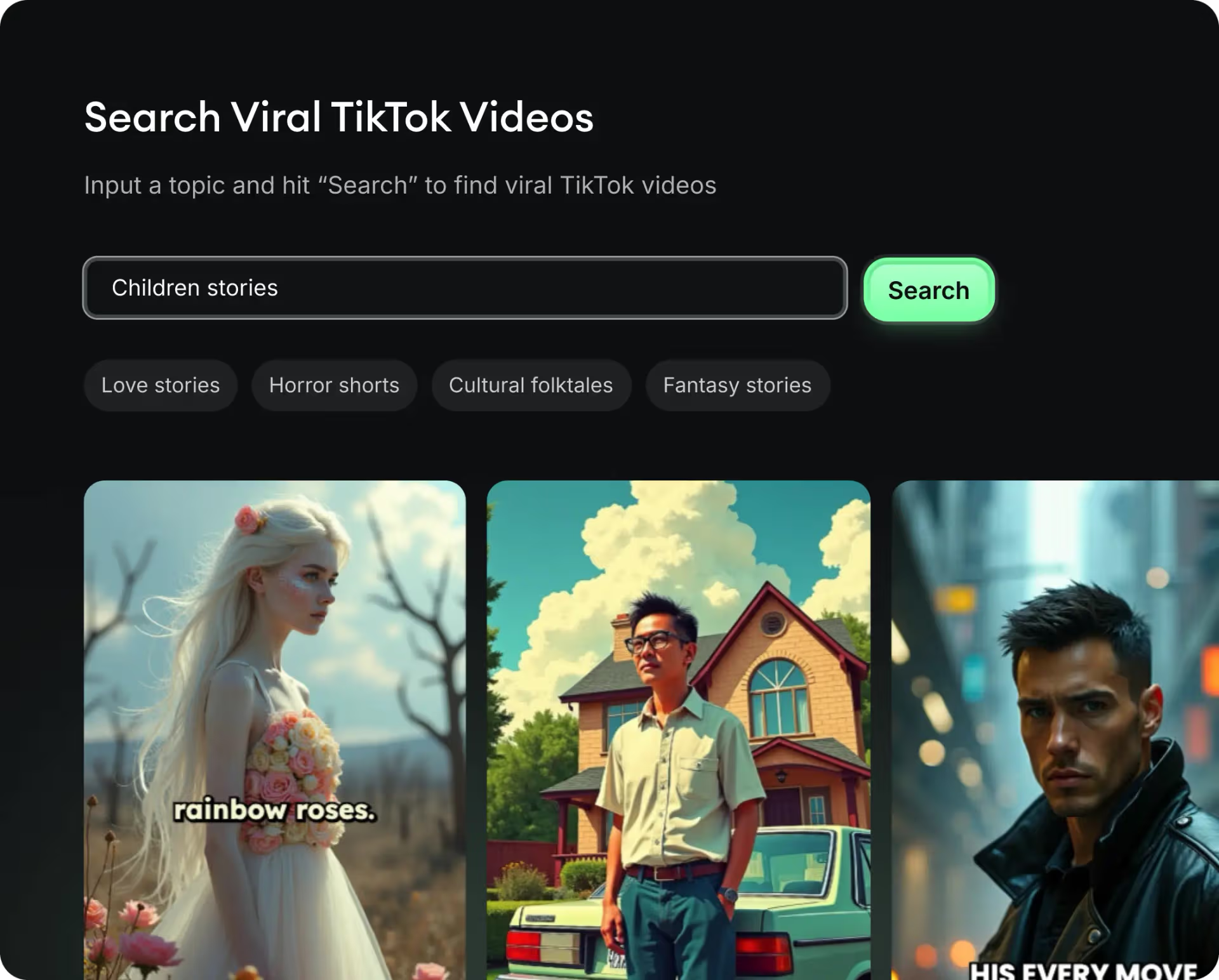
Revid.ai analyzes viral videos and uses those same codes to write your scripts.
Create professional videos, share them with one click, and grow your audience.

Reach a wider audience by sharing your videos across all your networks.