Trusted by 14,000+ creators worldwide

AI Photo to Video Converter

Transform your photos into captivating videos with AI. Upload your images and let our photo to video converter create smooth transitions, add music, and generate professional videos from your photo collection.

  • Start from text in seconds
  • AI voiceover
  • Auto-selects visuals
  • Use your own media
AI Magic

Turn simple ideas into
incredible videos

YOUR IDEA
Your Prompt

Script automatically generated by Revid
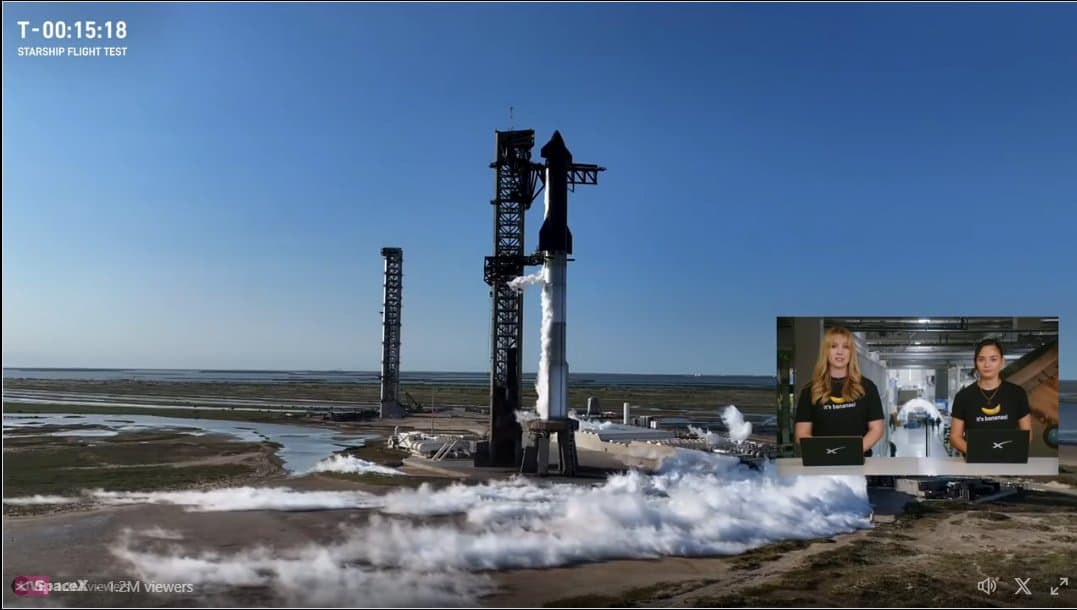
Sum up sharship flight 6, share how it went almost perfectly booster catch by Mechazilla was not attempted because of an antenna failure (coming from take off) but starship heat shield worked very well and landing on the ocean was simulated
Source Media
Source Media 1
FINAL VIDEO

Transform Your Photos into Stunning Videos in 3 Easy Steps

1 Upload Your Photos & Add a Narrative

Start by uploading your image collection using the 'Upload Your Photos' button. You can also provide an optional description for your photos (e.g., 'Family vacation photos from summer 2024'). This text can be used to generate a voiceover, adding a personal touch to your video story.

2 Customize Voice, Visuals, and Effects

Select an AI voice from our library or upload your own. Choose your video's target duration, screen ratio (landscape, portrait, or square), and background music. Explore advanced options: enable 'Apply Style Transfer' to transform your photos with artistic styles like Ghibli, Anime, or Sketch (costs 16 credits per image), or activate 'Turn Images into AI Videos' to animate your static pictures for more dynamic content. Pick a video generation model (Base, Pro, or Ultra) to suit your quality requirements.

3 Generate and Refine Your Video

Click the 'Generate Video' button. Our AI will intelligently combine your photos, chosen effects, voiceover, and music into a captivating video, complete with smooth transitions. Once generated, use Revid AI's built-in editor to make any final adjustments, trim, or add text overlays before downloading and sharing your unique photo video creation.

01

Turn Your Photo Collection into a Video with Smooth Transitions and Music

Upload your photos and Revid generates a complete video with smooth transitions, synchronized music, and cinematic pacing automatically. There is no timeline editing, manual transition work, or music selection involved. The AI arranges your photos into a flowing visual narrative, applies transitions matched to the mood of the imagery, and adds a music track that fits the pace and emotional tone of the collection. From upload to finished video takes minutes, making it easy to turn any photo set into a shareable video the same day you take the shots.

02

What the AI Photo to Video Converter Produces from Your Images

The photo to video converter analyzes the images you upload, arranges them into a sequence that flows naturally based on visual composition and content, and builds a finished video with smooth transitions and synchronized music. You can describe the theme or occasion of the photos to guide the AI's editing approach, or let it determine the best arrangement automatically. The output is a complete video with professional presentation and ready-to-share format, produced without any editing decisions required from you beyond the initial upload.

03

Photo Videos That Share Your Memories Across Every Social Platform

Photo slideshows perform significantly better as video content than as static image galleries on TikTok, Instagram, and YouTube Shorts. The same photos that get limited engagement as a carousel post can reach thousands of viewers when converted into a smooth video with music and transitions. Events, trips, weddings, and personal milestones all benefit from the increased reach and emotional impact of video format. Revid makes it practical to convert any photo set into a social-ready video in the time between taking the photos and wanting to share them.

Target Audience

Who is this tool for?

Individuals sharing personal photos as videos

Convert holiday photos, birthday collections, and family memories into smooth videos with music that share beautifully on social media without any editing work required.

Wedding photographers delivering highlight videos

Produce quick photo-to-video highlights for clients without a full video editing workflow, delivering a polished visual summary alongside the photo gallery from any shoot.

Real estate agents creating property showcase videos

Convert property photo sets into smooth showcase videos for listings, social media, and client presentations without a video editor handling each property separately.

Event photographers turning galleries into shareable videos

Produce shareable event highlight videos from your photography that reach larger audiences on social platforms compared to static gallery links or individual photo posts.

Comparison

Revid vs. Manually Creating Photo Slideshow Videos

Building a photo slideshow video manually requires importing images, arranging a timeline, adding transitions, syncing music, and exporting. Revid generates the complete video automatically from your uploaded photos.

Input
Revid Photo to Video ConverterUpload photos and generate a video immediately
Other ToolsImport photos into editing software and arrange the timeline manually
Sequence
Revid Photo to Video ConverterAI arranges photos into a flowing narrative automatically
Other ToolsEvery photo position and sequence decision made manually
Transitions
Revid Photo to Video ConverterSmooth transitions applied and timed automatically
Other ToolsManual transition selection and timing required for each photo
Music
Revid Photo to Video ConverterMusic selected and synced to visual pacing automatically
Other ToolsMusic must be sourced, licensed, and manually synced
Production time
Revid Photo to Video ConverterFinished photo video in minutes after uploading
Other ToolsHours of editing work per finished slideshow video
Skills required
Revid Photo to Video ConverterNo video editing skills or software needed
Other ToolsRequires familiarity with video editing tools and timeline workflows
FAQs

Frequently Asked Questions

What is the AI Photo to Video Converter?
Revid AI's Photo to Video Converter is a powerful tool that uses artificial intelligence to transform your static photo collections into engaging videos. Simply upload your images, optionally add a description or script, choose customization options like music, transitions, and AI-driven effects, and our tool will create a professional-looking video for you in minutes. It's perfect for making slideshows, social media content, or preserving memories.
How do I create a video from my photos using this tool?
It's simple! First, upload your desired photos. Second, optionally provide a text description or script for a voiceover. Third, customize your video by selecting an AI voice (or uploading your own), choosing a target duration, aspect ratio (9:16, 16:9, or 1:1), and background music. You can also enable advanced features like 'Apply Style Transfer' or 'Turn Images into AI Videos'. Finally, click 'Generate Video' and let our AI craft your video.
What kind of photos can I use with the Photo to Video Converter?
You can use a wide variety of image formats (JPG, PNG, etc.). Whether they are family vacation photos, product images, event pictures, or any collection of images you want to bring to life, our AI photo video maker can handle them. For best results, use clear, good-quality images.
Can I add a voiceover to my photo video?
Absolutely! You can type a description for your photos or a full script which our AI can turn into a voiceover using one of our realistic AI voices. You also have the option to upload your own pre-recorded audio file as the voiceover, giving your video a personal touch.
What are the 'Apply Style Transfer' and 'Turn Images into AI Videos' options?
'Apply Style Transfer' transforms your uploaded photos by applying artistic styles like Ghibli, Anime, Sketch, Pixar, and more (this feature costs 16 credits per image). 'Turn Images into AI Videos' animates your static images, turning each photo into a short video clip, making your final video more dynamic and engaging. You can choose which, if any, of these enhancements you'd like to use.
How does the 'Target duration' setting affect my video?
The 'Target duration' setting allows you to specify an estimated length for your final video (from 10 to 600 seconds). Our AI will then try to pace the display of photos, transitions, and any voiceover to fit within this approximate duration, helping you create content suitable for different platforms and attention spans.
What video aspect ratios are available for my photo video?
Our Photo to Video Converter offers three common aspect ratios: portrait (9:16) ideal for TikTok and Instagram Reels, landscape (16:9) perfect for YouTube and websites, and square (1:1) great for Instagram posts and other social media feeds. Our AI will adapt your photos to fit the chosen ratio.
How can I add music to my video created from photos?
You can easily add music to your photo video. We offer a library of background tracks to choose from. Alternatively, you can upload your own audio file to use as the soundtrack for your video slideshow. Ensure you have the rights to any custom music you upload.
What are the different 'Video generation model' options (Base, Pro, Ultra)?
The 'Video generation model' options (Base, Pro, Ultra) refer to different levels of AI processing and quality when the 'Turn Images into AI Videos' feature is enabled. 'Base' provides good quality animation, while 'Pro' and 'Ultra' offer increasingly sophisticated and higher-fidelity video generation from your images, which may affect credit usage. Choose the model that best fits your quality needs and budget.
How much does it cost to use the Photo to Video Converter?
The credit cost for creating a video depends on several factors, including the number of photos, and whether you enable premium features. Basic video creation has a starting credit cost. Enabling 'Apply Style Transfer' costs an additional 16 credits per image. The 'Turn Images into AI Videos' feature and selecting 'Pro' or 'Ultra' video generation models may also increase credit usage. You will see an estimated credit cost before you generate your video. Credits are available through our subscription plans or as part of a free trial.
How long does it take to convert my photos to a video?
Video generation time typically ranges from a few minutes to slightly longer, depending on the number of photos, selected features (like style transfer or AI video generation from images), and the chosen target duration. Our AI works efficiently to turn your pictures into video, and you'll be notified once it's ready.
Can I edit the video after it's been generated from my photos?
Yes! Once our AI Photo to Video Converter has created your video, you'll have access to Revid AI's intuitive built-in video editor. You can refine transitions, adjust timings, add text overlays, tweak audio, and make other enhancements to perfect your video before downloading or sharing.
Where can I share the videos I make from my photo collection?
The videos you create are perfect for sharing on all major social media platforms like TikTok, Instagram (Reels, Stories, posts), YouTube (Shorts, full videos), Facebook, and more. You can also embed them on websites or share them directly with friends and family. The choice of aspect ratio helps optimize your video for your preferred platform.
I have more questions about turning my pictures into video. How can I get help?
We're happy to assist! If you have any further questions about using the AI Photo to Video Converter or any other Revid AI tool, please contact our support team via email at hello@revid.ai. We're dedicated to helping you make amazing videos from your images.
View Complete Help Center

Find detailed answers to 100+ questions about features, tools, and workflows

or check our markdown version optimized for LLMs

Tools

Free AI Video Tools

Choose your tool, add your content, and create a video in seconds. Then customize it to your liking.

AI TikTok Video Generator

Turn text into trendy, viral TikTok videos in a snap

Try it out

Prompt to Video

Turn your prompts into engaging videos with AI assistance

Try it out

Add Caption to Video

Generate subtitles in 100+ languages with AI captions

Try it out

PDF to Brainrot

Convert PDFs into attention-grabbing, scrollable videos

Try it out

Text to Brainrot

Turn your text into trendy, scrollable content with dynamic visuals

Try it out

AI Talking Avatar

Create lifelike talking avatars from text in seconds

Try it out

Video Podcast Generator

Transform your podcasts into visually engaging video content

Try it out

AI Movie Maker

Create studio-quality videos from text, no filming required

Try it out

Audio to Video

Make engaging videos from your podcasts, interviews, or any audio content

Try it out

Animated Lyrics Video Generator

Turn any song into an animated lyric video with synced text and visuals.

Try it out

AI Music Video Generator

Transform your music into cinematic music videos.

Try it out

AI Lyrics Video Generator

Transform your lyrics into a complete music video with AI

Try it out
See all tools
How it works

Four simple steps to create and share your video

1
Step 1

Find your next viral idea

Lacking inspiration? Our AI spots trends and helps you adapt them for your own videos, hassle-free.
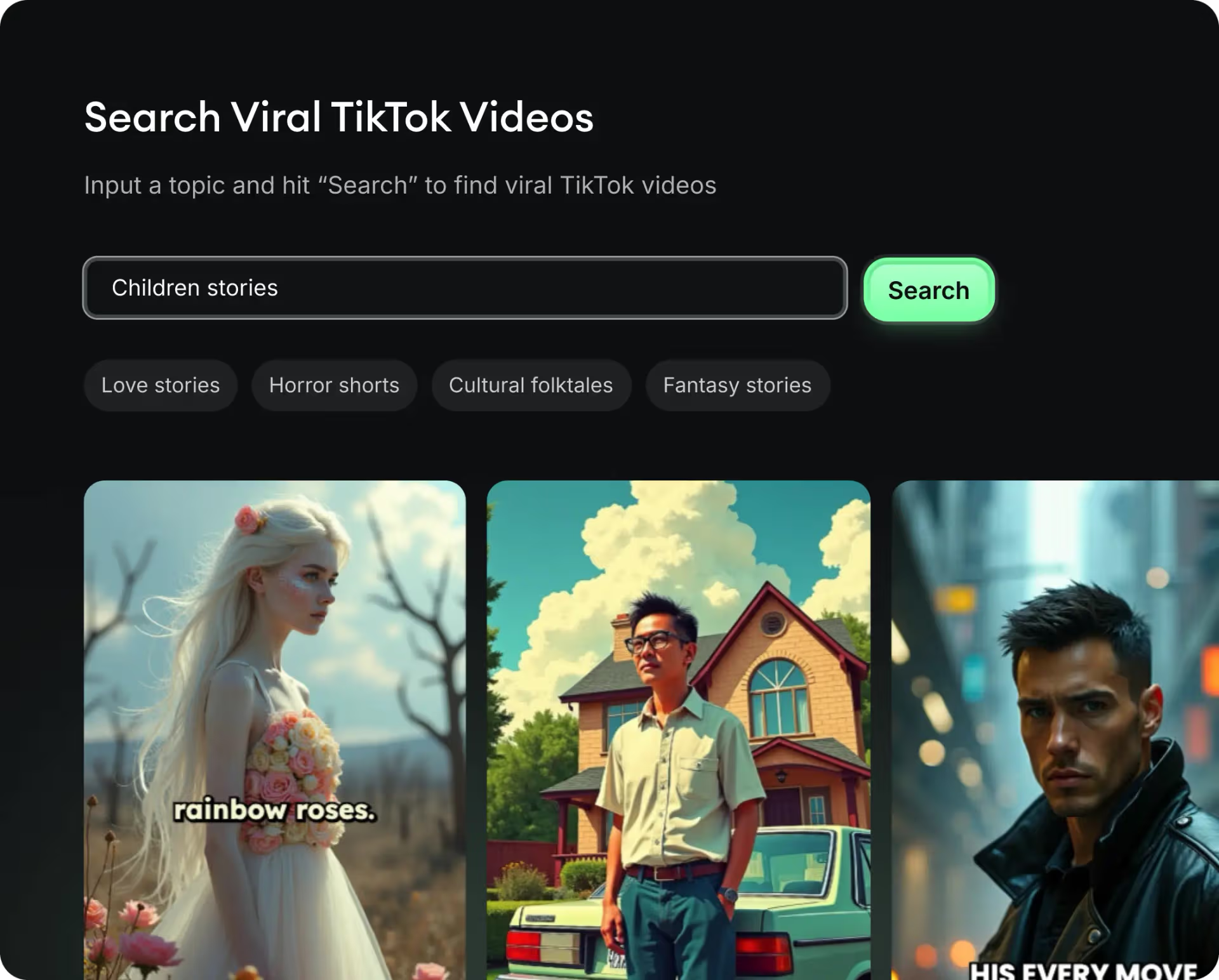
  • Identify the best performing formats
  • Get inspired by top creators
  • Turn your ideas into captivating videos
Find your next viral idea
2
Step 2

Storytelling designed to captivate

Revid.ai analyzes viral videos and uses those same codes to write your scripts.
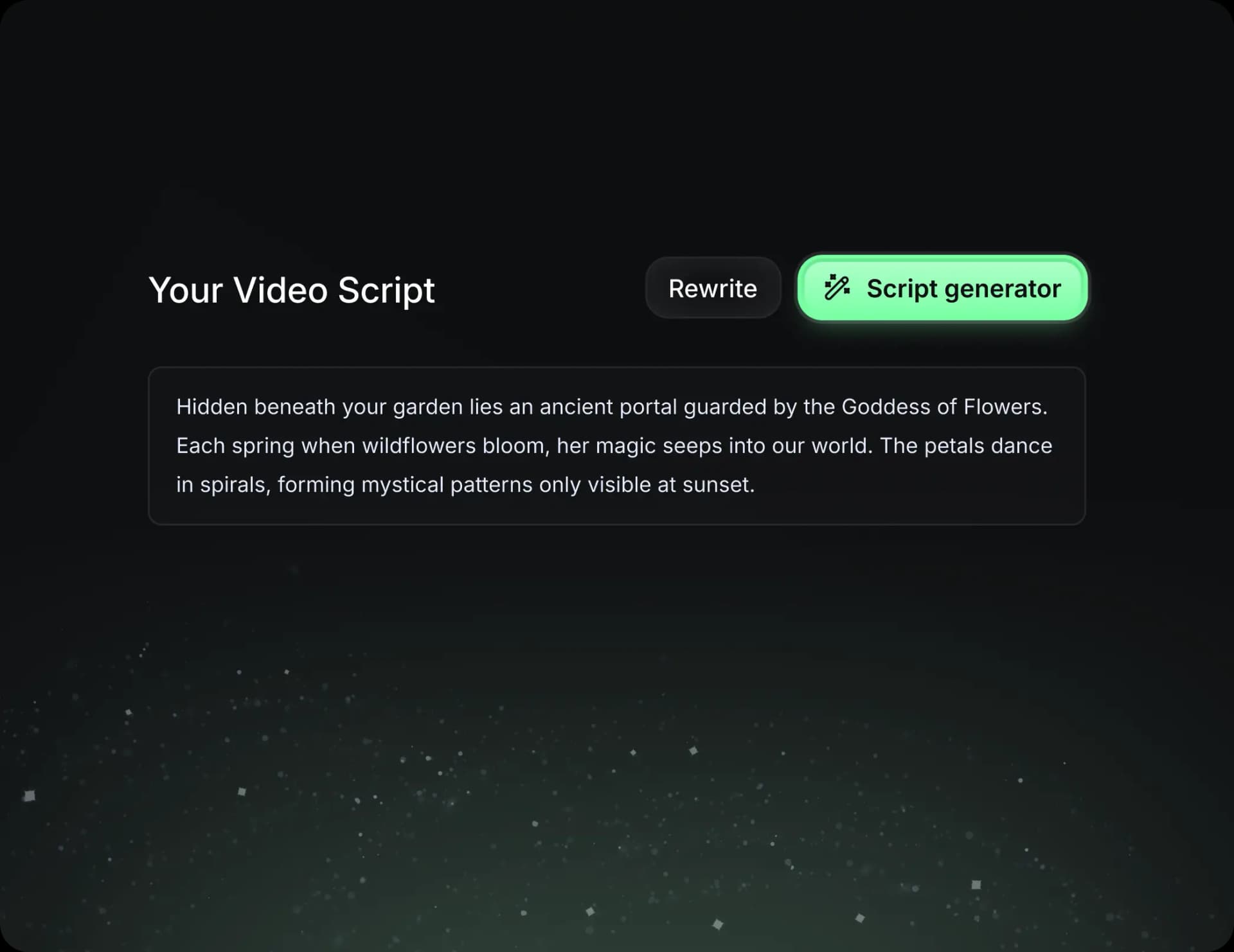
  • Write your script or just give the topic to our AI
  • The AI will suggest relevant content to inspire you
  • Paste a link, our AI analyzes it and turns it into a video
Storytelling designed to captivate
3
Step 3

Videos you will love

Create professional videos, share them with one click, and grow your audience.
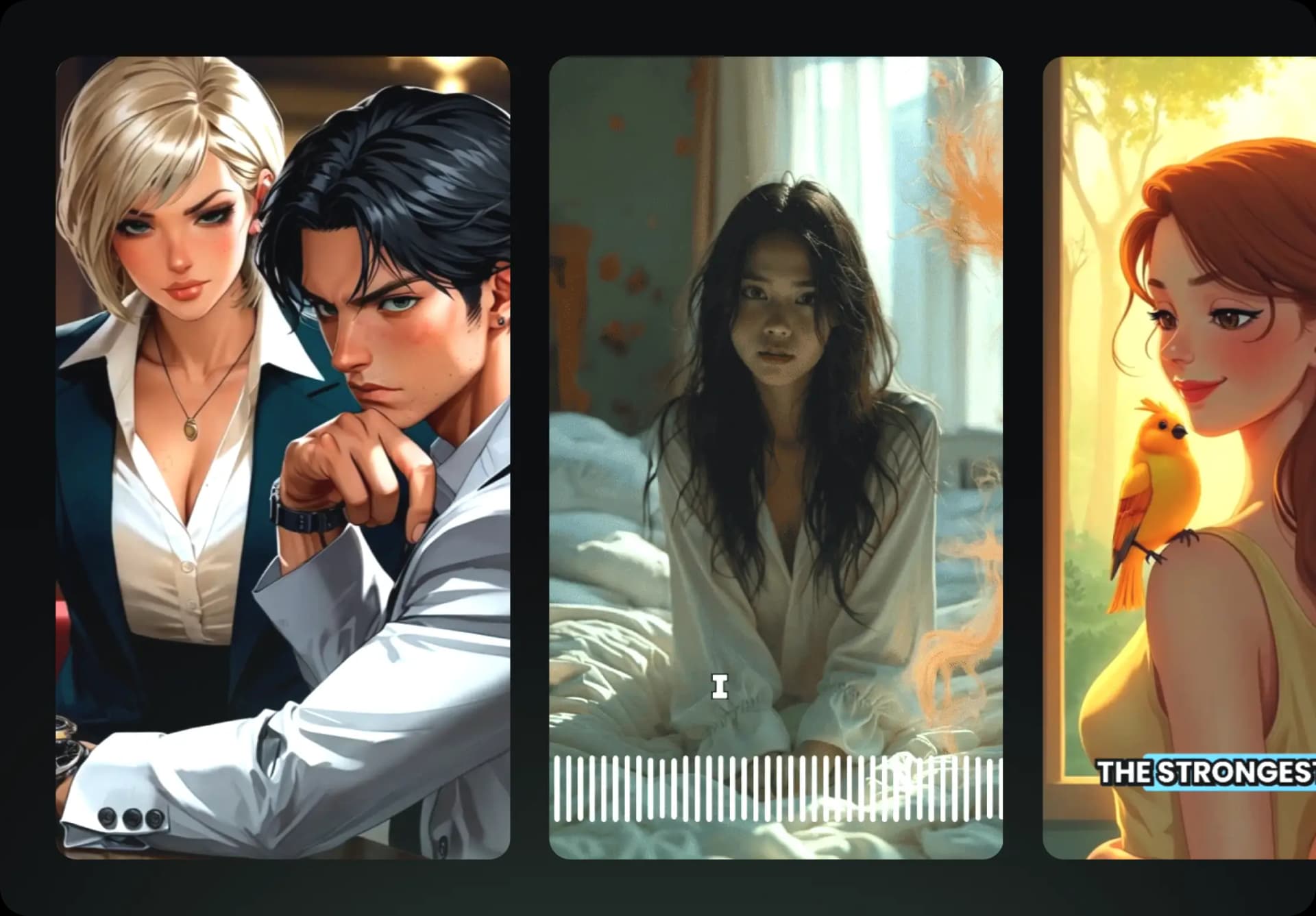
  • Watch your texts turn into professional videos
  • Automate video creation from your content
Videos you will love
4
Step 4

Publish on TikTok, YouTube, Instagram and more

Reach a wider audience by sharing your videos across all your networks.
Publish on TikTok, YouTube, Instagram and more
revid.ai logo

The fastest way to create captivating videos.