2,053 people used this tool in the last 24h
or explore our 42+ other tools to create the exact video you want
Explore our tools
Upload a source video with a dance or movement and a reference image of a person to transfer the motion onto them. The AI maps every gesture, step, and body movement to the new person while keeping it natural. Cost at least 200 credits per 5s of video.
or explore our 42+ other tools to create the exact video you want
Explore our tools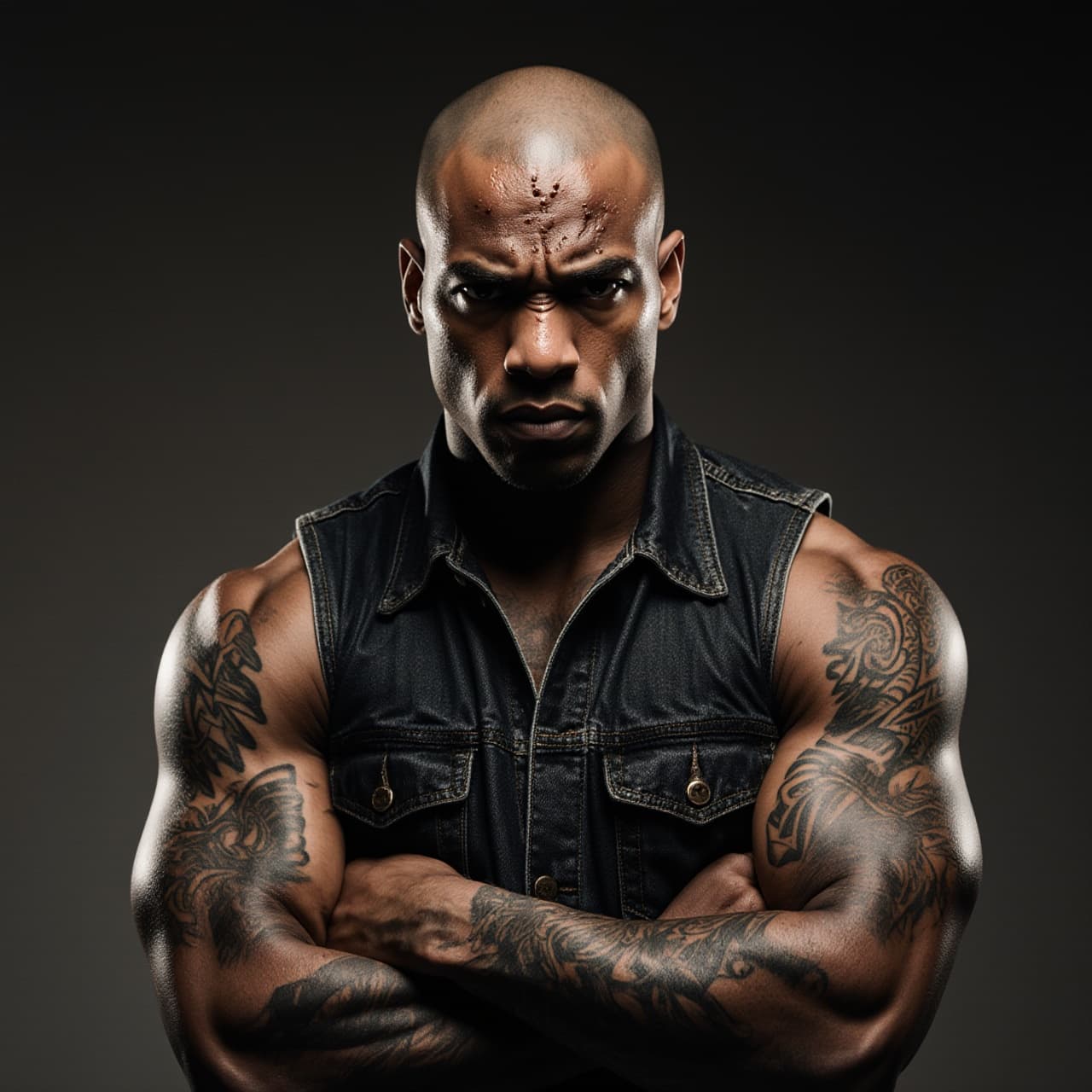
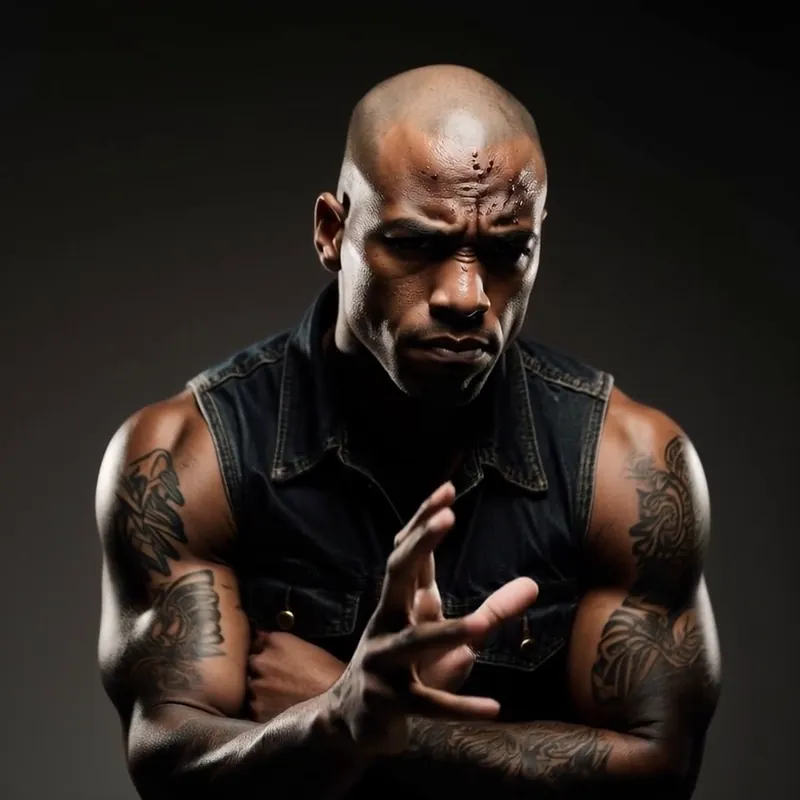
Start your AI motion transfer by uploading a clear, front-facing photo of the person, character, or mascot you want to animate. Unlike traditional animation, a single 2D image is all our AI needs to reconstruct the appearance and prepare it for movement.
Paste a video URL (from YouTube, TikTok, or a direct link) or select a preset video featuring the dance, gesture, or body movement you want to transfer. For the best AI motion transfer results, choose a source video with clear full-body or upper-body movement and minimal occlusion.
Select your preferred Quality Model (Pro or the highly advanced Ultra model) and decide if you want to replace the voice track. Click generate, and our AI motion transfer technology will flawlessly map every step and gesture onto your character in minutes, perfectly optimized for TikTok, Reels, and Shorts.
Revid's AI motion transfer takes a source video with a dance, gesture, or any body movement and maps it onto the person in your reference photo. The result preserves the original timing, steps, and energy so the generated video looks like your character actually performed the routine. No rigging, no motion-capture suit, no manual keyframing.
You do not need a 3D model, a video of the target person, or multiple angles. A single clear photo is enough for the AI to reconstruct pose and appearance and apply the source motion to your character. This makes the tool ideal for turning product mascots, AI-generated characters, or real people into dynamic performers in seconds.
Trending dances and viral movements drive short-form platforms. With Revid's motion transfer you can place any character into the latest TikTok trend, apply a viral dance to a brand mascot, or create scroll-stopping content by pairing unexpected characters with popular choreography — all without filming a single frame.
Under the hood, Revid uses the best motion control model available to extract pose sequences from the source video and faithfully reproduce them on the target person. This is why the output keeps natural weight shifts, arm trajectories, and rhythm instead of looking robotic or disconnected. The workflow is simple, but the result is broadcast-quality motion that holds up on any screen.
Discover our official tutorial of how to use Motion Transfer AI video tool
Apply trending dances and viral moves to any character for TikTok, Reels, and YouTube Shorts without filming yourself.
Bring logos, mascots, or product characters to life by transferring real human motion onto them from a single image.
Animate AI-generated or illustrated characters with realistic body movement using only a reference photo and a motion clip.
Prototype choreography and movement concepts quickly before committing to live shoots or heavier post-production.
Traditional motion transfer requires 3D rigging, mocap suits, or frame-by-frame editing. Revid does it from a single photo and a motion clip in minutes.
Discover more ways to create engaging videos with our AI-powered tools
Find detailed answers to 100+ questions about features, tools, and workflows
or check our markdown version optimized for LLMs
Choose your tool, add your content, and create a video in seconds. Then customize it to your liking.
Turn any song into an animated lyric video with synced text and visuals.
Lacking inspiration? Our AI spots trends and helps you adapt them for your own videos, hassle-free.

Revid.ai analyzes viral videos and uses those same codes to write your scripts.
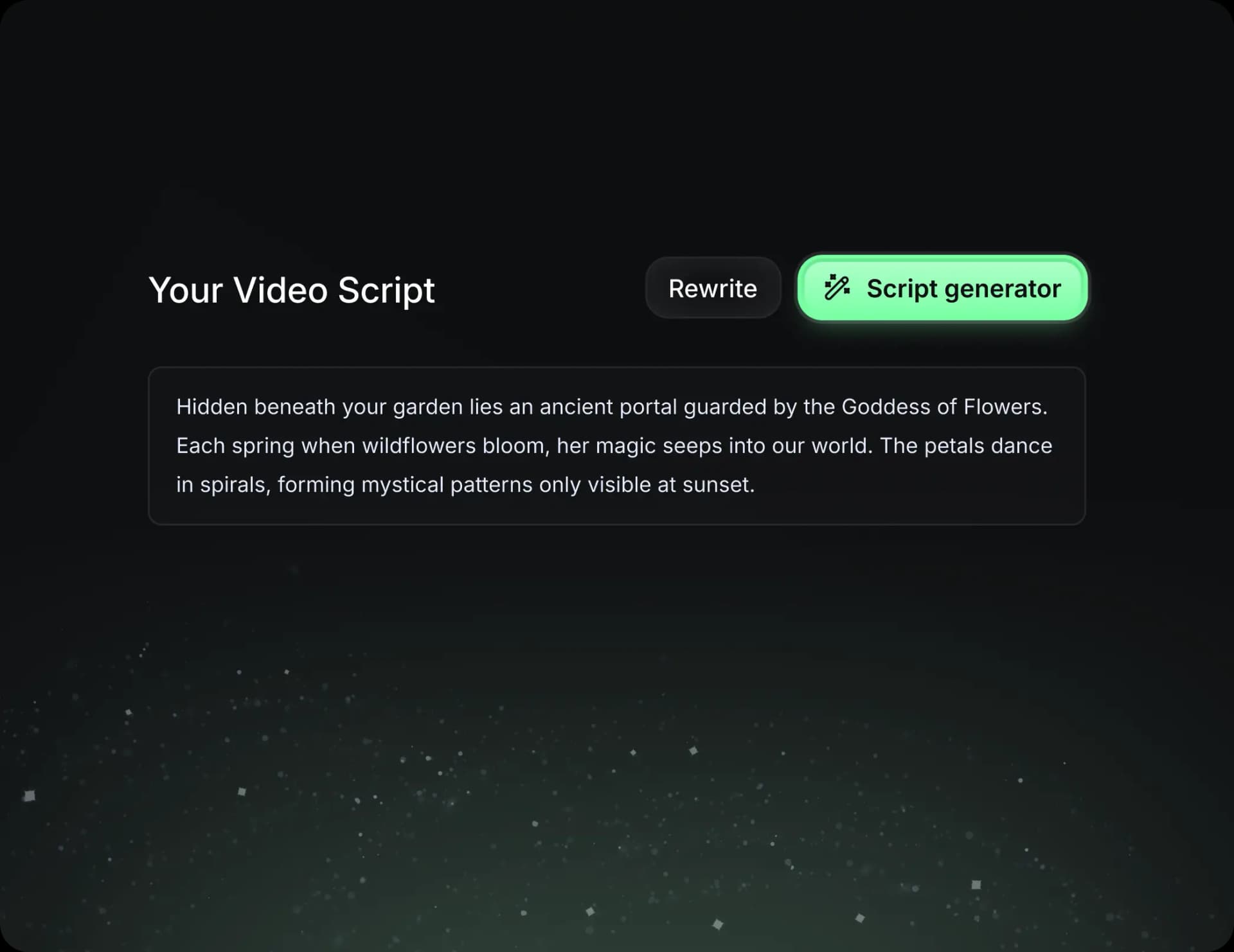
Create professional videos, share them with one click, and grow your audience.
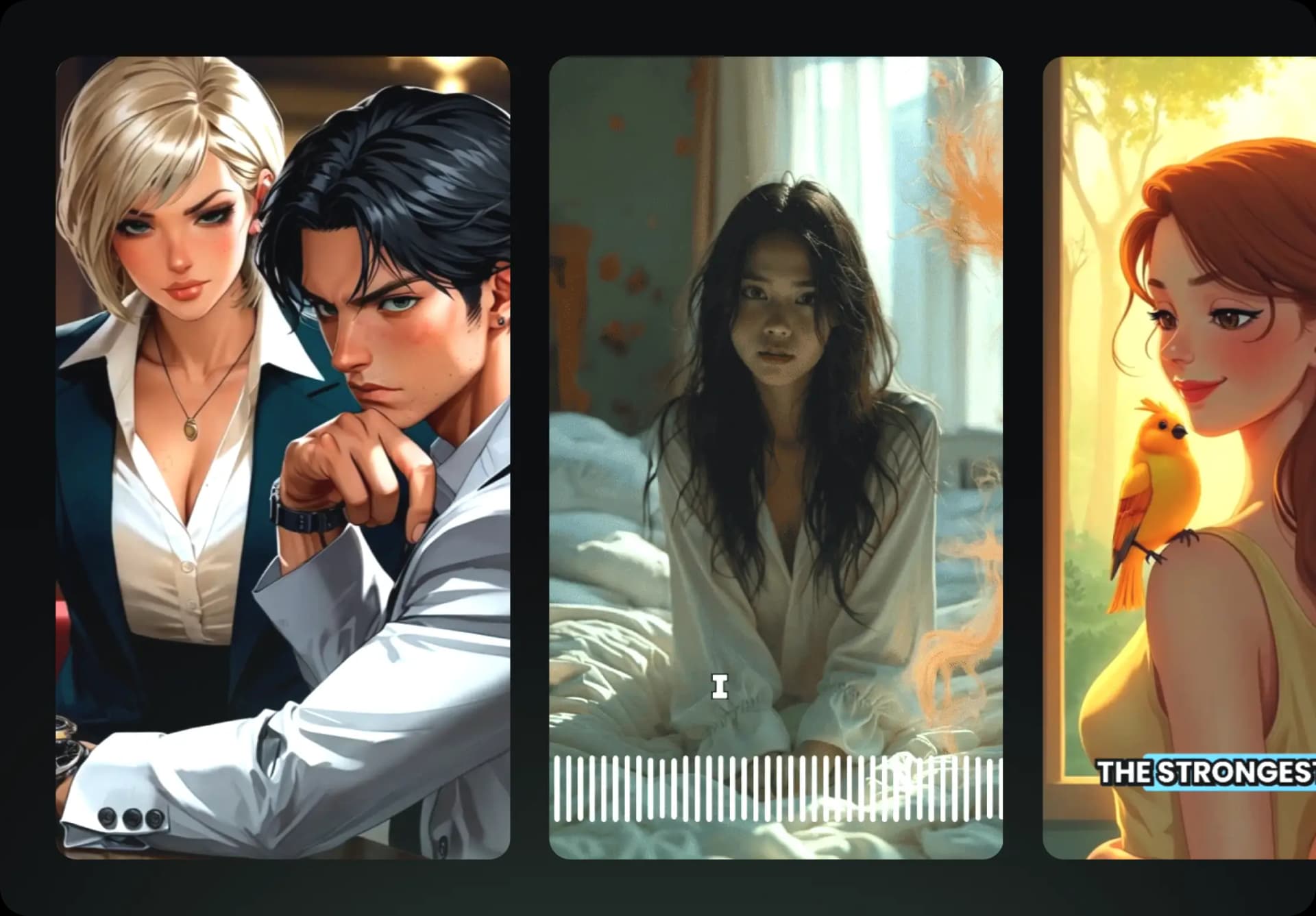
Reach a wider audience by sharing your videos across all your networks.