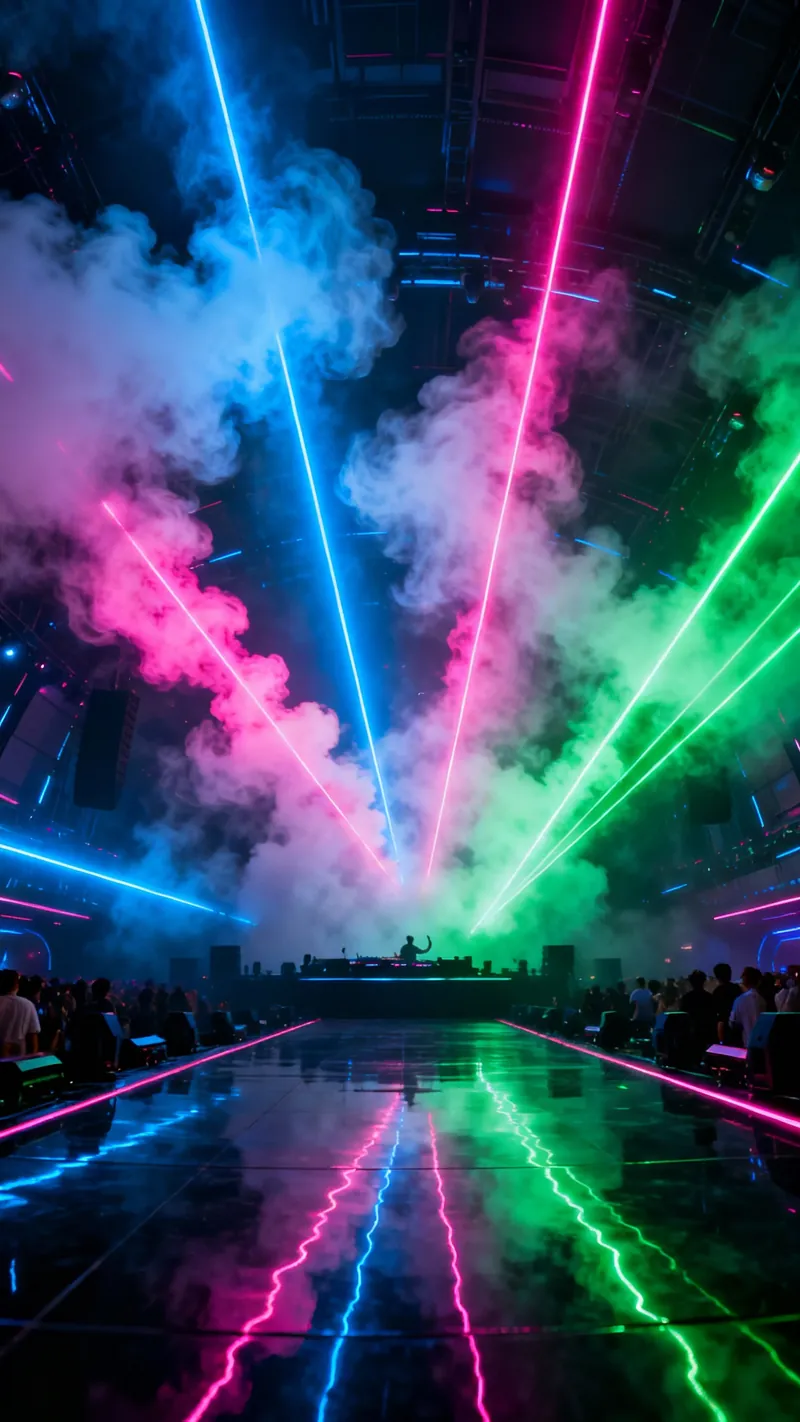
Trusted by 14,000+ creators worldwide

AI EDM Video Generator

Produce festival-ready EDM videos in seconds. Our AI generates electronic music and synchronizes high-energy visuals to the beat.

  • Start from text in seconds
  • Auto-selects visuals
AI Magic

Turn simple ideas into
incredible videos

YOUR IDEA
Your Prompt

Script automatically generated by Revid

[intro] Feel the bass drop, lights ignite Lost in sound waves through the night [verse] Speakers pumping, hearts collide Electric rhythm, our guide Hands up reaching for the sky In this moment, we come alive [chorus] EDM is great, it sets us free Dancing till the morning light we see EDM is great, feel the energy This is where we're meant to be [verse] Synthesizers paint the air Moving bodies everywhere Unity in every beat Strangers dancing in the heat [chorus] EDM is great, it sets us free Dancing till the morning light we see EDM is great, feel the energy This is where we're meant to be [bridge] Build it up now, feel it rise See the fire in our eyes Let it drop and lose control Music flowing through our soul [chorus] EDM is great, it sets us free Dancing till the morning light we see EDM is great, feel the energy This is where we're meant to be [outro]
Visual FormatAI Video
Visual StyleDefault
FINAL VIDEO

Create High-Energy EDM Videos in 3 Simple Steps

1 Define Your Lyrics and Structure

Start by entering your lyrics or song structure. To get that festival feel, use tags like [intro], [verse], [build-up], and [drop] to tell the AI exactly how to structure the electronic track. You can also simply paste a concept if you don't have full lyrics.

2 Choose Your EDM Style and Visuals

Describe the specific genre you want—whether it's House, Techno, Dubstep, or Trance—in the style prompt. Then, select your visual source: choose from AI-generated video, trippy moving AI images, high-quality stock footage, or upload your own clips.

3 Sync and Generate

Decide if you want the visuals to sync with the lyrics or the beats. Enable the 'Sound Wave' feature for an extra layer of audio-reactivity. Click 'Generate' and our AI will compose a unique EDM track and synchronize stunning visuals to the beat in minutes.

01

Generate Complete EDM Videos from a Text Prompt

The AI EDM Video Generator is a specialized tool designed to create professional-quality electronic dance music videos from text. Revid AI Just describe the sound you're going for — the tempo, the energy, the sub-genre — and the AI takes it from there. It composes an original track complete with melody, basslines, and drops, then automatically generates high-energy visuals that react and sync to the music. Whether you're a DJ looking to promote a new set, a producer building a content library, or a creator who simply wants to ride the EDM wave on social media, the whole process wraps up in a matter of minutes with no music production or video editing skills required.

02

Audio-Reactive Visuals That Match the Energy of Your Track

EDM is a genre defined by its visual culture — the laser shows, the morphing animations, the visuals that pulse with every kick and synth swell. Revid.ai offers a variety of visual styles suited to electronic music, including AI Video for unique morphing scenes, Moving AI Images for looped trippy aesthetics, and Stock Videos for a more traditional music video look. Revid AI You can also enable a dynamic sound wave overlay that moves in real time with the frequencies of the generated track, adding that authentic music channel aesthetic that works so well for electronic content. For purely instrumental drops, you can sync the animation to the beat rather than lyrics, so the visual rhythm matches the kick drum and bass exactly.

03

Built for DJs, Producers, and Festival Content Creators

The tool defaults to a 9:16 aspect ratio, the native format for TikTok, Instagram Reels, and YouTube Shorts. Revid AI That means every video you generate is ready to post without any reformatting or cropping — ideal for building a consistent presence on short-form platforms where EDM content thrives. Whether you're teasing an upcoming release, promoting a set, or just staying active between drops, the AI EDM Video Generator lets you maintain a high output of quality content without the usual overhead. Bring your own media if you have it, or let the AI generate everything from scratch — either way, the result is a polished, platform-ready video every time.

04

Refine, Export, and Keep Commercial Rights to Everything

Once your EDM video is generated, you're not locked into the first result. The AI EDM Video Generator gives you access to a comprehensive video editor where you can modify captions, adjust volume levels, swap visual scenes, and fine-tune the output before publishing. Revid AI And when it comes to ownership, the unique music tracks generated are generally cleared for commercial use on social media platforms, allowing you to monetize your content on YouTube, TikTok, and Instagram without worrying about copyright strikes Revid AI — though it's always worth checking the specific terms of your subscription plan to confirm your rights.

FAQs

Frequently Asked Questions

What is the AI EDM Video Generator?
The AI EDM Video Generator is a specialized tool designed to create professional-quality electronic dance music videos from text. It uses advanced artificial intelligence to compose original EDM tracks (including melody, basslines, and drops) and automatically generates high-energy, audio-reactive visuals that sync perfectly with the music. It's the fastest way to produce content for DJs, producers, and social media channels.
Does this tool generate the music for me?
Yes! You don't need to be a music producer to use this tool. Simply describe the style of music you want (e.g., 'aggressive dubstep', 'chill house', 'upbeat techno'), and our AI will compose and produce a unique track from scratch. It handles everything from the drum patterns to the synthesizer melodies.
How do I structure the song for the best EDM results?
To get the best results, use bracketed tags in your input to guide the AI's composition. Common EDM structures include [intro], [verse], [pre-chorus], [build-up], [drop], and [outro]. For example, typing "[build-up] (drums getting faster) [drop]" helps the AI understand exactly where the energy needs to peak in your video.
Can I prioritize the beat over the lyrics?
Absolutely. In the settings, you can choose to "Sync with beats" instead of lyrics. This is perfect for instrumental EDM tracks where the visual energy needs to match the kick drum and bass rather than vocal lines. If you choose this option, the AI focuses on creating a rhythmic visualizer experience.
What kind of visuals can I generate?
We offer a variety of visual styles suitable for electronic music. You can generate 'AI Video' for unique, morphing scenes, 'Moving AI Images' for looped, trippy aesthetics, or use 'Stock Videos' for a more traditional music video look. You can also upload your own media, and the AI will edit and sync it to the generated track.
Can I add a visualizer or sound wave?
Yes, you can enable the "Add sound wave" toggle in the options. This overlays a dynamic audio spectrum visualizer onto your video that moves in real-time with the frequencies of the generated track, adding that authentic music channel aesthetic.
Is the content suitable for TikTok and Instagram Reels?
Definitely. The tool defaults to a 9:16 aspect ratio, which is the native format for TikTok, Instagram Reels, and YouTube Shorts. The visuals are optimized to grab attention on mobile screens, making it ideal for promoting tracks or creating engaging social content.
How much does it cost to generate an EDM video?
Generating a video uses credits from your Revid AI account. The cost depends on the complexity and length of the generation. Generally, creating a full music video with AI-generated audio and visuals requires a base amount of credits. You can check your specific credit balance and costs on our pricing page.
Can I use the generated music commercially?
Yes, the unique music tracks generated by our AI are generally cleared for commercial use on social media platforms, allowing you to monetize your content on YouTube, TikTok, and Instagram without worrying about copyright strikes. However, always check the specific terms of your subscription plan to ensure full commercial rights.
How long does it take to render the video?
Because the tool is generating both original audio and complex visuals simultaneously, it typically takes a few minutes to process. The exact time varies based on the length of the track and the visual style selected (AI Video takes slightly longer than Stock Video). You will be notified as soon as your festival-ready video is ready to download.
View Complete Help Center

Find detailed answers to 100+ questions about features, tools, and workflows

or check our markdown version optimized for LLMs

Tools

Free AI Video Tools

Choose your tool, add your content, and create a video in seconds. Then customize it to your liking.

AI TikTok Video Generator

Turn text into trendy, viral TikTok videos in a snap

Try it out

Prompt to Video

Turn your prompts into engaging videos with AI assistance

Try it out

Add Caption to Video

Generate subtitles in 100+ languages with AI captions

Try it out

PDF to Brainrot

Convert PDFs into attention-grabbing, scrollable videos

Try it out

Text to Brainrot

Turn your text into trendy, scrollable content with dynamic visuals

Try it out

AI Talking Avatar

Create lifelike talking avatars from text in seconds

Try it out

Video Podcast Generator

Transform your podcasts into visually engaging video content

Try it out

AI Movie Maker

Create studio-quality videos from text, no filming required

Try it out

Audio to Video

Make engaging videos from your podcasts, interviews, or any audio content

Try it out

Animated Lyrics Video Generator

Turn any song into an animated lyric video with synced text and visuals.

Try it out

AI Music Video Generator

Transform your music into cinematic music videos.

Try it out

AI Lyrics Video Generator

Transform your lyrics into a complete music video with AI

Try it out
See all tools
How it works

Four simple steps to create and share your video

1
Step 1

Find your next viral idea

Lacking inspiration? Our AI spots trends and helps you adapt them for your own videos, hassle-free.
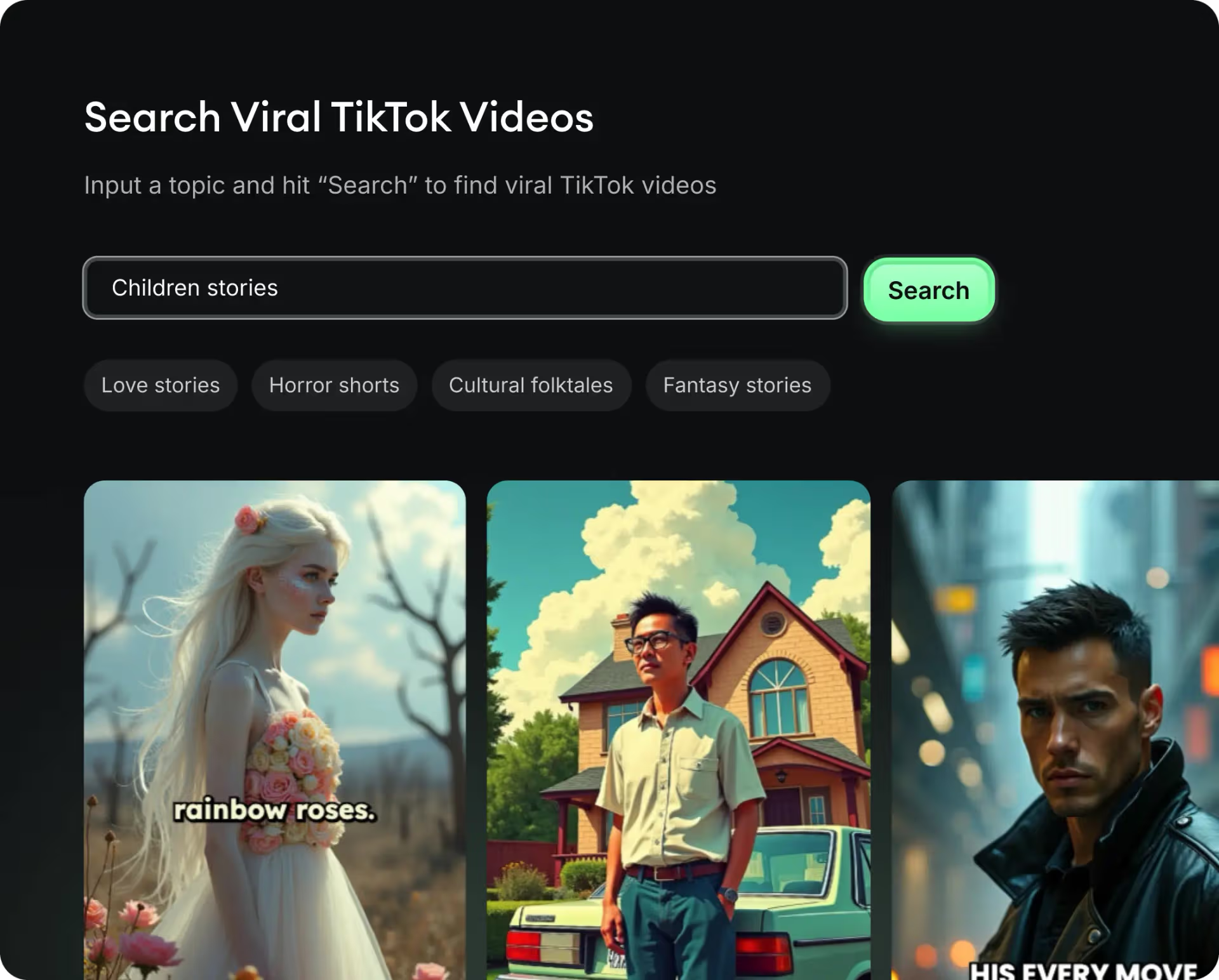
  • Identify the best performing formats
  • Get inspired by top creators
  • Turn your ideas into captivating videos
Find your next viral idea
2
Step 2

Storytelling designed to captivate

Revid.ai analyzes viral videos and uses those same codes to write your scripts.
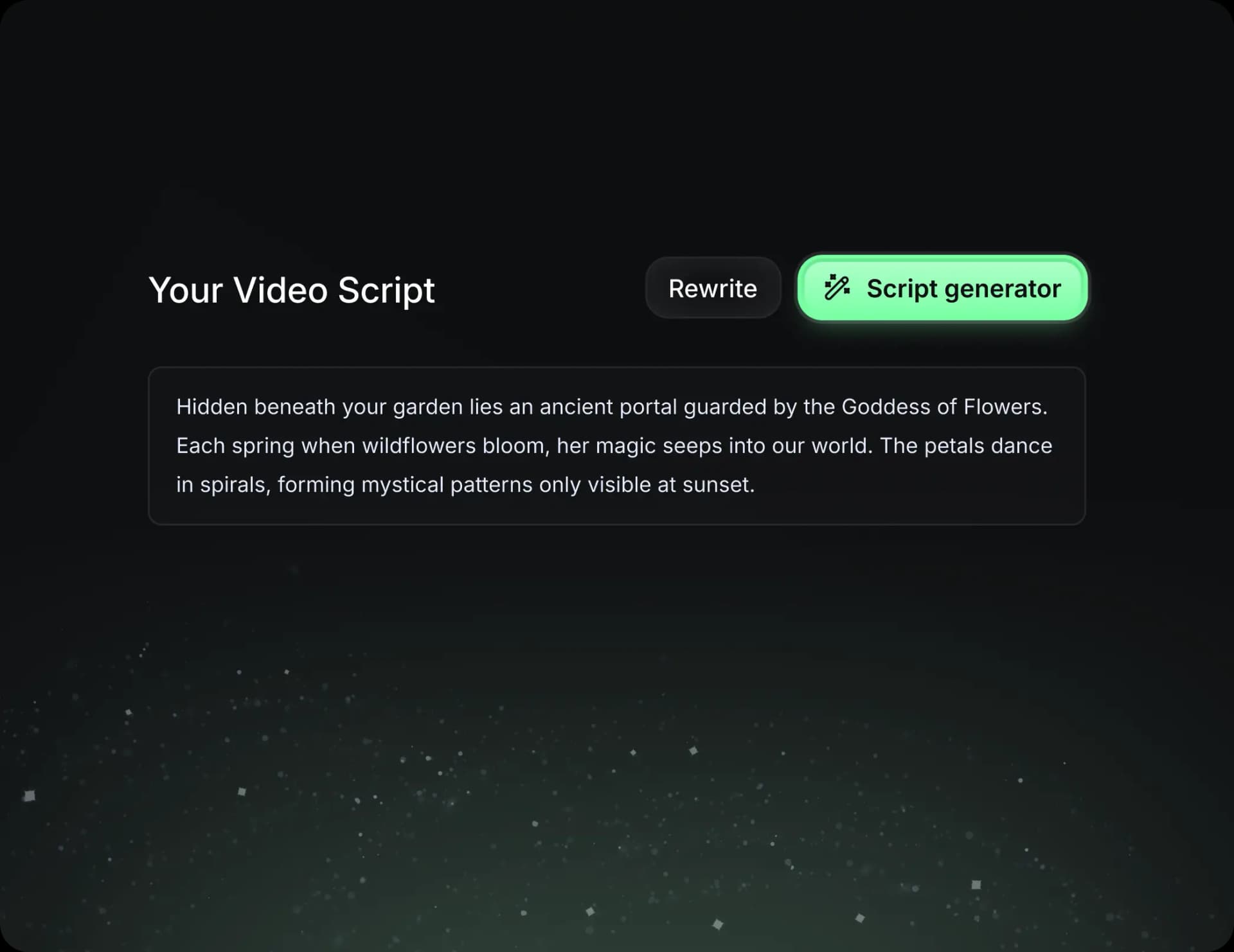
  • Write your script or just give the topic to our AI
  • The AI will suggest relevant content to inspire you
  • Paste a link, our AI analyzes it and turns it into a video
Storytelling designed to captivate
3
Step 3

Videos you will love

Create professional videos, share them with one click, and grow your audience.
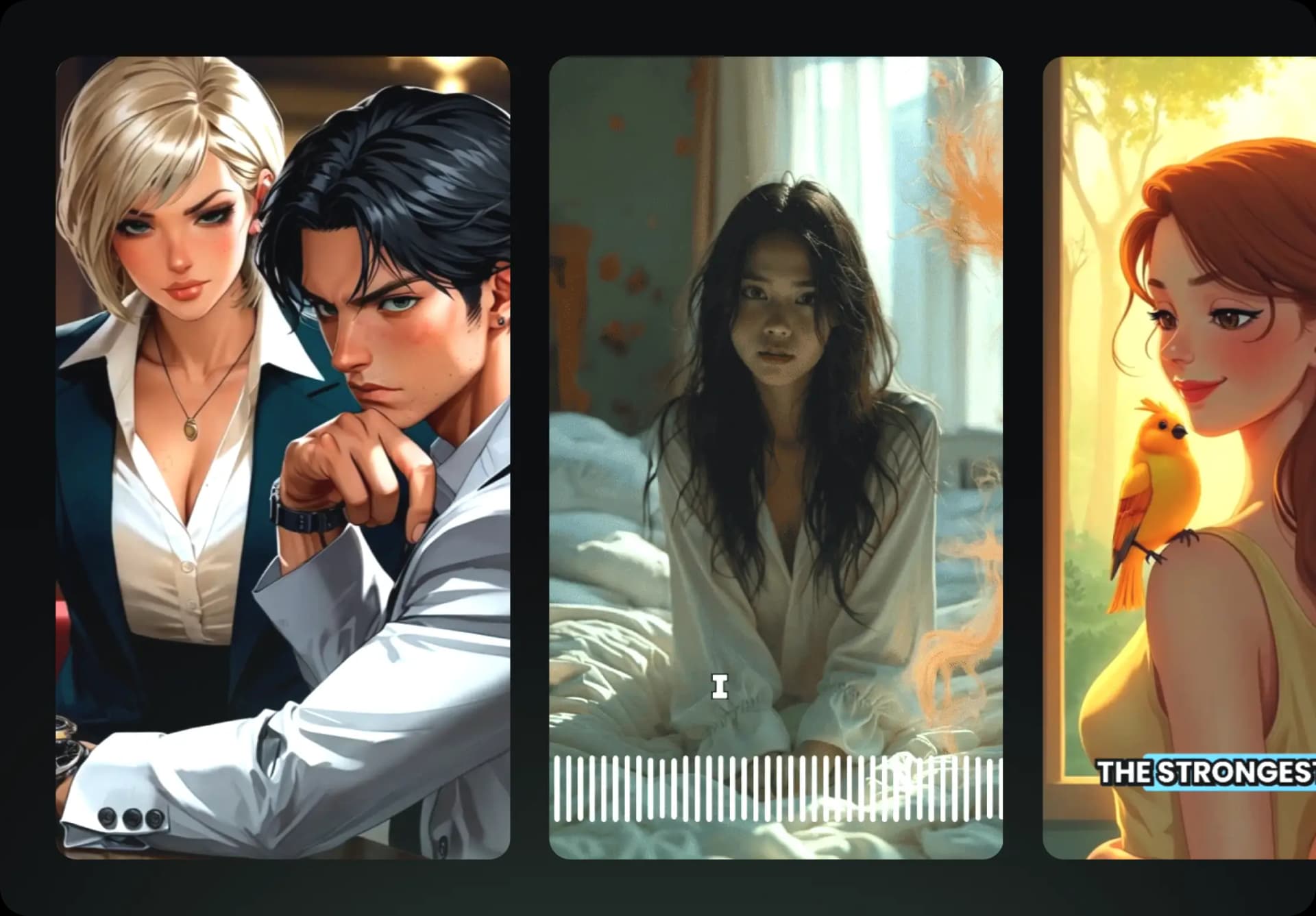
  • Watch your texts turn into professional videos
  • Automate video creation from your content
Videos you will love
4
Step 4

Publish on TikTok, YouTube, Instagram and more

Reach a wider audience by sharing your videos across all your networks.
Publish on TikTok, YouTube, Instagram and more
revid.ai logo

The fastest way to create captivating videos.