Trusted by 14,000+ creators worldwide

Lyria Music to Video Generator

Create stunning Lyria music videos in minutes. Paste your Google Lyria track link or drop your audio, and Revid automatically builds cinematic visuals, motion, and captions perfectly synced to your music.

68% of people discover music through short-form videos, create yours

  • Beat-synced
  • Lyric captions
  • TikTok ready
  • Reels & Shorts
AI Magic

Turn simple ideas into
incredible videos

YOUR IDEA
Source Audio
Source Audio
Original audio file
Visual FormatAI Video
Visual StyleUltra Realism
Avatar
Avatar
Selected Avatar
FINAL VIDEO

Transform Google Lyria Tracks into Viral Videos in 3 Steps

1 Import Your Lyria Audio

Simply paste the URL of your Google Lyria (MusicFX) track directly into the tool. Alternatively, if you have the file downloaded, you can upload your MP3 or WAV file. Our system instantly analyzes the audio structure to prepare for video generation.

2 Select Visual Style & Sync

Choose how you want your Lyria music to video transformation to look. Select from AI-generated video, moving AI images, or stock footage. Decide if you want the AI to sync visuals to the lyrics (for a lyric video) or the beats, and toggle the audio waveform visualizer for extra engagement.

3 Generate and Share

Click "Generate Video" and watch as Revid creates a professional music video in minutes. The AI perfectly aligns cuts, transitions, and captions with your Lyria song. Use our editor to tweak any details, then download your vertical video ready for TikTok, Instagram Reels, and YouTube Shorts.

01

Why Creators Use a Lyria Music to Video Generator

Google Lyria can generate impressive music, but visual production often slows creators down. A dedicated Lyria music to video generator removes that bottleneck by automatically syncing scenes, transitions, and captions to your track. Instead of spending hours editing manually, you can publish platform-ready music videos in minutes and focus on audience growth, testing content angles, and building consistency across channels.

02

How to Get Better Reach from Lyria Songs

To maximize reach, pair your Lyria track with visuals designed for short-form retention: an early hook, clear motion rhythm, and subtitles that reinforce your lyrics or theme. This workflow helps your video perform better in feeds where watch time matters most. With automated formatting for TikTok, Instagram Reels, and YouTube Shorts, you can repurpose one song into multiple high-performing video variations quickly.

Example Videos

See What You Can Create with Lyria Music to Video

Discover examples created with our AI music video generator, from audio visualizers and cinematic edits to lyric videos and music videos for kids. Each showcase shows how AI transforms raw audio into engaging visuals synced to the beat, structure, and energy of the track.

Turn Google Lyria Tracks into Viral Shorts

Transform your Google Lyria generations into high-retention short videos with fast cuts, animated visuals, and beat-perfect timing for TikTok, Reels, and YouTube Shorts.
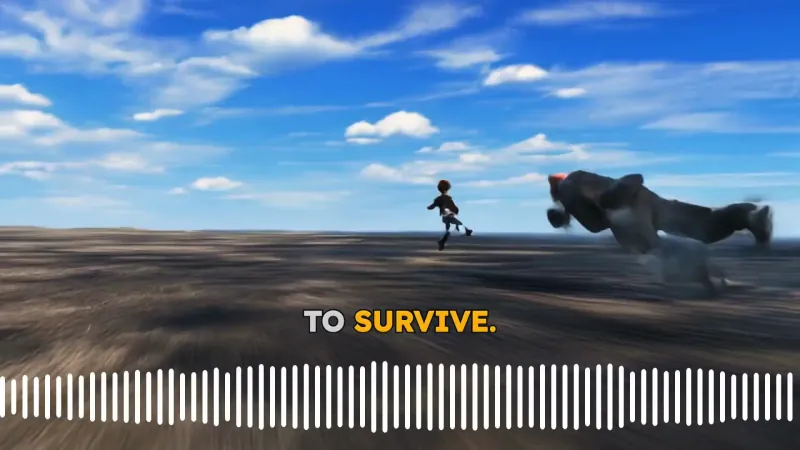
  • Optimized for TikTok, Reels, and Shorts growth
  • AI beat-sync that follows drops and transitions
  • Captions and motion effects ready out of the box
  • Publish faster without manual editing
Turn Google Lyria Tracks into Viral Shorts

Cinematic Lyria Music Video Generator

Build cinematic Lyria music videos that match the mood, progression, and energy of your AI song. Great for artist branding, teaser clips, and visual storytelling.
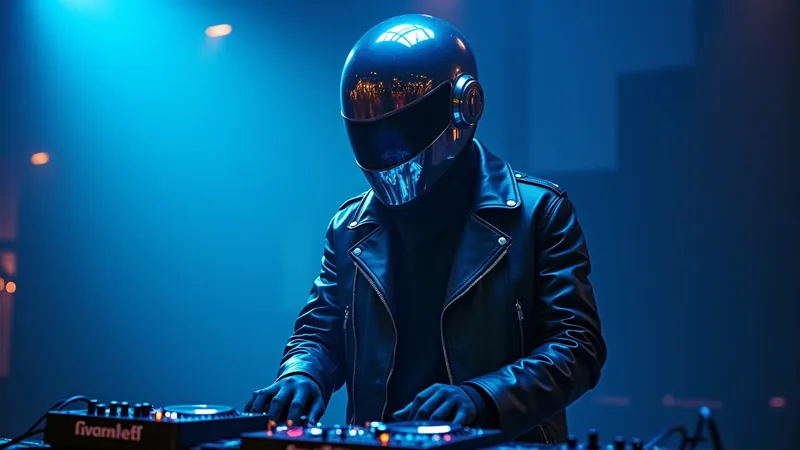
  • Scene pacing aligned with your song structure
  • Cinematic visual direction and color mood
  • Built-in motion and transitions for modern edits
  • Perfect for portfolio and promo launches
Cinematic Lyria Music Video Generator

Lyria Songs with Dynamic Lyrics and Waveforms

Convert Lyria music into engaging lyric-style videos with animated captions and audio-reactive elements that make your track easier to remember and share.
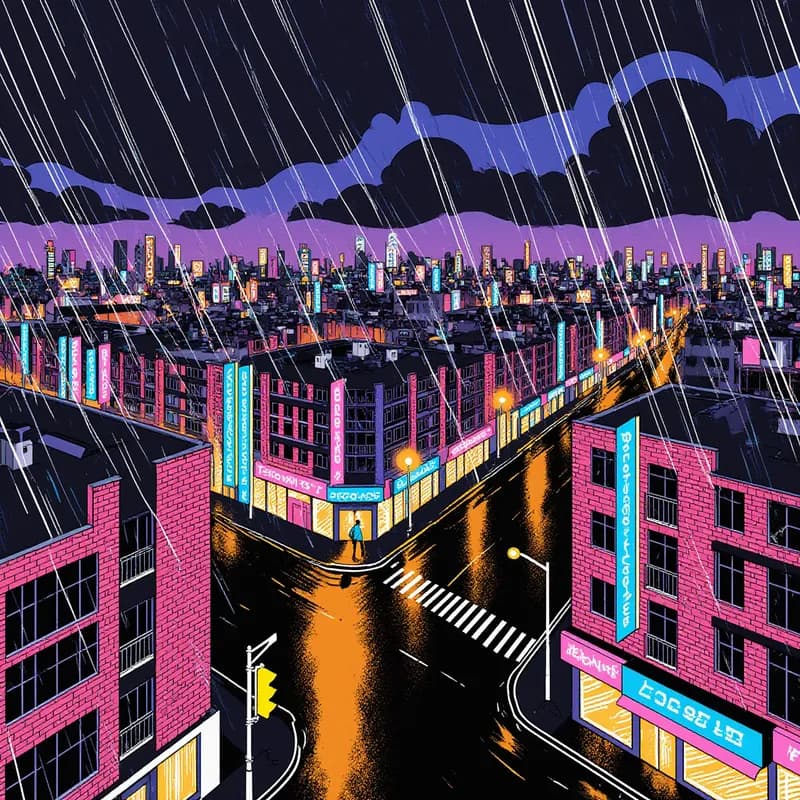
  • Auto lyrics and waveform-style visual rhythm
  • Strong hook visuals for higher watch time
  • Square and vertical formats for every platform
  • Consistent branding across music releases
Lyria Songs with Dynamic Lyrics and Waveforms
FAQs

Frequently Asked Questions

What is the Lyria Music to Video generator?
The **Lyria Music to Video** generator is a specialized AI tool designed to turn audio tracks created with Google Lyria (MusicFX) into engaging short-form videos. It automatically analyzes your music to create beat-synced visuals, animated lyrics, and dynamic transitions, allowing creators to share their AI music on platforms like TikTok and YouTube Shorts without needing complex video editing skills.
How do I convert a Google Lyria link to video?
Converting a **Google Lyria link to video** is effortless with Revid. Simply copy the URL of your generated track from the Google Lyria/MusicFX interface and paste it into our input field. Our AI will fetch the audio and immediately start the process of visualizing your track. You can also upload audio files directly if you have already saved your Lyria creation.
Can I make a lyric video for my Lyria song?
Yes! Our **Lyria music video maker** includes a specific "Sync with Lyrics" feature. When selected, the AI generates accurate captions that animate in time with the vocals of your track. This is perfect for creating high-retention lyric videos for social media. Alternatively, you can choose "Sync with Beats" if you prefer the visuals to react to the rhythm and drums of the instrumental.
What visual styles are available for Lyria music videos?
We offer several visual styles to match the vibe of your **Lyria music creation**. You can choose "AI Video" for completely generative, dream-like visuals, "Moving AI Images" for subtle animation, or "Stock Video" for high-quality cinematic footage. You can also enable a "Sound Wave" visualizer to add a dynamic audio reaction element to your video.
Is the output optimized for TikTok and Reels?
Absolutely. The **Lyria Music to Video** tool defaults to a 9:16 vertical aspect ratio, which is the standard format for TikTok, Instagram Reels, and YouTube Shorts. This ensures your music video fills the entire phone screen, maximizing engagement and watch time for your AI-generated songs.
How does the AI beat-sync technology work?
Our advanced audio analysis algorithms detect the tempo, transients, and energy peaks of your **Lyria track**. The AI then cuts scenes, applies transitions, and animates motion graphics exactly when the beat drops or the melody changes. This results in a professional-looking edit where the visuals move in perfect harmony with your music.
Can I edit the video after it is generated?
Yes, complete creative control is yours. Once the **Lyria to video** generation is finished, you can open the project in Revid's built-in video editor. Here you can change the background footage, edit the captions, adjust the timing, or add your own custom overlays before exporting the final music video.
How much does it cost to create a video from Lyria music?
Generating a video uses credits from your Revid account. The cost depends on the length of the track and the complexity of the chosen visuals (e.g., full AI video generation may cost more than stock footage). You can check your credit balance and estimated costs before hitting generate. We offer both free starter credits and various paid plans to suit your production needs.
Do I own the rights to the video created with this tool?
Yes, you own the rights to the video content generated by Revid. However, regarding the music itself, you must adhere to Google Lyria's specific terms of service regarding the ownership and commercial use of AI-generated audio. Revid provides the visual toolset, but the audio rights depend on the source platform's policies.
Can I use my own images or videos as the background?
Certainly. If you have specific album art or video clips you want to use, select the "Your own media" option in the settings. The **Lyria Music to Video** tool will then use your uploaded assets while still applying its powerful beat-sync and captioning features to ensure the final video looks professional and rhythmic.
View Complete Help Center

Find detailed answers to 100+ questions about features, tools, and workflows

or check our markdown version optimized for LLMs

Tools

Free AI Video Tools

Choose your tool, add your content, and create a video in seconds. Then customize it to your liking.

AI TikTok Video Generator

Turn text into trendy, viral TikTok videos in a snap

Try it out

Prompt to Video

Turn your prompts into engaging videos with AI assistance

Try it out

Add Caption to Video

Generate subtitles in 100+ languages with AI captions

Try it out

PDF to Brainrot

Convert PDFs into attention-grabbing, scrollable videos

Try it out

Text to Brainrot

Turn your text into trendy, scrollable content with dynamic visuals

Try it out

AI Talking Avatar

Create lifelike talking avatars from text in seconds

Try it out

Video Podcast Generator

Transform your podcasts into visually engaging video content

Try it out

AI Movie Maker

Create studio-quality videos from text, no filming required

Try it out

Audio to Video

Make engaging videos from your podcasts, interviews, or any audio content

Try it out

Animated Lyrics Video Generator

Turn any song into an animated lyric video with synced text and visuals.

Try it out

AI Music Video Generator

Transform your music into cinematic music videos.

Try it out

AI Lyrics Video Generator

Transform your lyrics into a complete music video with AI

Try it out
See all tools
How it works

Four simple steps to create and share your video

1
Step 1

Find your next viral idea

Lacking inspiration? Our AI spots trends and helps you adapt them for your own videos, hassle-free.
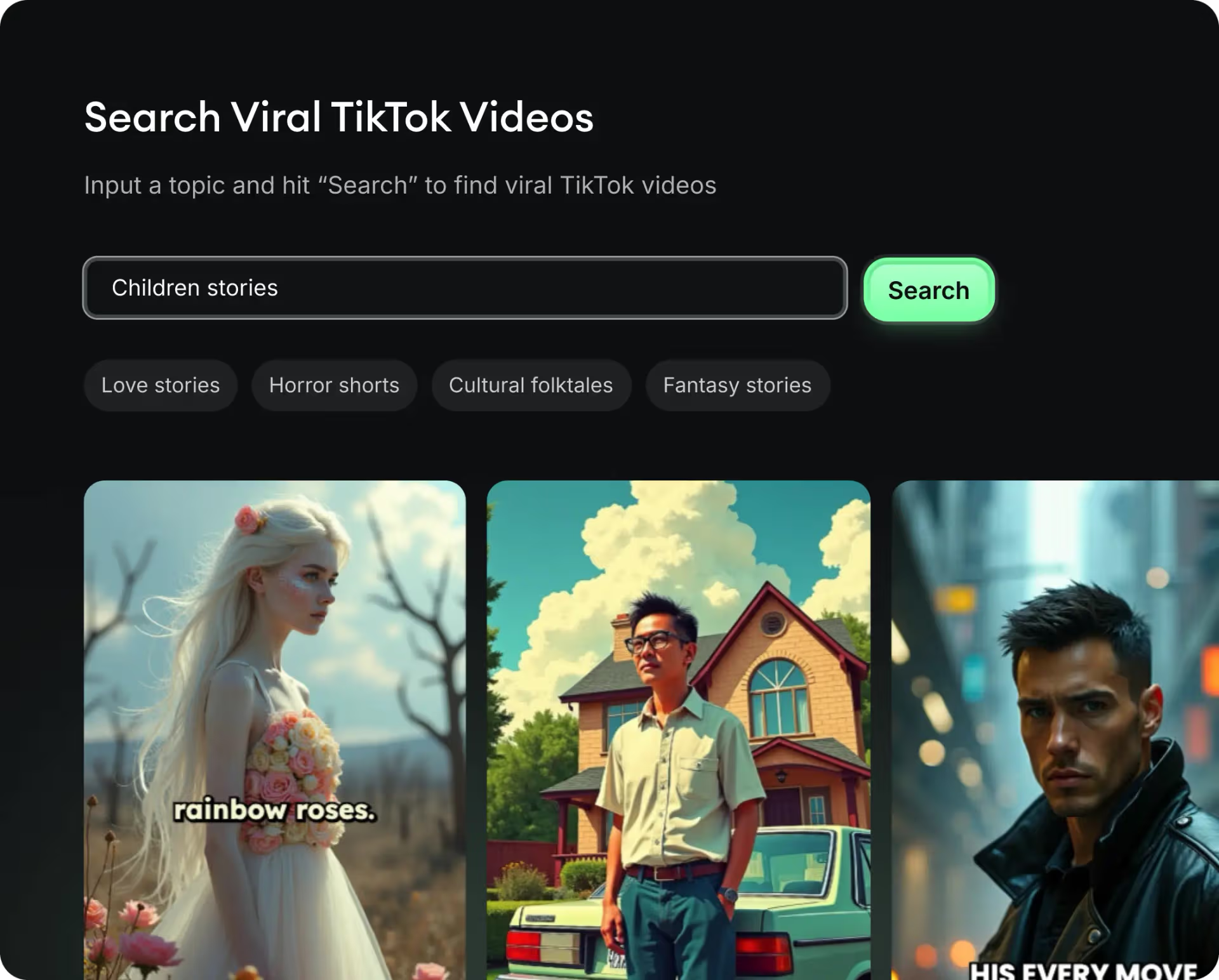
  • Identify the best performing formats
  • Get inspired by top creators
  • Turn your ideas into captivating videos
Find your next viral idea
2
Step 2

Storytelling designed to captivate

Revid.ai analyzes viral videos and uses those same codes to write your scripts.
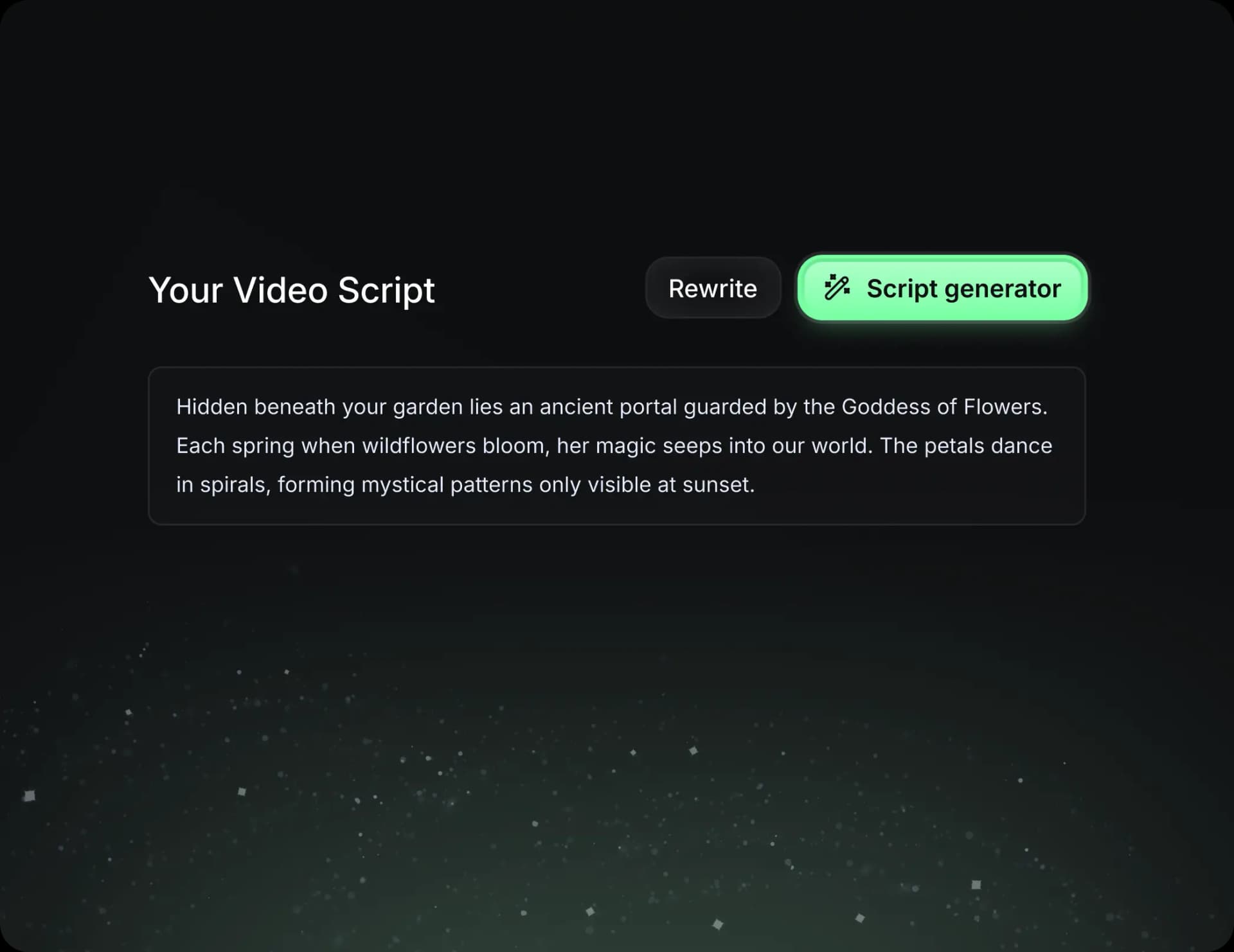
  • Write your script or just give the topic to our AI
  • The AI will suggest relevant content to inspire you
  • Paste a link, our AI analyzes it and turns it into a video
Storytelling designed to captivate
3
Step 3

Videos you will love

Create professional videos, share them with one click, and grow your audience.
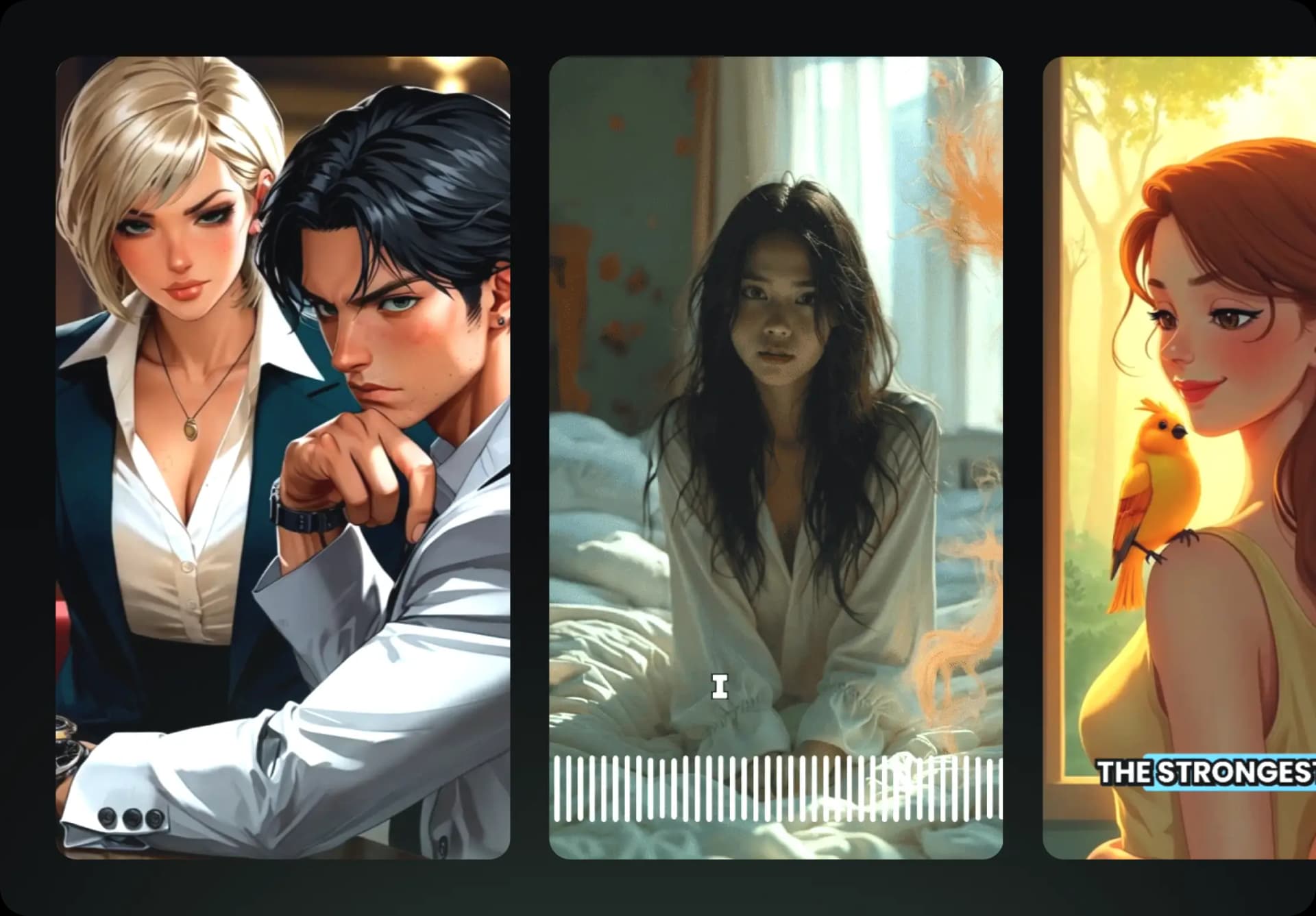
  • Watch your texts turn into professional videos
  • Automate video creation from your content
Videos you will love
4
Step 4

Publish on TikTok, YouTube, Instagram and more

Reach a wider audience by sharing your videos across all your networks.
Publish on TikTok, YouTube, Instagram and more
revid.ai logo

The fastest way to create captivating videos.