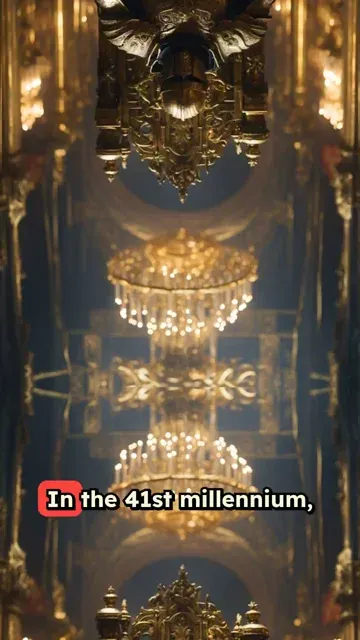
Trusted by 14,000+ creators worldwide

Warhammer 40k Video AI Generator

Create a short Warhammer 40k video with AI media generation. Just drop your script and let Revid AI handle the rest.

Paste a script or URL and turn it into a TikTok-ready video with AI voice, captions, and scroll-stopping visuals.

  • Paste text or URL
  • AI voiceover
  • TikTok-ready 9:16
  • Auto captions and visuals

Create Epic Warhammer 40k Videos in 3 Simple Steps

1 Write Your Battle Script

Enter your Warhammer 40k story or battle description. Use [brackets] to guide the AI in generating specific scenes, like [Space Marine charging into battle] or [Tyranid swarm attacking]. Our AI understands Warhammer 40k lore and will create fitting visuals.

2 Choose Your Imperial Settings

Select from our range of grim dark AI voices perfect for Warhammer narration, or record your own epic voiceover. Pick your visual style: AI-generated battle scenes, animated artwork, or dynamic transitions. Add epic background music to complete the atmosphere.

3 Deploy Your Video

Click 'Generate' and watch as our AI creates your Warhammer 40k video. Once complete, use our editor to fine-tune transitions, add effects, or adjust timing. Your battle-ready content will be perfect for sharing across the Imperium (or social media).

01

Grimdark Sci-Fi Battle Content Without a Miniature Studio or Animation Tools

Write your Warhammer 40,000-inspired script and Revid generates a complete short video with AI-rendered sci-fi battle visuals, natural voiceover, and cinematic presentation. The AI image preset produces gritty, atmospheric imagery that captures the scale of space marine battles, chaos invasions, and the dark future of the 41st millennium as described in your script. No model painting, miniature photography, or editing is required. From script to finished video takes minutes, making it practical to post lore breakdowns, faction analyses, and battle reports consistently for the dedicated Warhammer community.

02

What the AI Generates from Your Warhammer 40K Script

The Warhammer 40K video generator renders each scene with visuals matched to the factions, battlefields, and narrative events described in your script. Whether you are writing about Space Marine chapters, Chaos forces, Ork Waaaghs, Tyranid invasions, or original stories set in the 41st millennium, the AI builds imagery that fits the grimdark, epic tone of the setting. Voiceover is generated and synced automatically alongside a matching soundtrack. Write the lore or battle narrative and receive a complete finished video without any additional production steps.

03

Warhammer Fan Content for the Tabletop and Gaming Community

Warhammer 40K content is one of the fastest-growing niches on TikTok and YouTube Shorts, with high engagement for lore explanations, faction comparisons, army tier lists, and battle reports. The community spans tabletop players, video game fans, and lore enthusiasts, creating a broad audience for video content that covers the setting. Creators who publish regularly in this niche attract loyal subscribers because the depth of the lore means there is always something new to explain or analyze. Revid makes it practical to post that content without a full production workflow behind each video.

Target Audience

Who is this tool for?

Warhammer 40K fan content creators

Build a consistent TikTok or YouTube channel around faction lore, battle reports, and army analyses without animation skills or video editing software required to publish.

Sci-fi and tabletop storytellers

Write original stories set in the 41st millennium or retell key battles from Warhammer lore and convert them directly into short video content for the tabletop gaming community.

Lore and hobby review channels

Add dedicated Warhammer 40K video content to a tabletop gaming channel to reach the large online audience that follows lore analysis alongside gameplay and painting guides.

Tabletop gaming and hobby brands

Create Warhammer 40K-themed video content for product launches, army set promotions, and gaming events that connect with one of the most commercially engaged hobby gaming communities.

Comparison

Revid vs. Manual Warhammer 40K Fan Video Production

Warhammer fan video content typically requires sourcing visuals, recording narration, and editing. Revid generates the full production automatically from your script in minutes.

Input
Revid Create Warhammer 40k VideosWrite a script and generate immediately
Other ToolsSource or photograph miniatures, record narration, and edit manually
Visual style
Revid Create Warhammer 40k VideosAI generates grimdark sci-fi battle imagery from your script
Other ToolsLimited to miniature photography or licensed digital assets
Voiceover
Revid Create Warhammer 40k VideosAI narration generated and synced automatically
Other ToolsRequires recording or commissioning voiceover talent
Music
Revid Create Warhammer 40k VideosEpic soundtrack matched to battle pacing automatically
Other ToolsMusic must be licensed and manually synced to the edit
Production time
Revid Create Warhammer 40k VideosComplete video ready in minutes
Other ToolsHours of setup, recording, and editing per finished video
Content volume
Revid Create Warhammer 40k VideosGenerate multiple lore and faction videos in one session
Other ToolsEach video requires a separate full production run
FAQs

Frequently Asked Questions

What is the Warhammer 40k Video Generator?
Our Warhammer 40k Video Generator is a specialized AI tool designed to create epic battle scenes, lore videos, and Warhammer content. Whether you're showcasing Space Marines, Chaos forces, or xenos races, our AI understands the rich universe of Warhammer 40k and generates appropriate visuals to match your narrative.
What kind of Warhammer 40k content can I create?
You can create a wide variety of content including battle scenes, lore explanations, faction introductions, battle reports, painting tutorials, and army showcases. Our AI can generate visuals for any faction, from the mighty Space Marines to the terrifying Tyranids, and everything in between.
How does the AI understand Warhammer 40k terminology?
Our AI has been trained on extensive Warhammer 40k lore and imagery. It recognizes faction names, unit types, weapons, and specific terminology from the universe. Use brackets to specify exactly what you want, like [Ultramarine Dreadnought] or [Necron Warriors rising], and the AI will generate appropriate visuals.
Can I create battle reports with this tool?
Absolutely! The tool is perfect for creating engaging battle reports. Describe your game's key moments, and our AI will generate dynamic visuals to match. You can even use specific unit names and battle scenarios, and the AI will create appropriate scenes to illustrate your narrative.
What video styles are available for Warhammer content?
We offer multiple visual styles: AI-generated battle scenes, animated artwork, and dynamic transitions. You can choose between gritty realistic looks or more stylized appearances. The tool also supports different aspect ratios for various social media platforms, perfect for sharing your Warhammer content everywhere.
How accurate are the generated Warhammer visuals?
Our AI strives to maintain accuracy to Warhammer 40k lore and aesthetics. It understands faction-specific details, armor patterns, weapon types, and unit appearances. While AI-generated content may have some variations, the tool aims to create visuals that feel authentic to the grimdark universe.
Can I use this for my Warhammer YouTube channel?
Yes! This tool is perfect for content creators. Generate engaging shorts, battle reports, lore videos, and painting tutorials. The AI helps you create professional-looking content quickly, allowing you to focus on your narrative and engagement with your audience.
What voice options are available for narration?
Choose from our selection of AI voices suited for Warhammer content, from commanding Space Marine tones to mysterious Eldar voices. You can also record your own voiceover or upload pre-recorded audio for that personal touch in your battle reports or lore videos.
How long does it take to generate a Warhammer video?
Most videos are generated within 2-5 minutes, depending on length and complexity. This gives you quick turnaround for your battle reports, lore videos, and other Warhammer content. Once generated, you can immediately edit and customize your video in our built-in editor.
Can I edit the video after it's generated?
Absolutely! Our built-in editor lets you fine-tune your video after generation. Adjust timing, add effects, modify transitions, and enhance your battle scenes. You can also add text overlays, perfect for unit statistics or battle commentary.
View Complete Help Center

Find detailed answers to 100+ questions about features, tools, and workflows

or check our markdown version optimized for LLMs

Tools

Free AI Video Tools

Choose your tool, add your content, and create a video in seconds. Then customize it to your liking.

AI TikTok Video Generator

Turn text into trendy, viral TikTok videos in a snap

Try it out

Prompt to Video

Turn your prompts into engaging videos with AI assistance

Try it out

Add Caption to Video

Generate subtitles in 100+ languages with AI captions

Try it out

PDF to Brainrot

Convert PDFs into attention-grabbing, scrollable videos

Try it out

Text to Brainrot

Turn your text into trendy, scrollable content with dynamic visuals

Try it out

AI Talking Avatar

Create lifelike talking avatars from text in seconds

Try it out

Video Podcast Generator

Transform your podcasts into visually engaging video content

Try it out

AI Movie Maker

Create studio-quality videos from text, no filming required

Try it out

Audio to Video

Make engaging videos from your podcasts, interviews, or any audio content

Try it out

Animated Lyrics Video Generator

Turn any song into an animated lyric video with synced text and visuals.

Try it out

AI Music Video Generator

Transform your music into cinematic music videos.

Try it out

AI Lyrics Video Generator

Transform your lyrics into a complete music video with AI

Try it out
See all tools
How it works

Four simple steps to create and share your video

1
Step 1

Find your next viral idea

Lacking inspiration? Our AI spots trends and helps you adapt them for your own videos, hassle-free.
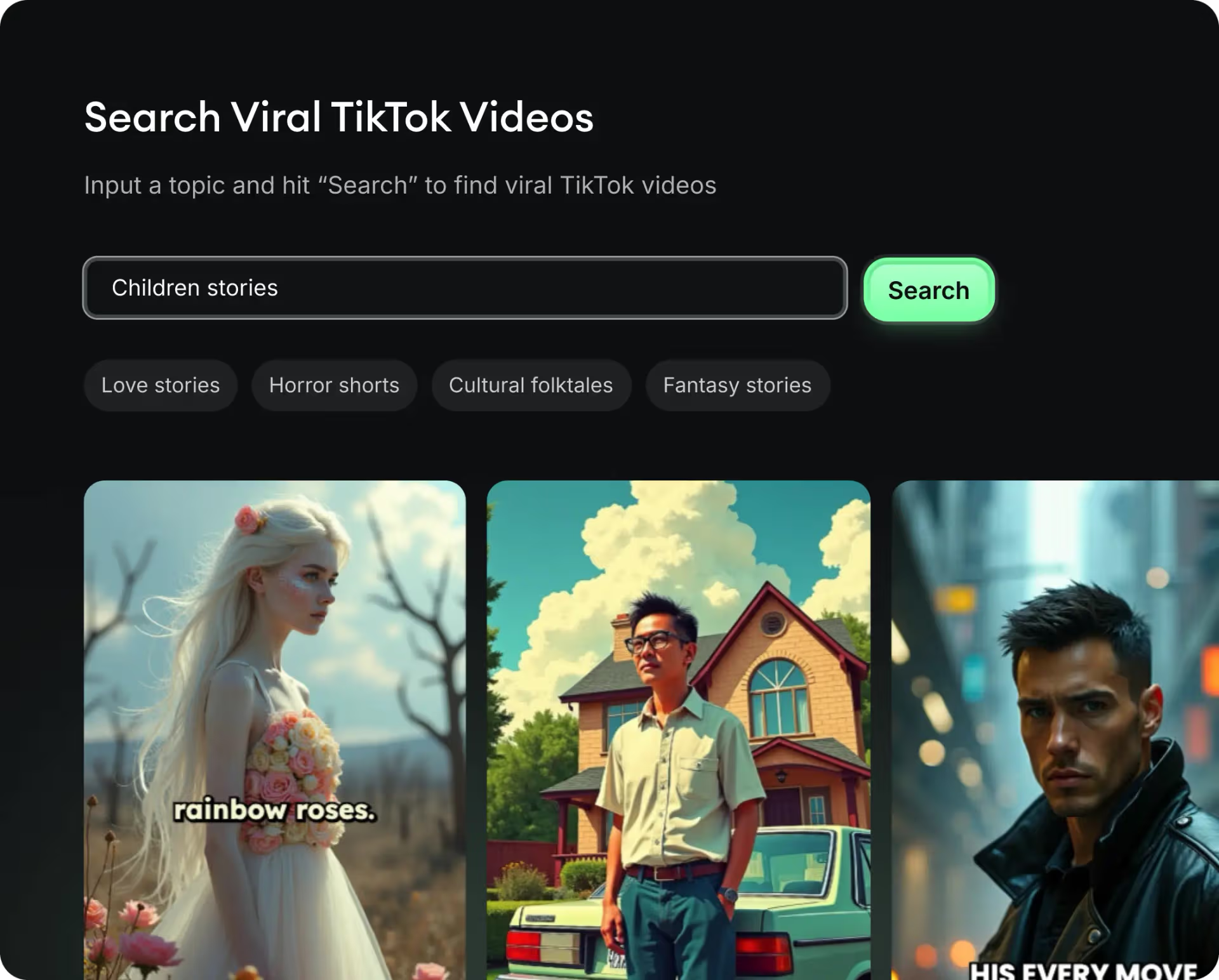
  • Identify the best performing formats
  • Get inspired by top creators
  • Turn your ideas into captivating videos
Find your next viral idea
2
Step 2

Storytelling designed to captivate

Revid.ai analyzes viral videos and uses those same codes to write your scripts.
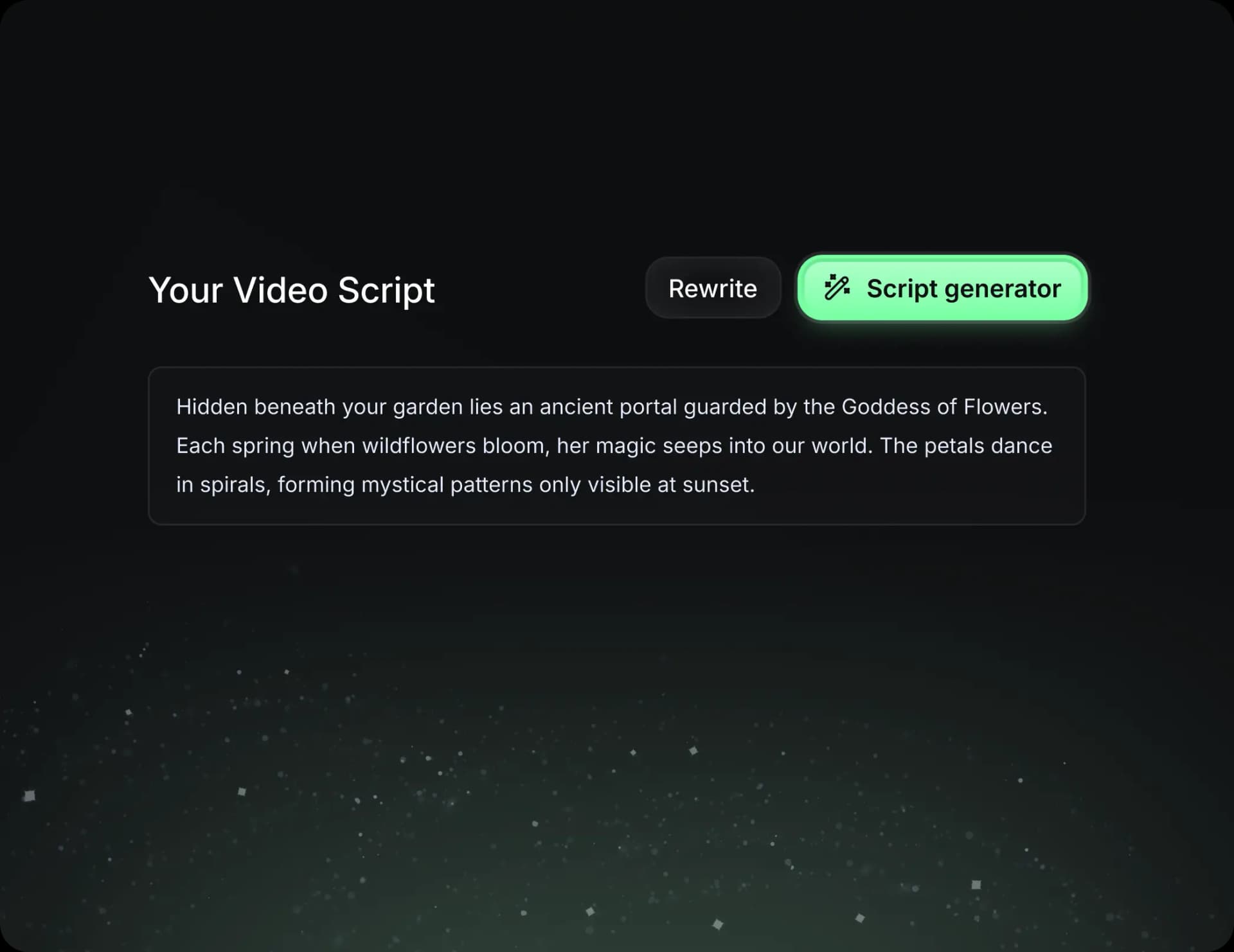
  • Write your script or just give the topic to our AI
  • The AI will suggest relevant content to inspire you
  • Paste a link, our AI analyzes it and turns it into a video
Storytelling designed to captivate
3
Step 3

Videos you will love

Create professional videos, share them with one click, and grow your audience.
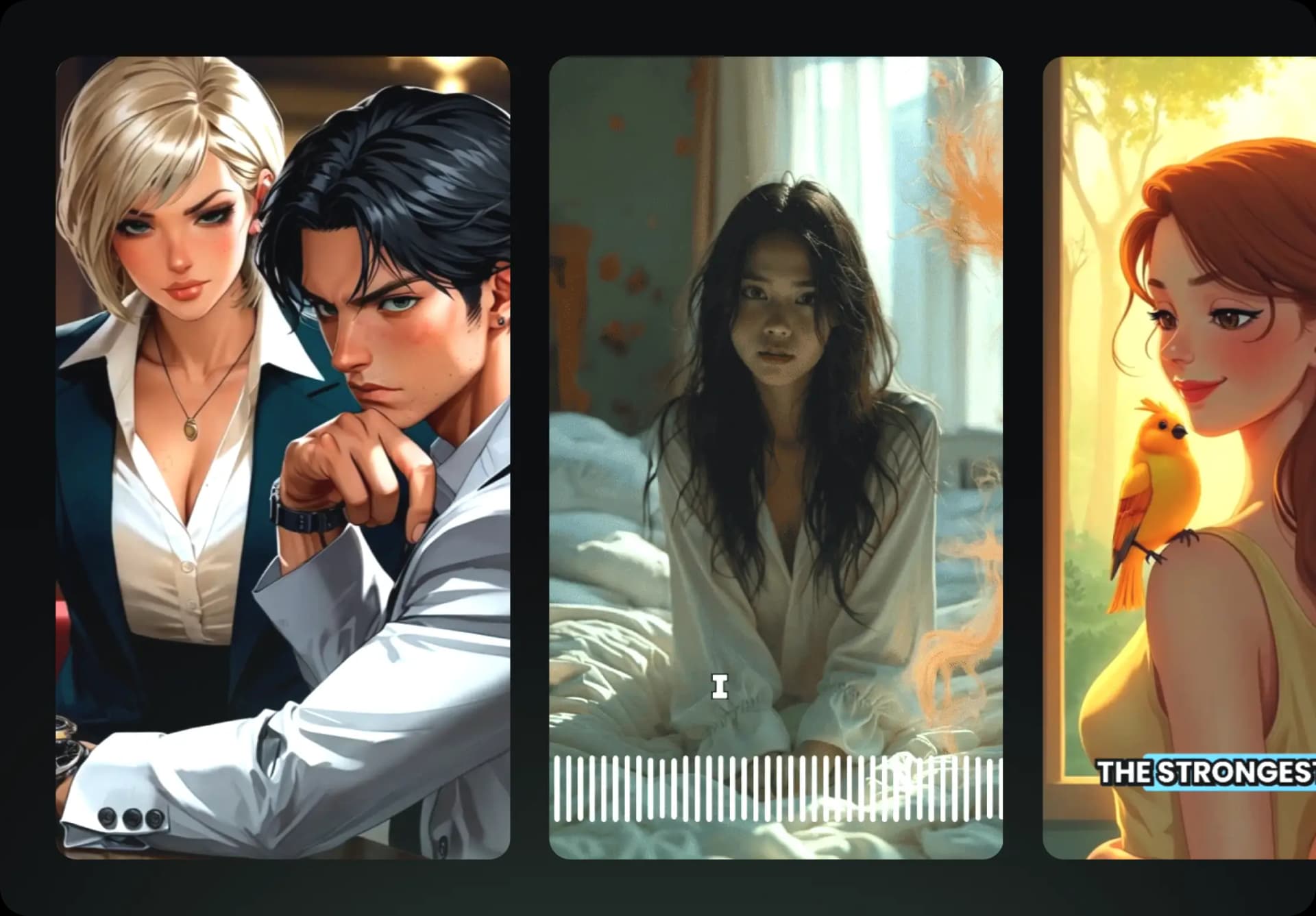
  • Watch your texts turn into professional videos
  • Automate video creation from your content
Videos you will love
4
Step 4

Publish on TikTok, YouTube, Instagram and more

Reach a wider audience by sharing your videos across all your networks.
Publish on TikTok, YouTube, Instagram and more
revid.ai logo

The fastest way to create captivating videos.