Video Format
3,903 people used this tool in the last 24h

or explore our 42+ other tools to create the exact video you want
Explore our tools
Generate ASMR videos, street interviews, product showcases, cooking demos, and cinematic content with Google's Veo3 AI model. Transform text prompts into realistic, high-quality videos perfect for TikTok, YouTube, and Instagram creators.
or explore our 42+ other tools to create the exact video you want
Explore our toolsScript automatically generated by Revid
Describe the video you want to create in the text box. Be specific about the subject, setting, actions, lighting, and camera style. For example, 'A cinematic shot of a vintage car driving on a coastal road at sunset, with lens flare and a slow-motion effect'.
Select the aspect ratio for your video, such as 9:16 for social media or 16:9 for YouTube. Choose a background music track from our professional library to set the mood for your cinematic AI video.
Click 'Generate Video' and let Google's Veo3 model bring your prompt to life. In just a few minutes, you'll have a high-quality, realistic AI video. You can then use our built-in editor to make final adjustments before downloading and sharing your creation.
Veo3 is the first publicly available AI video model that generates synchronized audio natively as part of the video, meaning ambient sounds, foley effects, and environmental audio are created alongside the footage rather than added in post-production. It also produces significantly more realistic human motion and interaction compared to earlier AI video models. For content categories like ASMR, street interviews, and product showcases, this audio-visual realism is what makes the output feel like real footage rather than an obvious AI generation.
Veo3's strengths align directly with three of the most popular content formats on TikTok and YouTube Shorts. For ASMR content, the model produces close-up textures with authentic foley sounds. For street interviews, it generates realistic human figures in natural environments with documentary-style camera movement. For cinematic content, it delivers depth of field, lighting, and scene composition that match what you would expect from professional production equipment. All three use the same text prompt input in Revid. For a dedicated street interview workflow, the street interview video generator offers additional scene templates.
Veo3 responds well to detailed, descriptive prompts that specify the physical environment, lighting conditions, camera angle, subject behavior, and any audio elements you want present. Vague prompts produce generic output. Specific prompts produce footage that matches your vision closely. Describe the setting as if directing a camera operator. Include sound cues in your description when audio texture matters, such as the specific type of material being touched for ASMR or the ambient noise level for a street scene. The tool supports both 9:16 and 16:9 aspect ratios.
Generate macro close-up videos with authentic foley sounds without owning specialized camera equipment, allowing you to post ASMR content consistently at scale.
Create street interview style content and first-person documentary clips that feel authentic without organizing any actual filming or locations.
Produce high-quality cinematic product showcase videos with realistic lighting and camera motion using text descriptions alone, cutting studio costs significantly.
Use Veo3 to prototype scenes and visual concepts before committing to a real production, getting a photorealistic preview of how a shot will look and sound.
Accessing Veo3 directly requires API setup and technical knowledge. Revid wraps Veo3 in a creator-friendly interface with content templates, audio options, and direct social publishing.
Discover more ways to create engaging videos with our AI-powered tools
Find detailed answers to 100+ questions about features, tools, and workflows
or check our markdown version optimized for LLMs
Choose your tool, add your content, and create a video in seconds. Then customize it to your liking.
Turn any song into an animated lyric video with synced text and visuals.
Lacking inspiration? Our AI spots trends and helps you adapt them for your own videos, hassle-free.
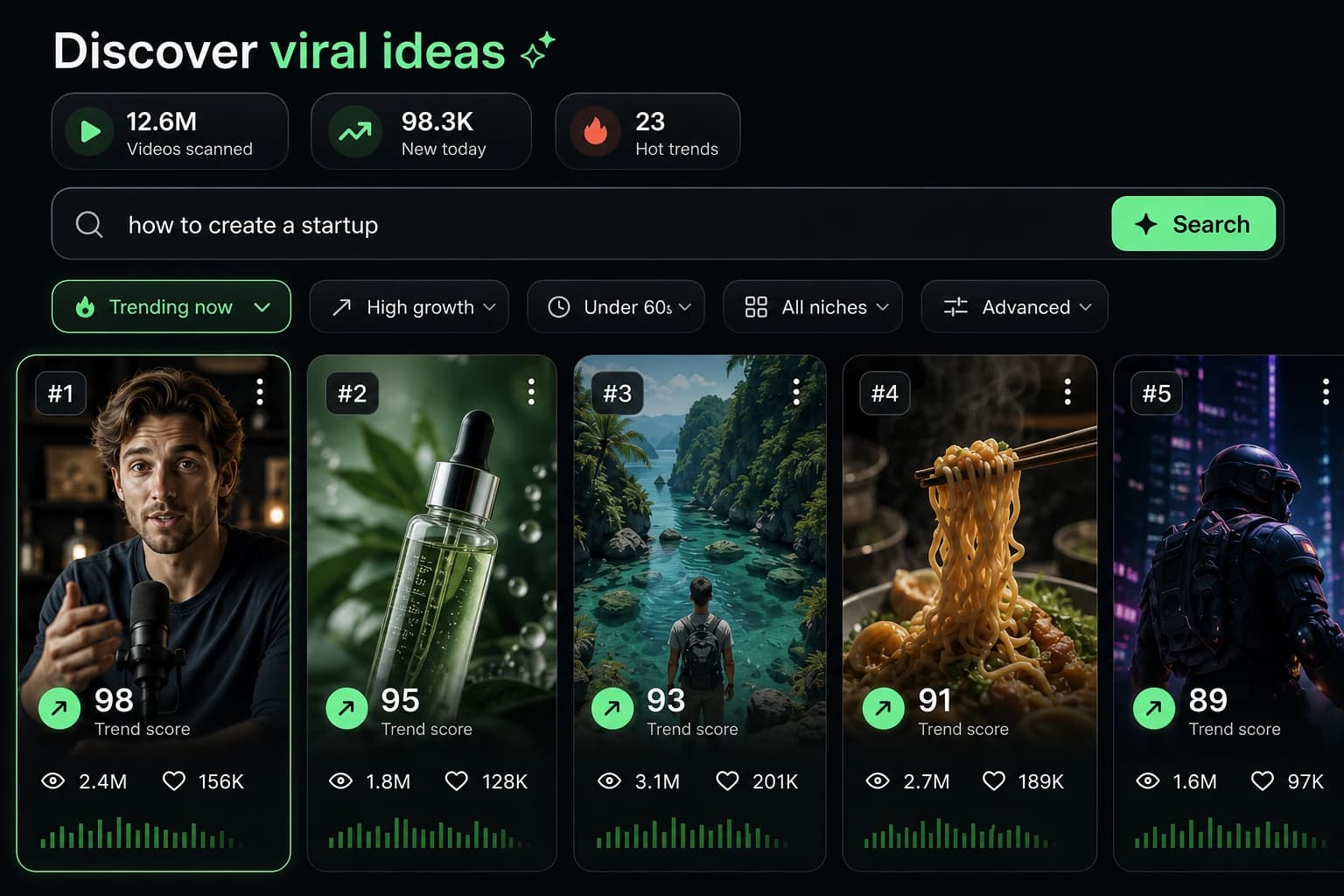
Revid.ai analyzes viral videos and uses those same codes to write your scripts.
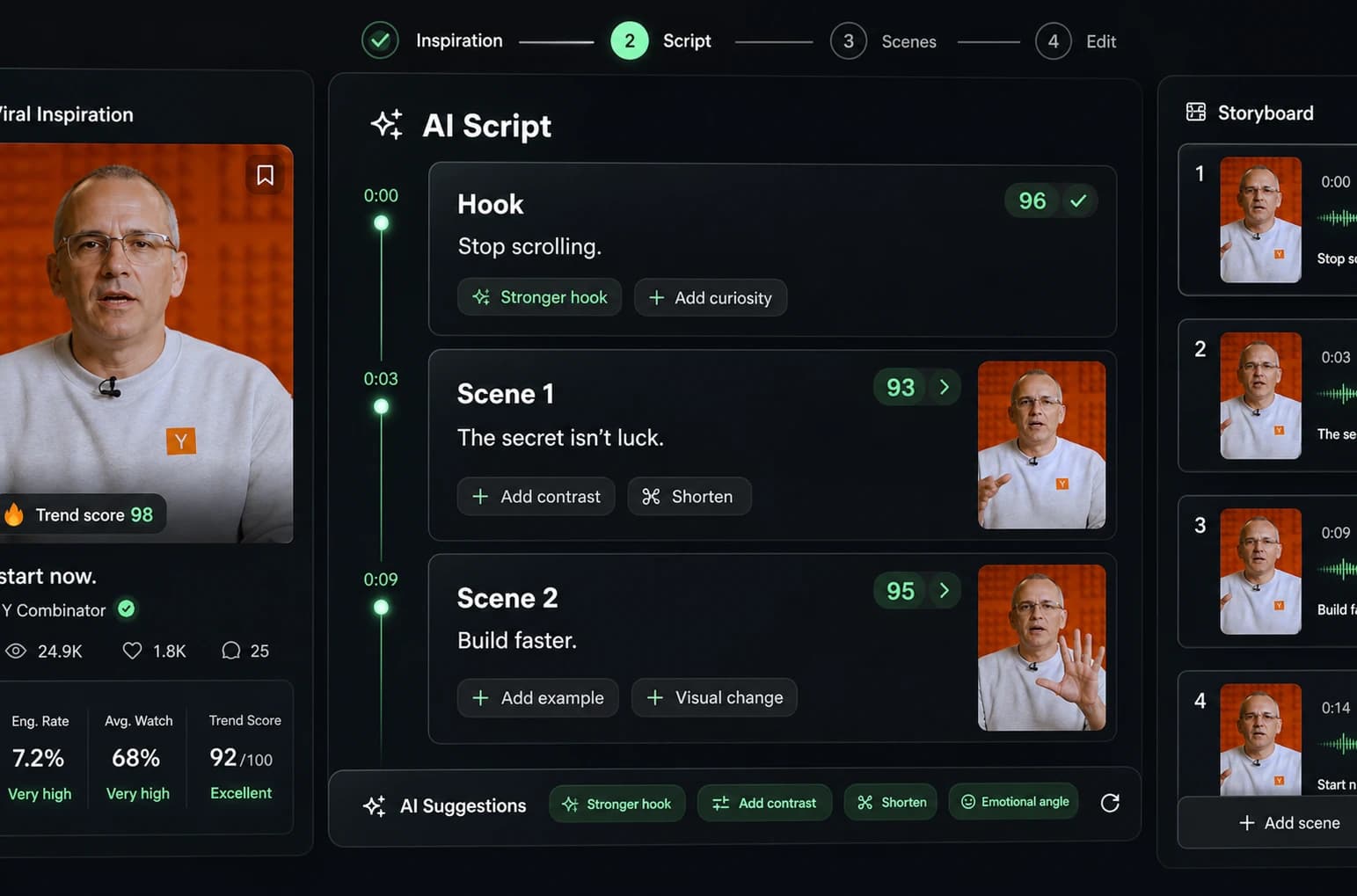
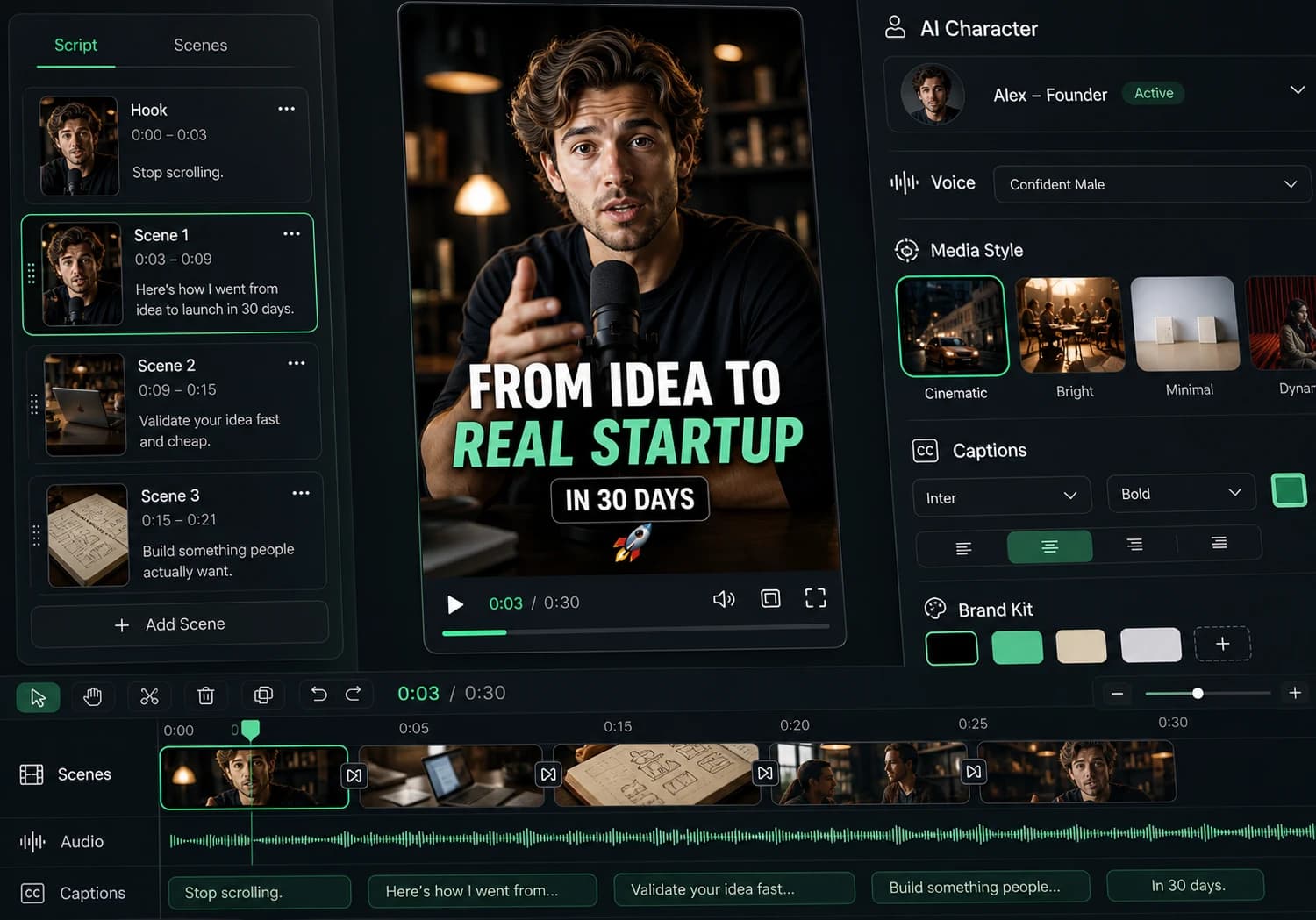
Create professional videos, share them with one click, and grow your audience.
Reach a wider audience by sharing your videos across all your networks.