Trusted by 14,000+ creators worldwide

ASMR Video Generator

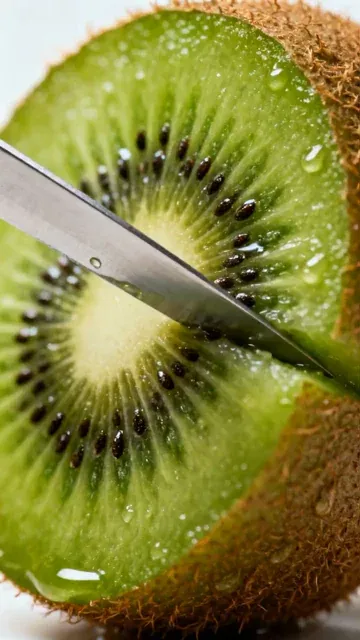
Create hyper-detailed macro ASMR clips: slicing, pouring, textures, slow motion feel, and satisfying sound design.

  • Start from text in seconds
  • Auto-selects visuals
  • Captions and sound-ready
Magic Inputs

From simple inputs to
incredible videos

INPUT
Text Prompt

Prompt generated by Revid itself

Some beautiful Fruit cutting scenes. Every scene should have a knife cutting a diffrent fruit
Media TypeAI Video
Visual StyleDefault
OUTPUT

Create Hypnotic ASMR Macro Videos in 3 Simple Steps

1 Describe Your Satisfying Scene

Begin by typing a simple prompt into the text box. Describe the hyper-detailed macro scene you imagine, like 'Macro knife slicing a lime, crisp foley sounds' or 'Pouring honey slowly onto a stack of pancakes.' Our AI is trained to understand ASMR-specific concepts and textures.

2 AI Generates Sight & Sound

Click 'Generate Video.' Our advanced AI model will create a unique, cinematic close-up video based on your prompt. Simultaneously, it generates custom, high-fidelity foley sound effects—like crisp slicing, gentle pouring, or soft tapping—to create a deeply satisfying and relaxing ASMR experience.

3 Refine and Share Your Creation

In minutes, your ASMR video will be ready. You can use Revid AI's built-in editor to make any final adjustments. Once you're happy, download your video, perfectly formatted for YouTube Shorts, Instagram Reels, and TikTok, and share your mesmerizing content with the world.

01

Why ASMR Video Content Generates Some of the Highest Watch Times Online

ASMR content holds viewer attention for longer than almost any other short-form format because it delivers a specific physiological response that keeps the brain engaged without demanding active participation. Channels posting macro ASMR clips consistently report watch-through rates above 70 percent. The format works particularly well on TikTok, Instagram Reels, and YouTube Shorts because it does not require verbal explanation, making it effective across language barriers and accessible to global audiences. Satisfying visuals plus crisp sound design is a combination that audiences return to repeatedly.

02

Generate Macro ASMR Clips with Authentic Foley from a Text Prompt

Describe any ASMR scenario and Revid uses the Veo3 model to generate a macro close-up video with cinematic depth of field, satisfying textures, and synchronized crisp foley sounds including slicing, pouring, tapping, and fizzing effects. You do not need a camera, lighting setup, or any physical materials. The tool follows specific visual rules that keep every generation clean, minimal, and loop-friendly, which are the three properties that make ASMR content perform best on social platforms. The output is formatted as a 9:16 vertical video ready for immediate upload.

03

ASMR Content at Scale for TikTok, YouTube, and Instagram

ASMR channels that post consistently outperform those that post occasionally because the algorithm rewards regular upload cadence. Using AI to generate ASMR clips removes the production barrier that prevents most creators from posting more than once a week. You can generate a week of content in a single session, varying the textures, materials, and visual setups across each clip to maintain audience interest. For creators who want to branch into the broader satisfying video category, the Veo3 video generator supports additional content types built on the same model.

Target Audience

Who is this tool for?

ASMR content creators

Post satisfying macro clips consistently without owning camera equipment, lighting rigs, or a collection of physical materials to film, scaling content production without additional cost.

Relaxation and wellness brands

Create calming ASMR video content to accompany product promotions, sleep aids, and stress-relief content that keeps audience attention longer than standard promotional formats.

Ambient and looping video creators

Build a library of loop-friendly ASMR clips for use as background content, screensavers, or ambient visual channels on YouTube without filming a single scene.

Lifestyle and sensory storytellers

Tell textural and sensory stories through close-up food, material, and nature content that connects with audiences seeking calming, satisfying short-form experiences.

Comparison

Why Choose Revid for AI ASMR Video Generation?

Real ASMR content requires specialized camera equipment, directional microphones, physical materials, and careful sound design. Revid generates all of it from a text description using Veo3's native audio capabilities.

Equipment needed
Revid ASMR GeneratorNo equipment needed, generates entirely from a text prompt
Traditional ASMR ProductionRequires macro lens, high-quality microphone, and controlled recording environment
Sound design
Revid ASMR GeneratorVeo3 generates synchronized foley sounds natively with the footage
Traditional ASMR ProductionRecord, clean, and sync audio separately after filming
Visual quality
Revid ASMR GeneratorCinematic macro close-ups with shallow depth of field and clean backgrounds
Traditional ASMR ProductionQuality depends on camera settings, lighting, and physical setup
Production time
Revid ASMR GeneratorReady in minutes with no setup or teardown
Traditional ASMR ProductionRequires preparing materials, setting up equipment, filming, and editing
Content volume
Revid ASMR GeneratorGenerate multiple different clips in one session
Traditional ASMR ProductionEach clip requires a separate physical setup and filming session
Consistency
Revid ASMR GeneratorEach generation follows the same quality and visual standard
Traditional ASMR ProductionOutput quality varies depending on conditions and creator skill
FAQs

Frequently Asked Questions

What is the ASMR Video Generator?
Our AI ASMR Video Generator is a specialized tool that creates short, satisfying, and relaxing videos from a simple text prompt. It focuses on generating hyper-detailed macro close-ups (like slicing, pouring, or textures) and pairs them with custom-generated, crisp foley sound effects to produce high-quality ASMR content perfect for YouTube Shorts, Reels, and TikTok.
How do I create a satisfying ASMR video with this tool?
It's incredibly simple. First, write a descriptive prompt of the close-up scene you want to see, for example, 'slow motion water droplet hitting a surface.' Then, click the 'Generate Video' button. Our AI will produce both the cinematic macro visuals and the corresponding satisfying sound design. Your video will be ready to edit or download in just a few minutes.
What kind of prompts work best for the ASMR generator?
For the best results, focus your prompts on specific actions and textures. Use keywords like 'macro,' 'close-up,' 'slow motion,' and describe the sound you want, such as 'crisp foley.' Examples include: 'Macro shot of a knife slicing through soap,' 'satisfying close-up of kinetic sand being cut,' or 'Pouring sparkling water into a glass with fizzing sounds.'
Does the AI generate the sound effects too?
Yes, and this is a key feature. Our AI doesn't just create the visuals; it also generates unique, high-fidelity foley sound effects that are perfectly synchronized with the on-screen action. This ensures every slice, pour, or tap has a corresponding crisp and satisfying sound, crucial for an authentic ASMR experience.
Can I use my own voice or music?
This tool is specifically designed to create visual ASMR with foley sound effects and does not include voice generation. It prioritizes clean, satisfying sounds over narration or music. However, once your video is generated, you can use the Revid AI editor to mute the original track and upload your own background music or a pre-recorded voiceover file.
What video format are the clips created in?
All videos from the ASMR Video Generator are created in a 9:16 vertical aspect ratio. This format is perfectly optimized for mobile viewing on platforms like TikTok, Instagram Reels, and YouTube Shorts, ensuring your content looks its best where audiences are most engaged.
How much does it cost to use the ASMR Video Generator?
Video generation is based on our credit system. The exact number of credits required will be shown before you generate the video. Your available credits depend on your Revid AI subscription plan. We offer a free plan with starting credits, as well as various paid tiers with a larger monthly credit allocation to fit your content creation needs.
Are the generated videos loop-friendly?
Yes, our AI is instructed to create scenes that are clean, minimal, and well-suited for looping. This makes them ideal for creating hypnotic and endlessly watchable clips that can increase viewer retention on social media platforms.
Can I edit the ASMR video after it's generated?
Absolutely. Every video you create is fully editable within the Revid AI suite. You can trim the clip, add text overlays, adjust colors, or even replace the AI-generated audio with your own music or sounds to perfect your creation before sharing.
What makes these videos different from other AI video tools?
Our ASMR Video Generator is highly specialized. Unlike general-purpose tools, it's fine-tuned to create a specific aesthetic: cinematic macro close-ups with a shallow depth of field, slow and steady camera movements, and most importantly, synchronized, AI-generated foley sound effects. This focus allows it to produce uniquely satisfying and relaxing content.
How long does it take to generate an ASMR video?
Thanks to our powerful AI models, video generation is very fast. Most clips are ready in just a few minutes. We'll send you an email notification the moment your satisfying video is complete and ready for you to view, edit, and download.
I have more questions. Where can I get help?
We're happy to help! If you have any other questions about using the AI ASMR Video Generator or any part of Revid AI, please contact our support team by emailing hello@revid.ai. We'll get back to you as quickly as possible.
View Complete Help Center

Find detailed answers to 100+ questions about features, tools, and workflows

or check our markdown version optimized for LLMs

Tools

Free AI Video Tools

Pick the right tool, provide your input, and you'll create a video in no time - customize it however you want.

AI TikTok Video Generator

Turn text into trendy, viral TikTok videos in a snap

Try it out

Add Caption to Video

Generate subtitles in 100+ languages with AI captions

Try it out

PDF to Brainrot

Convert PDFs into attention-grabbing, scrollable videos

Try it out

Text to Brainrot

Turn your text into trendy, scrollable content with dynamic visuals

Try it out

AI Talking Avatar

Create lifelike talking avatars from text in seconds

Try it out

Video Podcast Generator

Transform your podcasts into visually engaging video content

Try it out

AI Movie Maker

Create studio-quality videos from text, no filming required

Try it out

Audio to Video

Make engaging videos from your podcasts, interviews, or any audio content

Try it out

Animated Lyrics Video Generator

Turn any song into an animated lyric video with synced text and visuals.

Try it out

AI Music Video Generator

Transform your music into cinematic music videos.

Try it out

AI Lyrics Video Generator

Transform your lyrics into a complete music video with AI

Try it out

Instrumental Music Visualizer

Transform your instrumental music into videos.

Try it out
See all tools
How it works

Four Easy Steps To Create & Share Your Story

1
Step 1

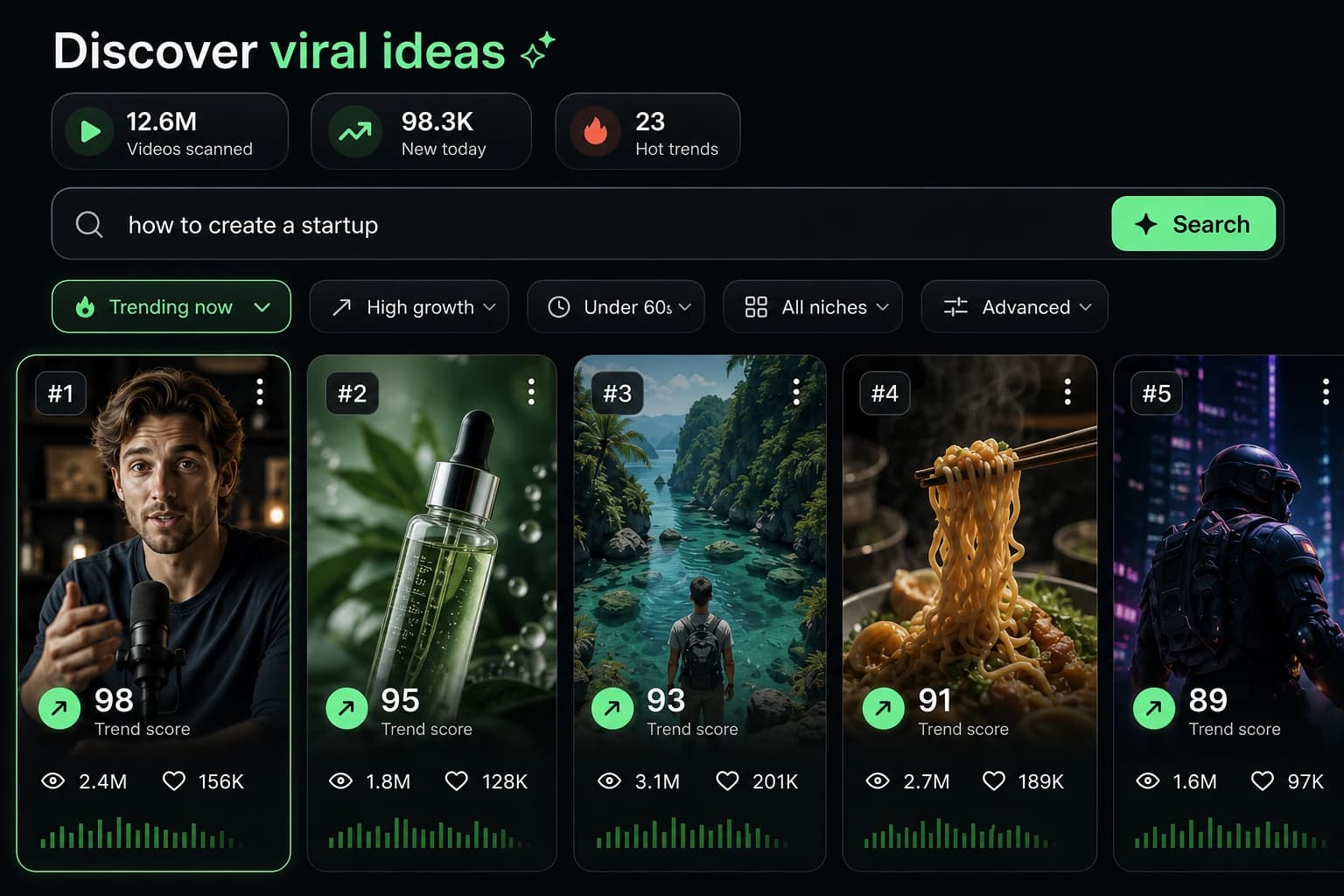
Get inspired by viral content

Looking for story ideas? Our AI finds trending content and helps you remake it into your very own videos - no more trial and error.

  • See what types of stories are working right now
  • Get inspiration from successful creators
  • Turn your ideas into stories people want to hear
Get inspired by viral content
2
Step 2

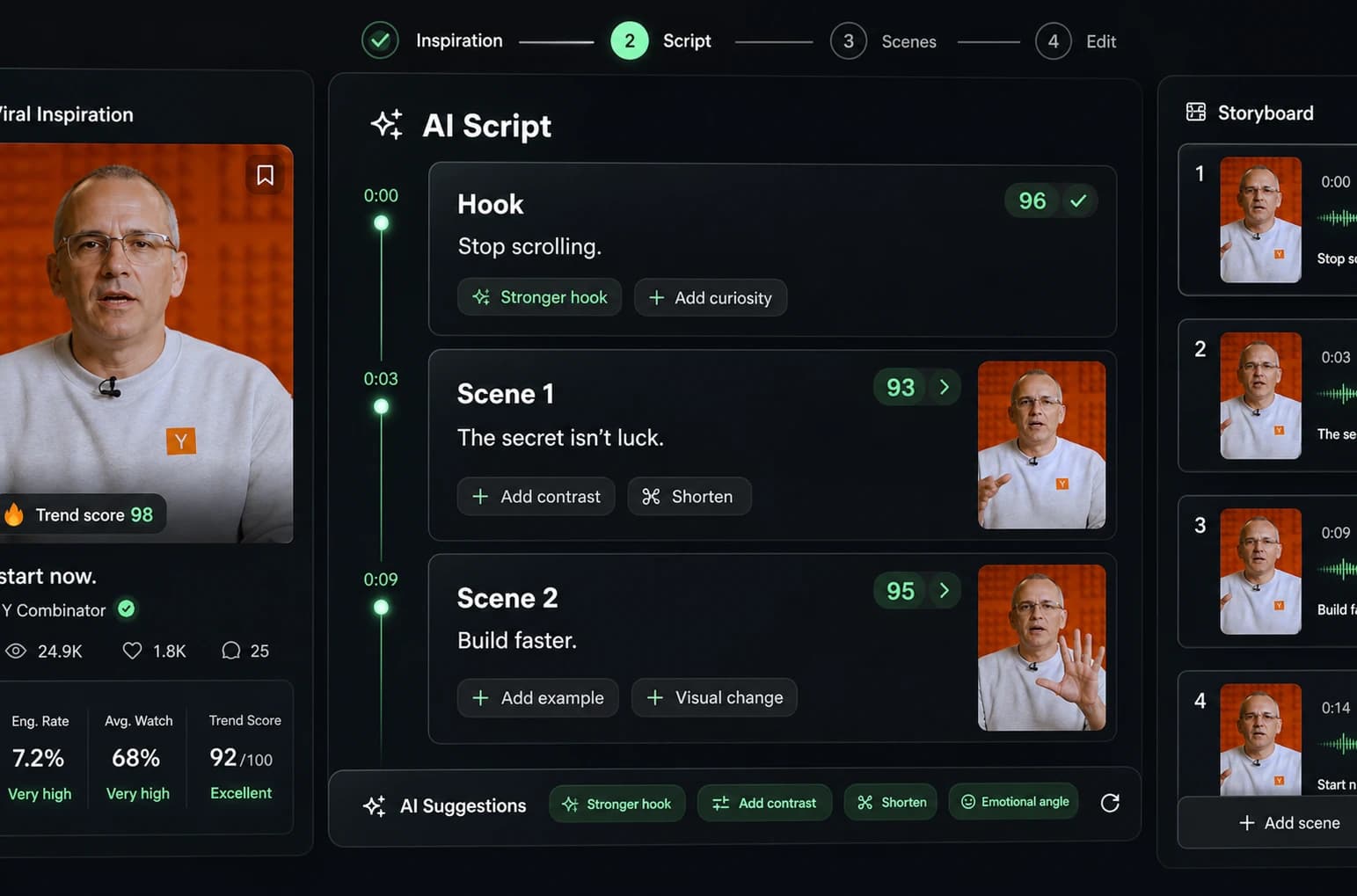
Storytelling to Hook your Audience

Revid.ai understands what makes videos go viral and uses the same proven methods to write scripts for you.

  • Write your script or tell our AI what you want to talk about
  • The AI will find relevant content to get inspired by
  • Drop any link and it will be automatically parsed and formatted for a video
Storytelling to Hook your Audience
3
Step 3

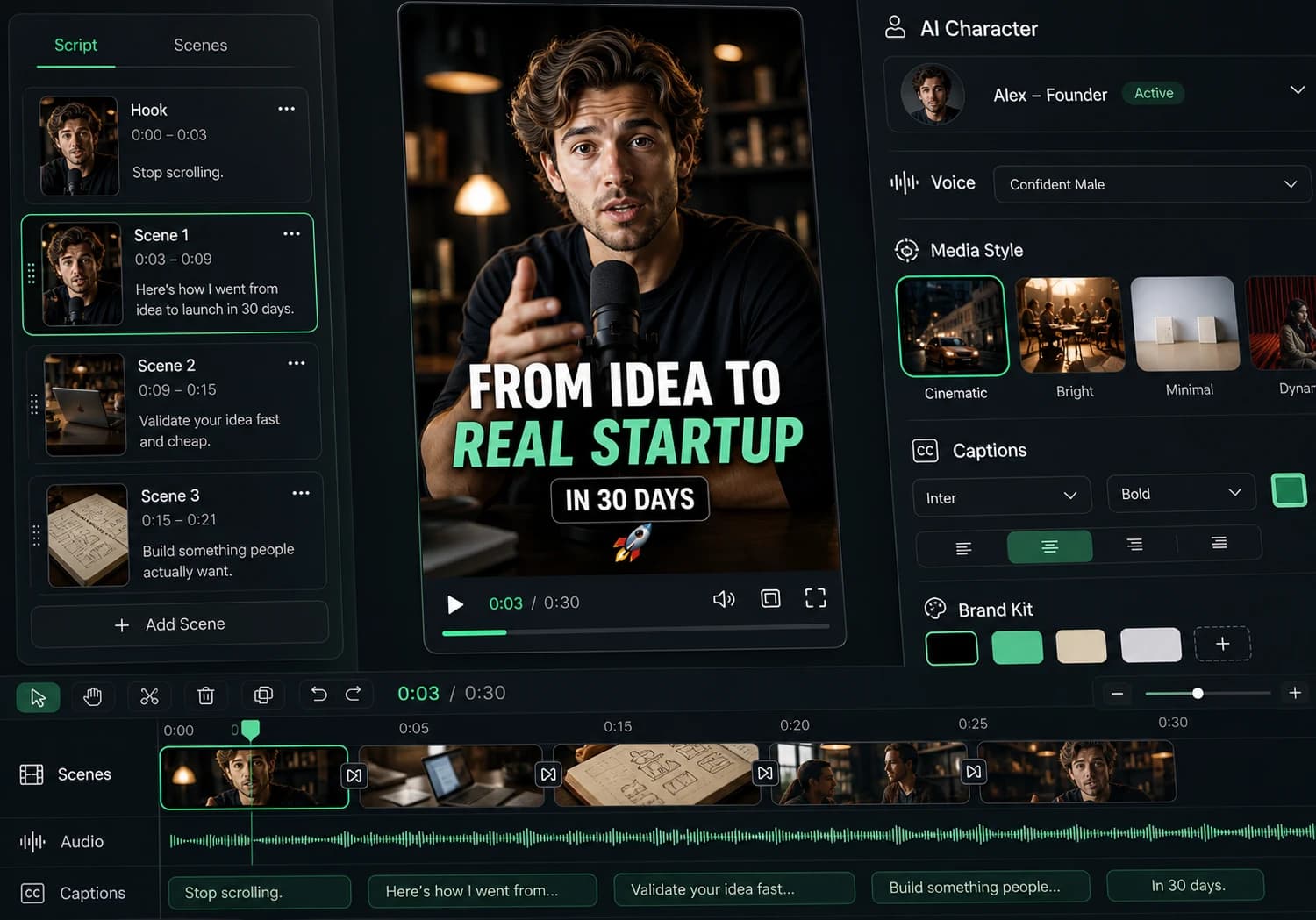
Videos You'd LOVE to Watch

Create perfect videos, share instantly, and grow your business.

  • Watch your words become a professional video
  • Set up automatic video creation from your content
Videos You'd LOVE to Watch
4
Step 4

Publish on TikTok, YouTube, Instagram and more...

Reach a wider audience by sharing your video across your favorite social media platforms

Publish on TikTok, YouTube, Instagram and more...
revid.ai logo

Your shortcut to effortless video storytelling.