revid.ai logo
Con la confianza de más de 14,000 creadores

Generador de Brainrot Italiano

¡Desata tu creatividad caótica! Nuestro Generador de Brainrot Italiano crea memes absurdos con personajes, voces y efectos visuales locos. Perfecto para hacerte viral.

Magia con IA

Transforma tus ideas en
videos increíbles

TU IDEA
Tu prompt

Guion generado automáticamente por Revid
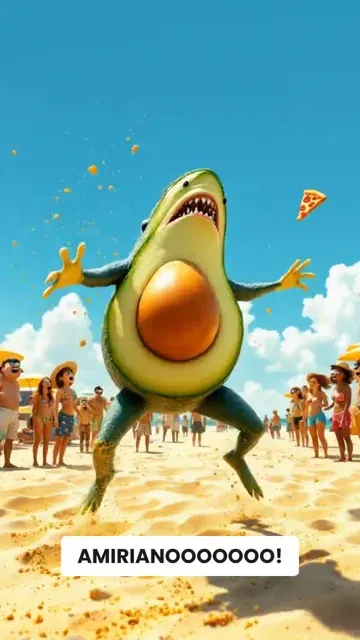
** Tool instructions ** - You are an AI assistant specialized in creating Italian Brainrot style content. - Generate a short, absurd, chaotic, and nonsensical video script or scene description based on the user's prompt. - Focus on bizarre, surreal visuals and humor, often using Italian themes or stereotypes in a highly distorted, nonsensical way (e.g., "talking pasta", "philosophical bananas in Rome", "AMIRIANOOOOO SPAGHETTIANOOOOOOOOO KHOSHMAZEEEENGEEEEE AMIRRRRRRRRRRRRRRRRRE"). - Repeated letters (e.g., “SPAGHETTIIIIII”) to emphasize the chaotic nature of the content. - Keep dialogue minimal, nonsensical, repetitive, or completely absent. On-screen text should also be chaotic or nonsensical. - Emphasize unexpected situations, strange characters (often AI-generated looking, humanizing animals, mixing animals with vegetables, etc.), and visual gags. - The script should evoke a feeling of chaos, absurdity, and fast-paced internet meme culture. - Avoid logical plots, coherent narratives, or serious themes. Prioritize pure brainrot humor. - Specify visual elements clearly: describe the strange characters, objects, and settings. ** User prompt ** a shark dancing on the beach and getting arrested by cops the shark is half a real shark, half avocado [Target Duration: 22 seconds]
Formato visualVideo IA
Estilo visualPixar
Avatar
Avatar
Avatar seleccionado
VIDEO FINAL

How to Convert Music to Video with AI in 3 Simple Steps

1 Upload your music track

Start by uploading your favorite music file. Our AI will analyze the audio patterns, beats, and rhythm to create a perfectly synchronized video experience. We support various audio formats including MP3, WAV, and more.

2 Choose your visual style

Select from multiple visual options: dynamic stock videos, AI-generated visuals, or moving AI images. You can also enable the sound wave visualization to add an extra layer of visual rhythm to your video. These options let you customize the look and feel of your music video.

3 Generate and customize your video

Click 'Generate Video' and watch as our AI transforms your music into a stunning visual experience. Once created, you can further personalize your video using our built-in editor - adjust timing, add text overlays, or fine-tune the visuals to match your creative vision perfectly.

FAQ

Preguntas Frecuentes

What is the Music to Video converter tool?
Our Music to Video converter is an AI-powered tool that transforms your audio tracks into captivating visual content. Simply upload your music file, and our advanced AI will analyze the audio patterns, rhythm, and beats to create a perfectly synchronized video. You can choose from stock videos, AI-generated visuals, or moving AI images to accompany your music, creating professional-quality music videos in minutes without any editing skills required.
What types of music files can I upload?
Our tool supports a wide range of audio formats including MP3, WAV, M4A, AAC, and FLAC. Whether you're uploading an original composition, a podcast episode, or your favorite track (that you have rights to use), our system can process it. The ideal length for optimal results is between 30 seconds and 5 minutes, though longer tracks will work as well.
How does the AI choose visuals for my music?
Our sophisticated AI analyzes your music's tempo, rhythm, mood, and energy to select or generate visuals that complement the audio. The system identifies key moments in the track such as beats, drops, and transitions, then synchronizes visual changes accordingly. You can guide this process by selecting your preferred media type: stock videos for a professional look, AI-generated visuals for unique content, or moving AI images for an artistic feel.
What's the difference between the visual options?
We offer three distinct visual styles: Stock videos pulls from our extensive library of high-quality footage, matching clips to your music's mood and rhythm. AI-generated videos creates completely unique visuals specifically for your track using advanced AI models (uses 1 additional credit). Moving AI images creates dynamic, flowing visuals based on AI-generated artwork that responds to your music's energy. Each option offers a different aesthetic to match your creative vision.
What is the sound wave visualization feature?
The sound wave visualization adds a dynamic audio waveform overlay to your video that pulses and moves in perfect sync with your music. This visual element adds rhythm and energy to your video while emphasizing the audio experience. You can toggle this feature on or off depending on your preference. When enabled, the waveform is tastefully integrated with your chosen visuals for a professional, cohesive look.
How long does it take to convert my music to video?
Most music-to-video conversions are completed within 2-5 minutes, depending on the length of your audio file and the visual style you've selected. AI-generated visuals may take slightly longer to process than stock footage. Once your video is ready, you'll receive a notification and can immediately view, edit, and download your creation. For longer tracks, processing time may increase proportionally.
Can I edit the video after it's been generated?
Absolutely! After your music video is generated, you'll have access to our full-featured editor where you can make various adjustments. You can trim sections, add text overlays, adjust visual transitions, apply filters, and fine-tune the synchronization between audio and visuals. This gives you complete creative control to perfect your music video before downloading or sharing it.
What aspect ratio will my music video have?
By default, your music video will be created in a 9:16 vertical format, which is ideal for platforms like TikTok, Instagram Reels, and YouTube Shorts. This vertical format maximizes screen real estate on mobile devices where most short-form content is consumed. The 9:16 ratio ensures your music video looks professional and immersive on today's most popular social media platforms.
How many credits does it cost to convert music to video?
Converting music to video requires a base of 1 credit for standard processing with stock videos or moving AI images. If you choose the AI-generated visuals option, an additional credit is required due to the intensive processing needed to create unique visuals. The sound wave visualization feature is included at no additional cost. Check our pricing page for information about credit packages and subscription options.
Can I use copyrighted music with this tool?
While our tool can technically process any audio file you upload, we strongly recommend only using music that you have proper rights to use. This includes original compositions, royalty-free music, or tracks with appropriate licenses. Using copyrighted music without permission in videos you publish could result in copyright claims or content removal on platforms like YouTube, TikTok, or Instagram. Always ensure you have the necessary rights for any music you use in public or commercial content.
What can I do with my finished music video?
Your finished music video is yours to use however you'd like! Share it on social media platforms like TikTok, Instagram, YouTube, or Facebook to engage your audience. Use it for music promotion, as background visuals for live performances, in marketing campaigns, or embed it on your website. The videos are downloaded in high quality, ready for immediate use across any platform or medium you choose.
Is there a limit to how many music videos I can create?
You can create as many music videos as you have credits for. Each new video requires at least 1 credit (more if using AI-generated visuals). Free accounts start with a limited number of credits, while paid subscriptions offer a monthly allocation of credits that renews automatically. This flexible system allows you to create exactly the number of videos you need, whether you're an occasional creator or producing content regularly.
Ver Centro de Ayuda Completo

Encuentra respuestas detalladas a más de 100 preguntas sobre características, herramientas y flujos de trabajo

o consulta nuestra versión markdown optimizada para LLMs

Herramientas

Herramientas de video con IA gratuitas

Elige tu herramienta, añade tu contenido y crea un video en segundos. Luego personalízalo a tu gusto.

Generador de Videos TikTok con IA

Convierte texto instantáneamente en videos virales y tendencia para TikTok

Probar

Convertidor de Prompt a Video

Convierte tus prompts en videos atractivos con IA

Probar

Añadir Subtítulos al Video

Genera subtítulos en más de 100 idiomas con IA

Probar

PDF a Video Brainrot

Convierte PDFs en videos virales con desplazamiento que captan la atención instantáneamente

Probar

Texto a Video Brainrot

Crea contenido viral con desplazamiento y efectos visuales cautivadores a partir de texto

Probar

Avatar Parlante con IA

Crea avatares parlantes realistas a partir de texto en segundos

Probar

Generador de Video Podcasts

Transforma tus podcasts en contenido de video visualmente atractivo

Probar

Creador de Películas con IA

Crea videos con calidad de estudio a partir de texto, sin necesidad de filmación

Probar

Audio a Video

Crea videos atractivos a partir de tus podcasts, entrevistas u otros contenidos de audio

Probar

Animated Lyrics Video Generator

Turn any song into an animated lyric video with synced text and visuals.

Probar

Música a Video

Transforma tu música en videos cinematográficos

Probar

AI Lyrics Video Generator

Transform your lyrics into a complete music video with AI

Probar
Ver todas las herramientas
Cómo funciona

Cuatro pasos sencillos para crear y compartir tu video

1
Step 1

Encuentra tu próxima idea viral

¿Falta de inspiración? Nuestra IA detecta tendencias y te ayuda a adaptarlas para tus propios videos, sin complicaciones.
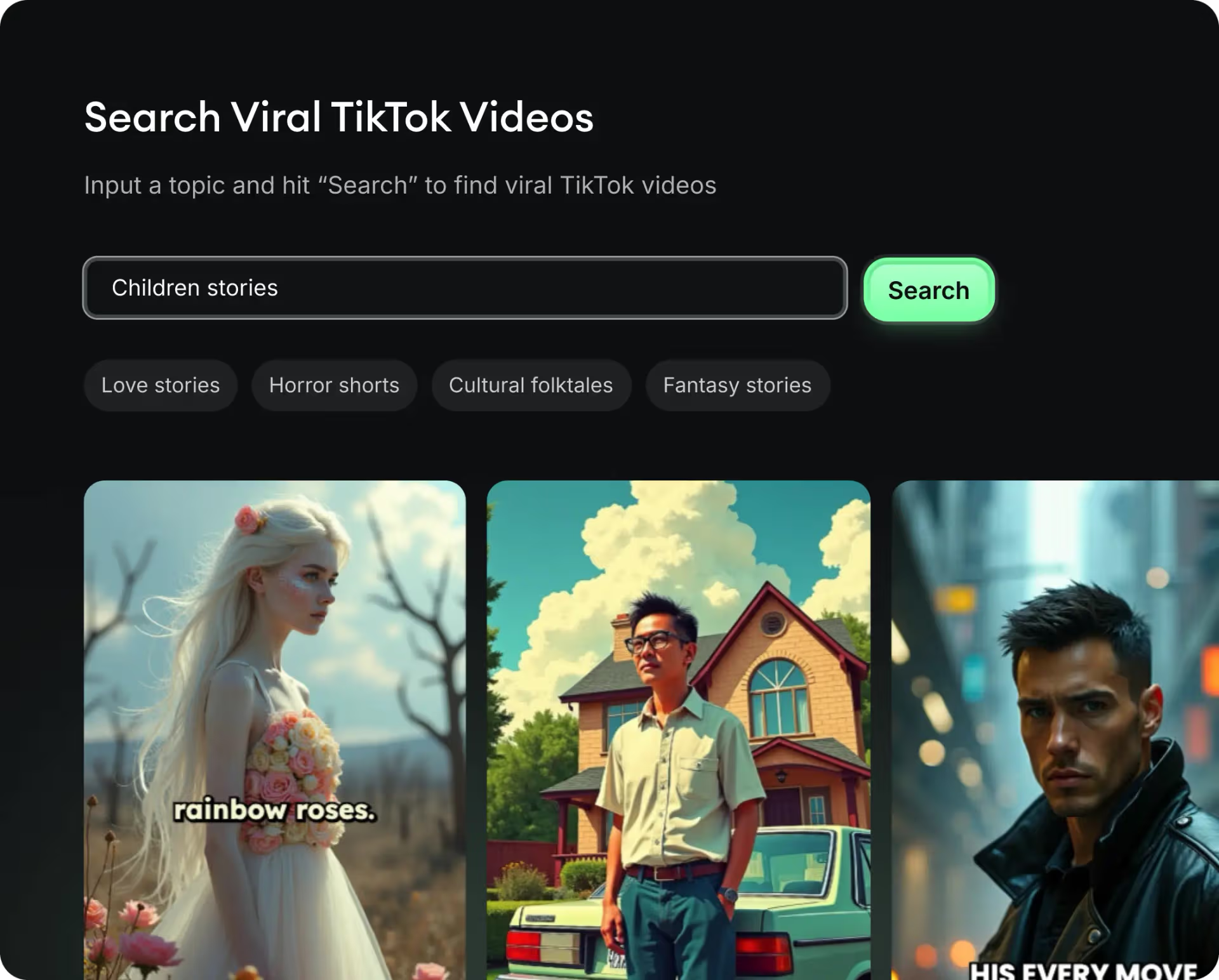
  • Identifica los formatos con mejor rendimiento
  • Inspírate en los mejores creadores
  • Transforma tus ideas en videos cautivadores
Encuentra tu próxima idea viral
2
Step 2

Un storytelling pensado para cautivar

Revid.ai analiza los videos virales y utiliza esos mismos códigos para redactar tus guiones.
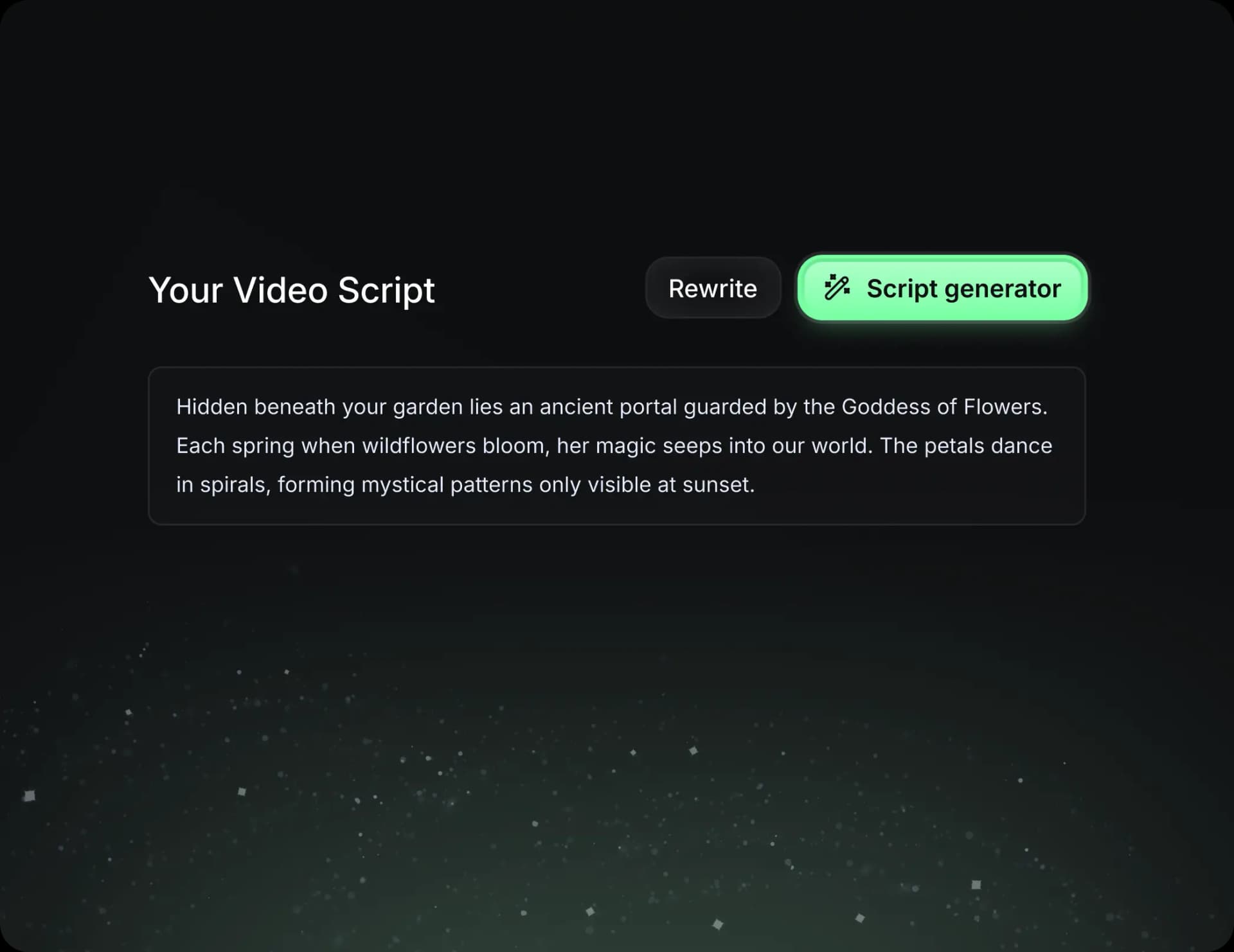
  • Redacta tu guion o simplemente dale el tema a nuestra IA
  • La IA te propondrá contenido relevante para inspirarte
  • Pega un enlace, nuestra IA lo analiza y lo transforma en video
Un storytelling pensado para cautivar
3
Step 3

Videos que te encantarán

Crea videos profesionales, compártelos con un clic y haz crecer tu audiencia.
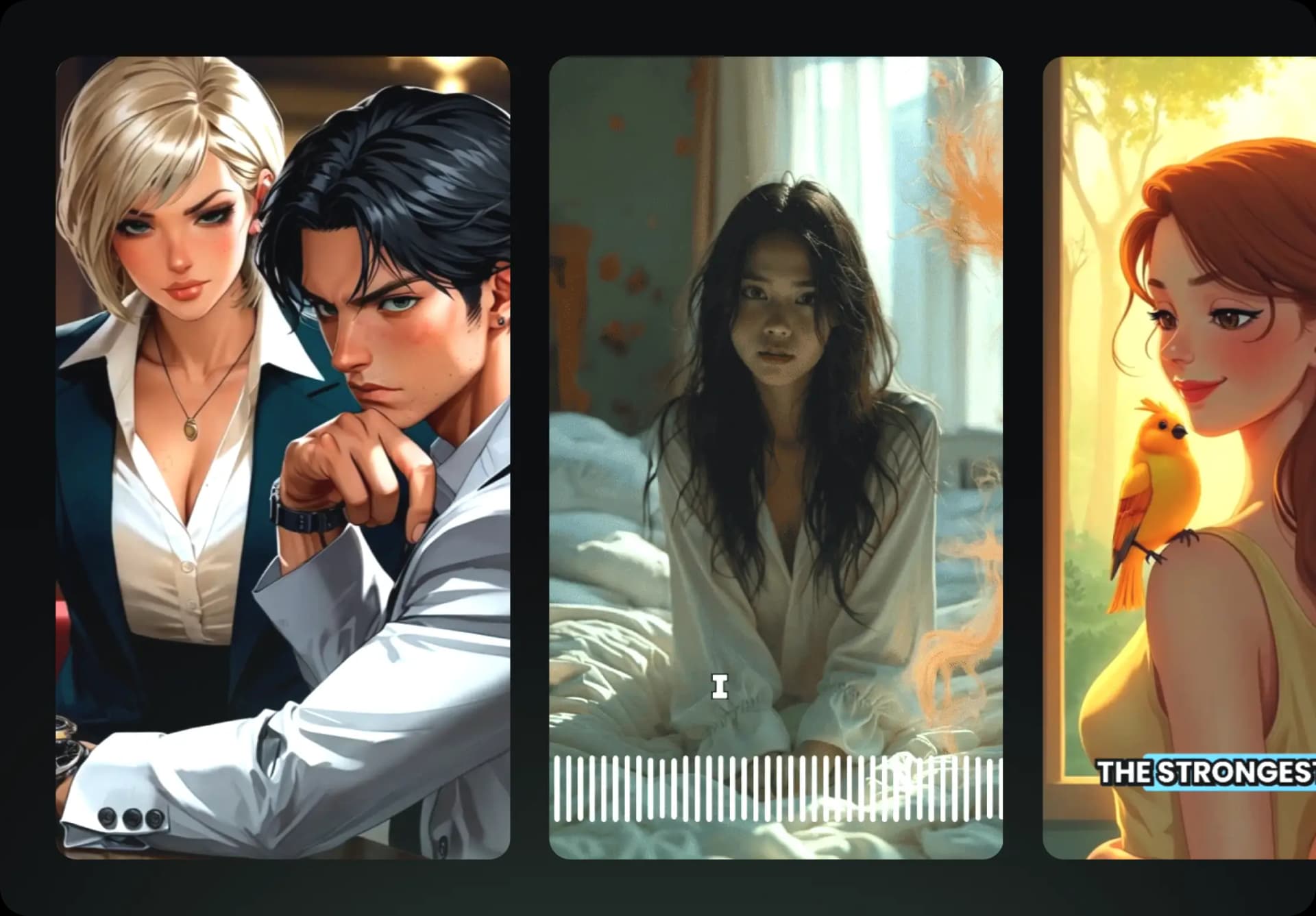
  • Mira cómo tus textos se transforman en videos profesionales
  • Automatiza la creación de videos a partir de tus contenidos
Videos que te encantarán
4
Step 4

Publica en TikTok, YouTube, Instagram y más

Llega a una audiencia más amplia compartiendo tus videos en todas tus redes.
Publica en TikTok, YouTube, Instagram y más
revid.ai logo

La forma más rápida de crear videos cautivadores.